The fastest way to add 'Build a Website in a Day' to your services

- CapCut: The go-to for TikTok, Reels, and Shorts. It’s packed with trending effects, auto-captions, and easy templates
- Descript: A game-changer for long-form creators. It lets you edit video by simply deleting text from a transcript
- Design & Assets
- Canva: The fastest way to build carousels, thumbnails, and social graphics without needing a design degree
- Planning & Organization
- Notion: Your personal digital HQ for calendars, scripts, and content briefs.
- Social Scheduling
- Rella: Acts as a central command center for your entire workflow, letting you plan, schedule, and manage campaigns across platforms from one dashboard
- Writing & Copy
- Grammarly: Acts as a constant check for your tone, clarity, and spelling across every browser and document.
If you feel like you’re running a marathon just to hit “publish,” you’re not alone.
After all, the average creator today is juggling five or more apps every single day. Think about it, you’re bouncing from a design tool to a video editor, then jumping over to a scheduler… only to switch gears again to handle invoicing.
Keeping this stack running is expensive, fragmented, and frankly, exhausting. For this reason, you need tools that stop the busywork so you can finally reclaim your creative energy.
And that’s why we put together this guide to the best tools for content creators, broken down by category so you can find exactly what you need. We’ve sorted through the top content creation tools on the market to help you sharpen your visuals, speed up your editing, write more consistently, and actually turn your audience into steady income.
Interested?
Then let’s jump right in!
What Makes a Content Creation Tool Worth Using?
Now, before you commit to a subscription, it helps to run every potential tool through a quick checklist.
Here are the four big things to look for when picking your new software:
- Saves real time: The best tools get rid of those boring, repetitive steps like batch scheduling, auto-captions, and digging through old files. If a new app doesn't noticeably speed up your daily workflow, skip it. It simply isn't worth the monthly fee
- Integrates with your existing stack: Jumping between disconnected apps ruins your creative flow. The strongest platforms play nice with the software and workflows you already rely on to get work done
- Converts audience into income: Making content is just the opening act. You also need tools that actually help you book clients, sell digital products, and grow your email list. So focus on platforms that turn your views into measurable business results
- Affordable at every stage: Most of us are running this show solo, so your tech stack should be powerful without draining your bank account. Which is why we prioritize tools with free plans or trials that prove their value before you spend a cent
The Best Content Creation Tools
Content Creator Tools: Quick Comparison
Here's how all seven tools compare across the functions that matter most to creators.
And now, here are the top picks across every stage of the creator workflow, from idea to income.
Julip: Best Tool for Turning Your Audience into Income (Home Base)
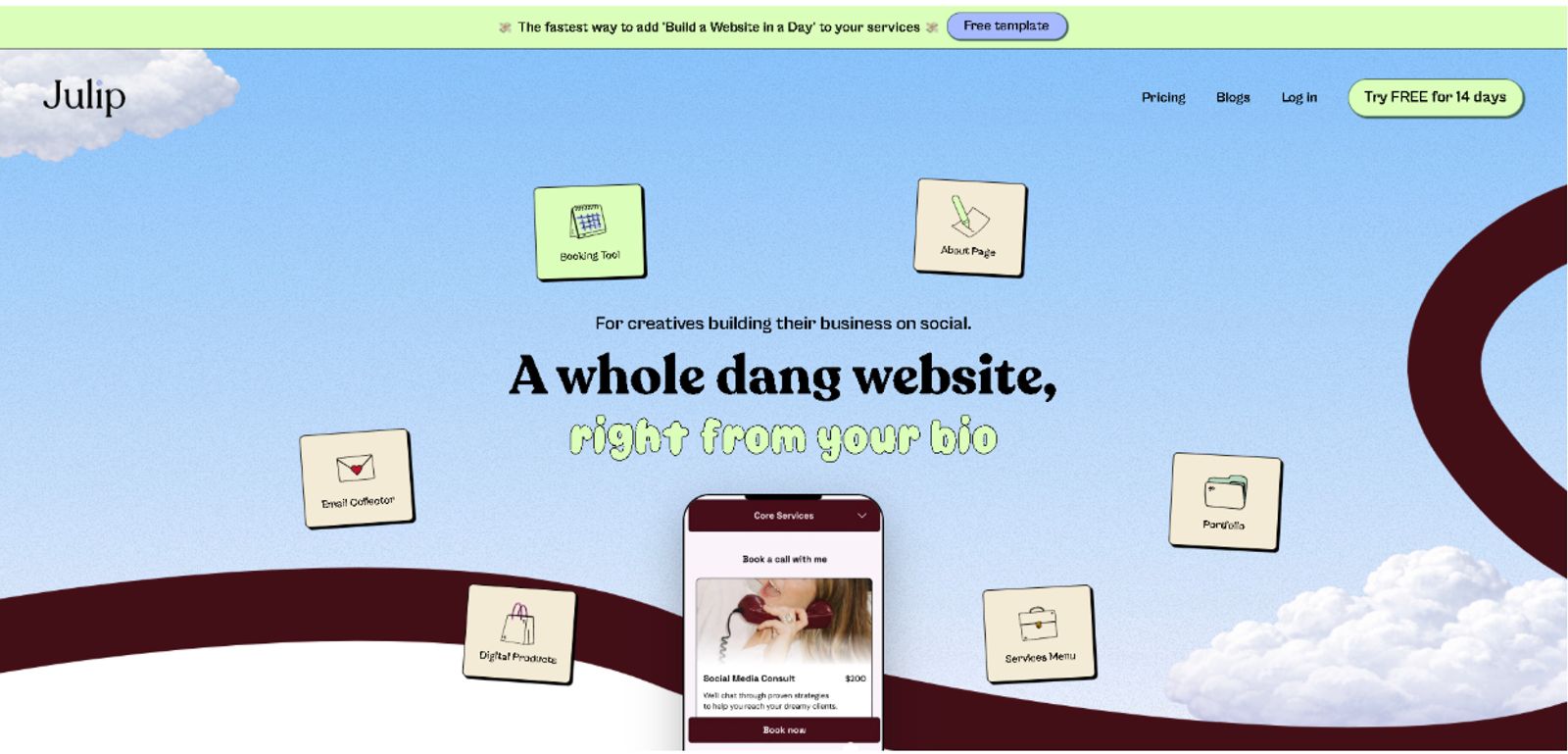
Julip is a visual website-in-bio that turns a creator's social bio link into a full business hub. It packs your portfolio, services, booking, digital product sales, and email collection into one place. You also get a dedicated space to tell your story, which is essential since social bio character limits are rarely enough to build a real connection.
You skip the headaches of hosting, coding, or buying a domain. It’s built specifically for creators who grow their audience on Instagram and TikTok.
Most lists of best content creation tools focus on making the assets, but they stop short of the actual finish line. Well, Julip handles what happens after a follower clicks your link. This platform converts that traffic into bookings, sales, and email subscribers.
You replace Linktree, Calendly, a Canva portfolio, and a payment processor with one $19/month plan that lets you keep 100% of your earnings.

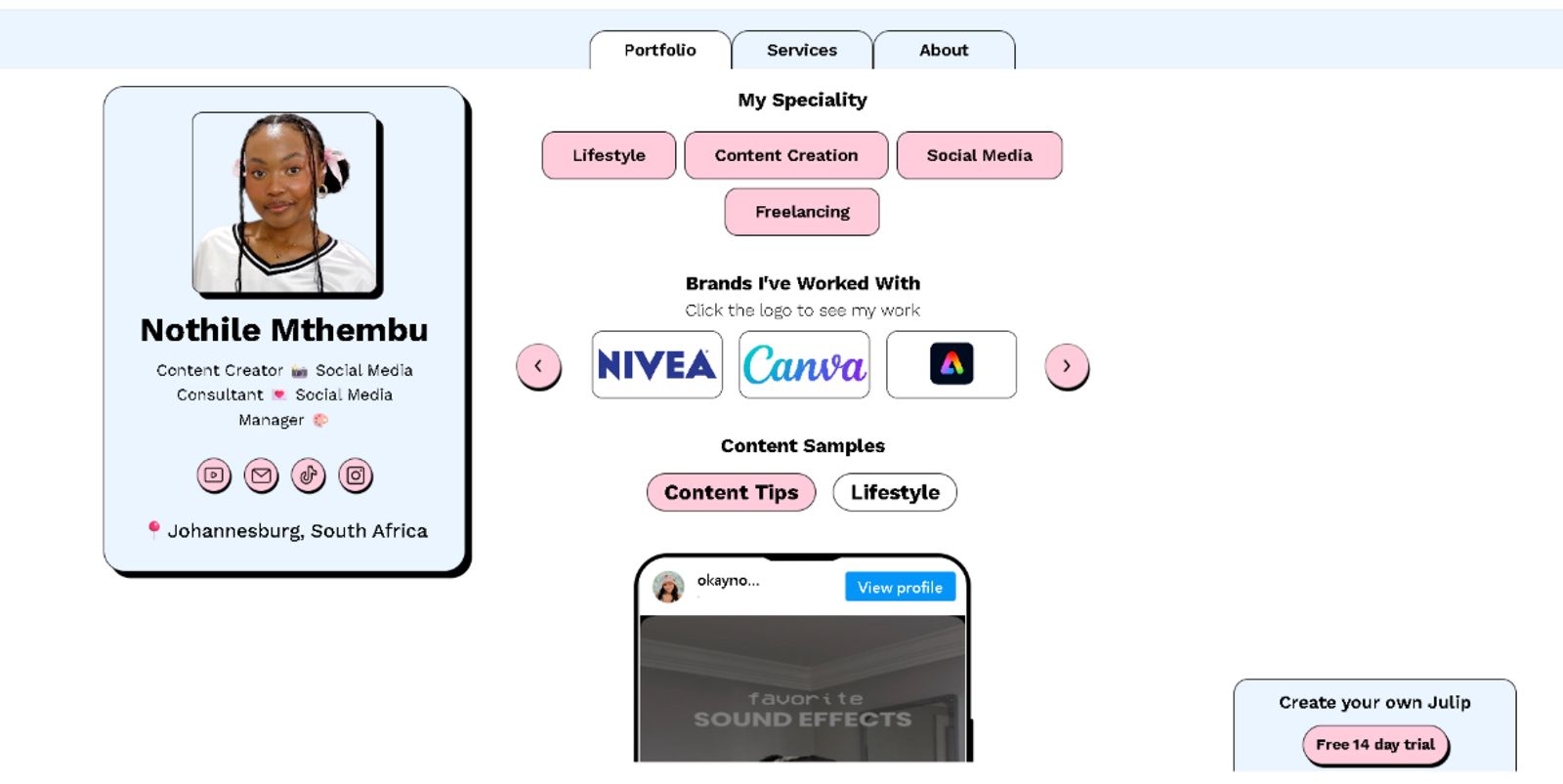
If you want to see this in action, check out how creators like Nothile Mthembu and Jazzy Mo have set up their hubs. They’ve both built professional business spaces that go way beyond a simple list of links, showing exactly how to make your own professional services and portfolios take center stage once a follower clicks your link.
Key features:
- Visual portfolio display: Showcase your best work with clean, image-forward layouts that load instantly
- Booking + paid calls: Schedule meetings or consultations directly through your site, eliminating the need for a separate calendar app
- Digital product sales: Sell templates, guides, or presets directly to your followers with 0% platform fees
- Services menu: Clearly list what you offer so clients can hire you without a back-and-forth email chain
- About page: Share your story and background to build trust with potential clients or brand partners
- Visual storefront: Organize and display your favorite affiliate products in a shop view that matches your brand aesthetic
- Email collector: Build your own audience list directly from your profile traffic
- Testimonials: Display feedback from past clients to prove your credibility
- Brand customization: Tailor colors and layouts so your hub feels like an extension of your own brand
- Analytics: Track who’s visiting your site and which links they click the most
Pros:
- Replaces 4-5 separate tools in one link
- 0% transaction fees on sales
- Auto-adjusts for both mobile and desktop layouts
- 14-day free trial
- Average user saves $200+ per year
Cons:
- Not a video editor, design tool, or writing assistant. It acts as the hub that all those other tools feed into
- Might not be the right choice if you need a full multi-page SEO blog
Pricing:
$19/month (billed annually) or $25/month. There’s a 14-day free trial as well.
Best For:
Any creator (photographer, artist, coach, videographer, UGC creator) who wants their social bio to work as a complete business, not just a list of links. The result is a professional, cohesive hub that works as hard as you do to turn casual profile visitors into loyal clients.
Canva: Best Tool for Visual Content and Graphic Design
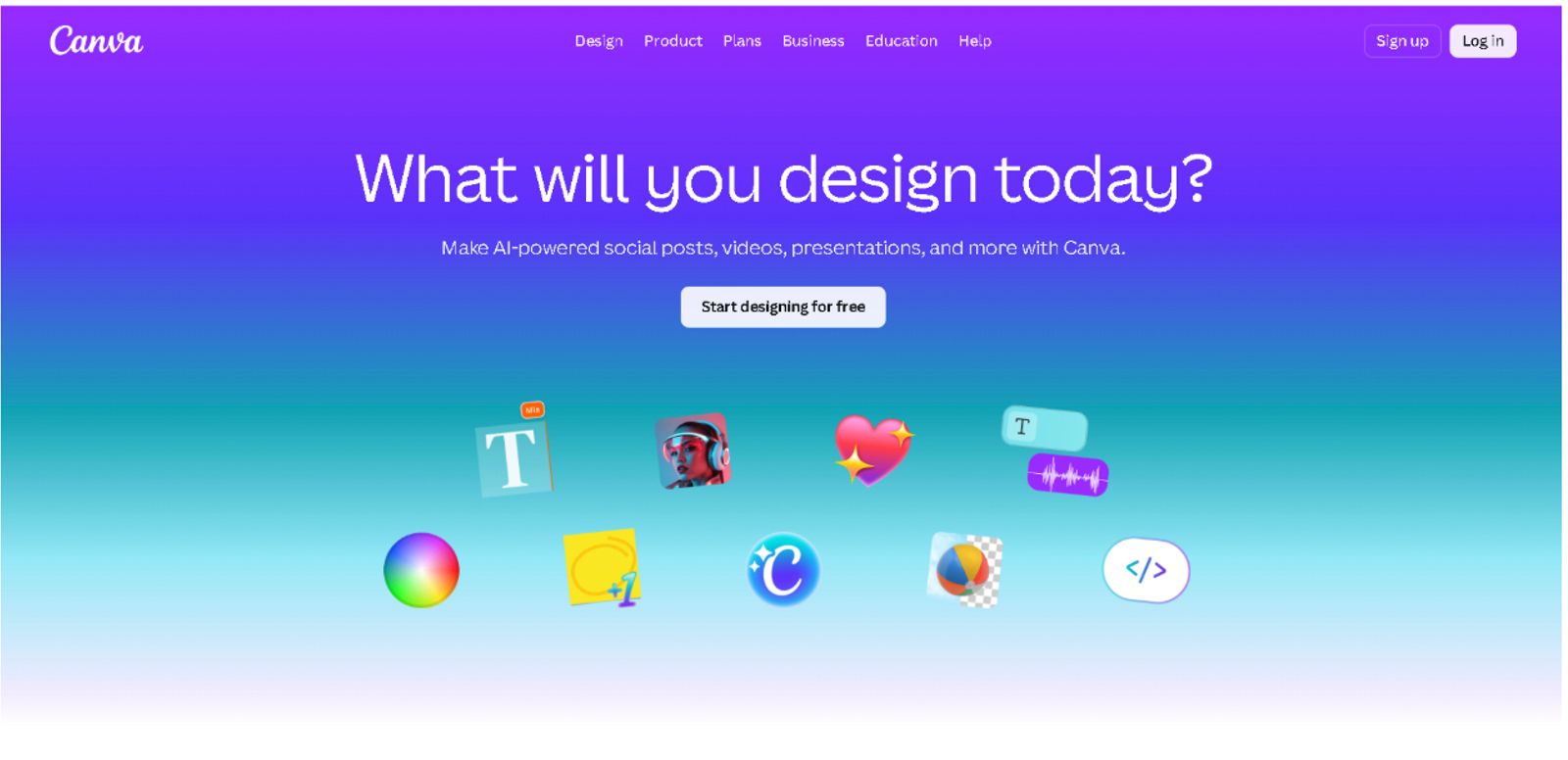
Canva remains the go-to design platform for over 170 million creators, offering a massive library of templates for everything from social carousels and thumbnails to reel covers and presentations.
The editor now features smart AI tools like Magic Design, instant background removal, and text-to-image generation to speed up your process.
Pros:
- Access to an enormous template library for every platform
- Fast, intuitive interface that works well for non-designers
- Free plan that provides genuine value for beginners
- Brand kit features on paid plans keep your visuals consistent
- Simple collaborative tools for teams
Cons:
- The Pro plan at $15/month can feel like a stretch for solo operators on a tight budget
- Designs can end up looking generic if you rely too heavily on default templates without making them your own
- Not built for heavy-duty photo editing or complex video production
Pricing:
Free plan available. Canva Pro starts at $15/month.
Best For:
Those who need to churn out high volumes of thumbnails, carousels, and story graphics without losing their mind in the process. It’s easily one of the best content creation tools around because it effectively erases the gap between having a rough idea and seeing a polished final design on your feed.
CapCut: Best Tool for Short-Form Video Editing
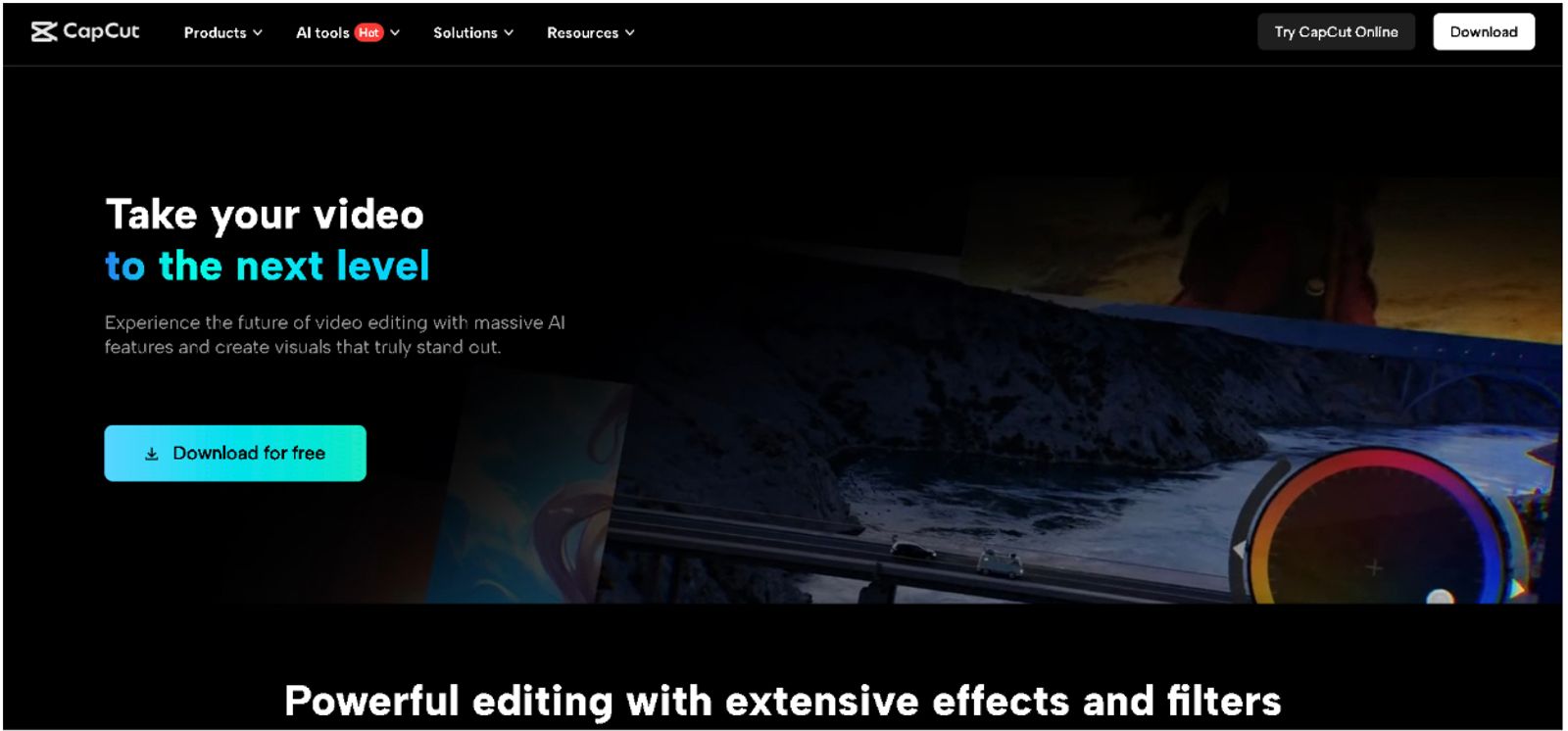
Next is CapCut, which stands out as the primary video editor for short-form content, giving you mobile and desktop apps packed with trending effects, auto-captions, and AI voice-over tools. It even comes with pre-built templates made specifically for TikTok, Reels, and YouTube Shorts.
Plus, the newer AI script-to-video feature lets you turn a basic text prompt into a rough video draft in just a few minutes.
Pros:
- You get free exports with no watermark up to 1080p
- The library stays fresh with constant updates of trending templates
- Auto-captions are a massive time-saver for any video project
- The interface is consistent across both mobile and desktop
Cons:
- It doesn’t handle long-form or cinematic editing nearly as well as dedicated software
- You have to pay for the Pro subscription to access some of the more advanced AI features
- While some creators have questions about data privacy, it’s worth noting that you retain full ownership of the content you create and publish using the app.
Pricing:
Free plan available, with Pro subscriptions starting at $8/month.
Best For:
Creators focused on TikTok, Reels, and YouTube Shorts who need to push out polished, high-energy edits on a tight budget. If you’re looking to build a lean stack, this is easily one of the most effective content creation tools for digital marketing currently available to keep your social channels active.
Notion: Best Tool for Content Planning and Organisation
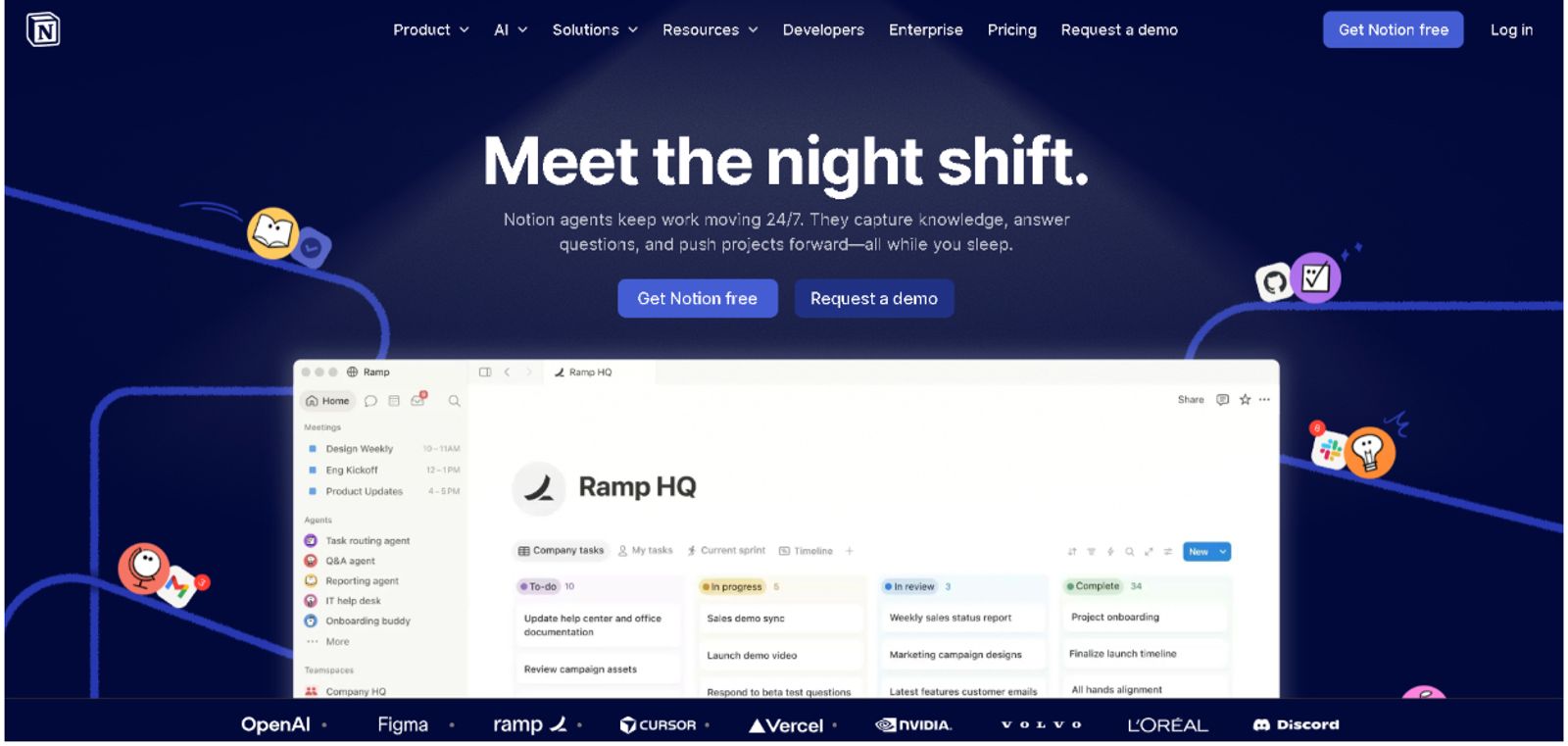
Notion acts as an all-in-one workspace where you can plot out your content calendars, store brainstorming notes, write scripts, and keep track of your business documents in one spot. The platform includes powerful features like auto-summarization, quick content brief generation, and clever cross-database linking that basically turns the app into your personal operating system.
Pros:
- You get an incredible amount of flexibility here to build the workflow you actually want
- The free plan is surprisingly generous for anyone starting out
- It works just as well for solo creators as it does for small, growing teams
- You can pull in pre-made templates for everything from monthly content calendars to brand decks
Cons:
- The learning curve can feel steep, and it’s easy to get bogged down in customization
- It’s strictly an organization tool, so it won’t help you with actual publishing or scheduling
- Accessing the AI writing and summary features requires a paid subscription
Pricing:
Free plan is available and Plus plans start at $10/month.
Best For:
Creators who feel like their process is a bit scattered and need a reliable home base to keep their ideas, scripts, and production schedules locked in. For anyone shopping around for the best content creation tools, Notion is the anchor that keeps your actual work from getting lost in the shuffle.
Rella: Best Tool for Social Media Scheduling
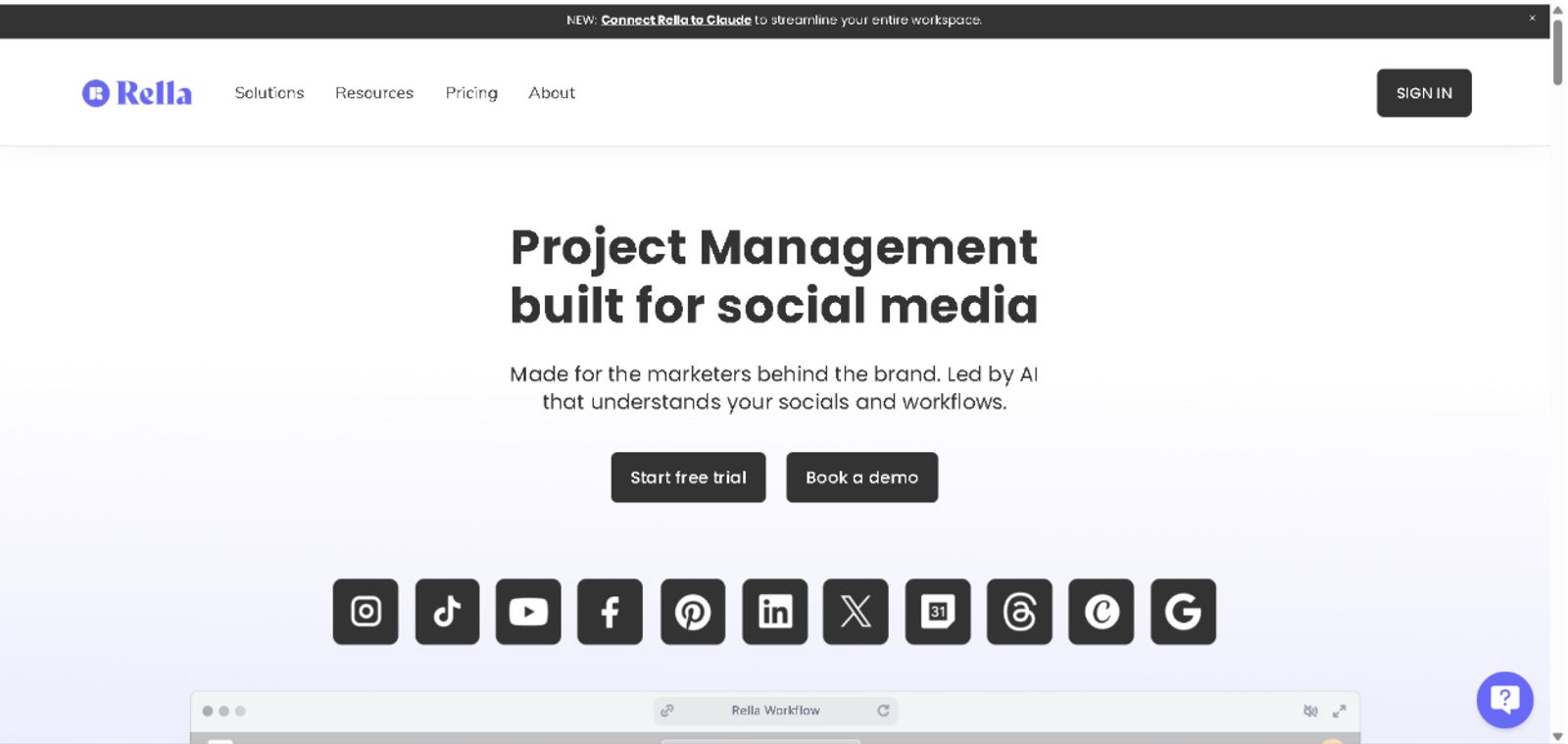
Rella acts as a command center for your entire social media workflow by letting you plan, schedule, and manage content across multiple platforms from one dashboard. It streamlines the process so you can handle everything from brainstorming and scheduling to client approvals without constantly switching between different apps.
Pros:
- You can manage unlimited social calendars and auto-publish content across all your major platforms in one place
- The platform includes an AI teammate, “Ella,” that can handle recurring tasks, generate captions, and surface insights to help you speed up your process
- Collaboration is simple because you can share content with clients for approval using a link, meaning they don't even need to create a login
- You can track due dates, manage tasks, and monitor your campaign progress across various projects
- Generating professional analytics reports is fast, allowing you to highlight key performance metrics for your clients in just a few clicks
Cons:
- It’s a super comprehensive tool, so there’s a bit of a learning curve, but it’s a truly revolutionary tool for managing your creative business
Pricing:
Plans start with a free trial available.
Best For:
Social media managers and creators who need a more powerful, all-in-one system to keep their content organized. If you want to stop juggling multiple apps and are looking for one of the best tool for digital marketing to handle your scheduling and client collaboration, Rella is a smart addition to your workflow.
Grammarly: Best Tool for Writing and Copy Quality
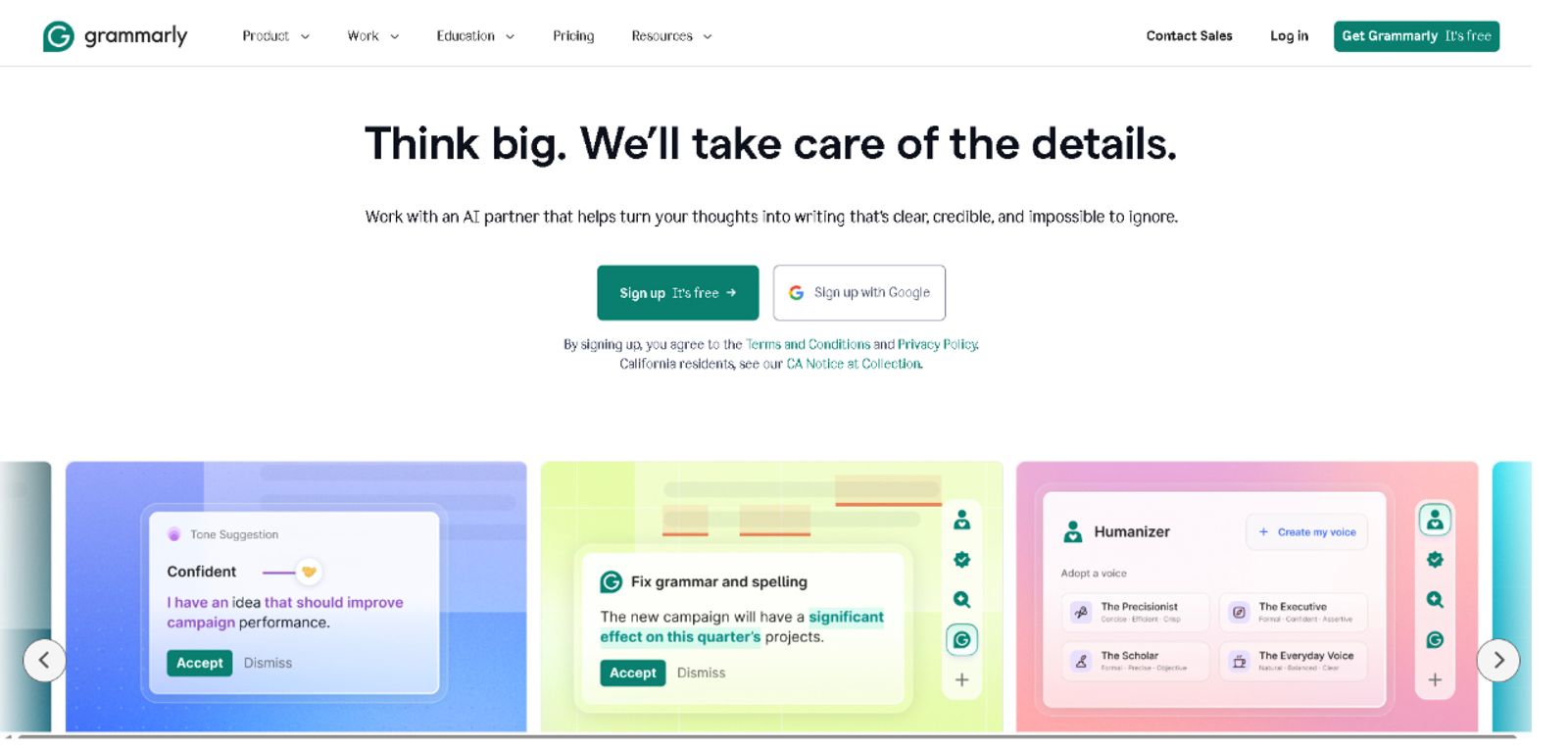
Grammarly acts as a sharp-eyed AI writing assistant that keeps watch over your browsers, Google Docs, email, and CMS platforms. It catches far more than simple typos; it also flags awkward tone mismatches, proposes cleaner sentence structures, and, if you upgrade to a paid plan, can rewrite entire paragraphs to better match your specific brand voice.
Pros:
- It integrates seamlessly wherever you already happen to be writing
- The free version is surprisingly capable for day-to-day writing tasks
- Clarity and tone suggestions take the friction out of the editing process
- Setting up the browser extension takes only a few seconds
Cons:
- You need a paid subscription, starting at $12/month, to unlock the premium features
- The AI can sometimes struggle with highly creative or very informal styles, so it pays to stay in charge of what you accept
Pricing:
Free plan available. Premium plans start at $12/month.
Best For:
Anyone publishing captions, newsletters, blog posts, or video scripts who wants to breeze through editing without needing to hire a professional copy editor.
If you’re rounding out your collection of content creation tools for digital marketing, this is the one that keeps your writing crisp. It catches those little slip-ups that sneak past you, saving you from hitting publish on a typo you’ll only notice five minutes later.
Descript: Best Tool for Podcast and Long-Form Video Editing
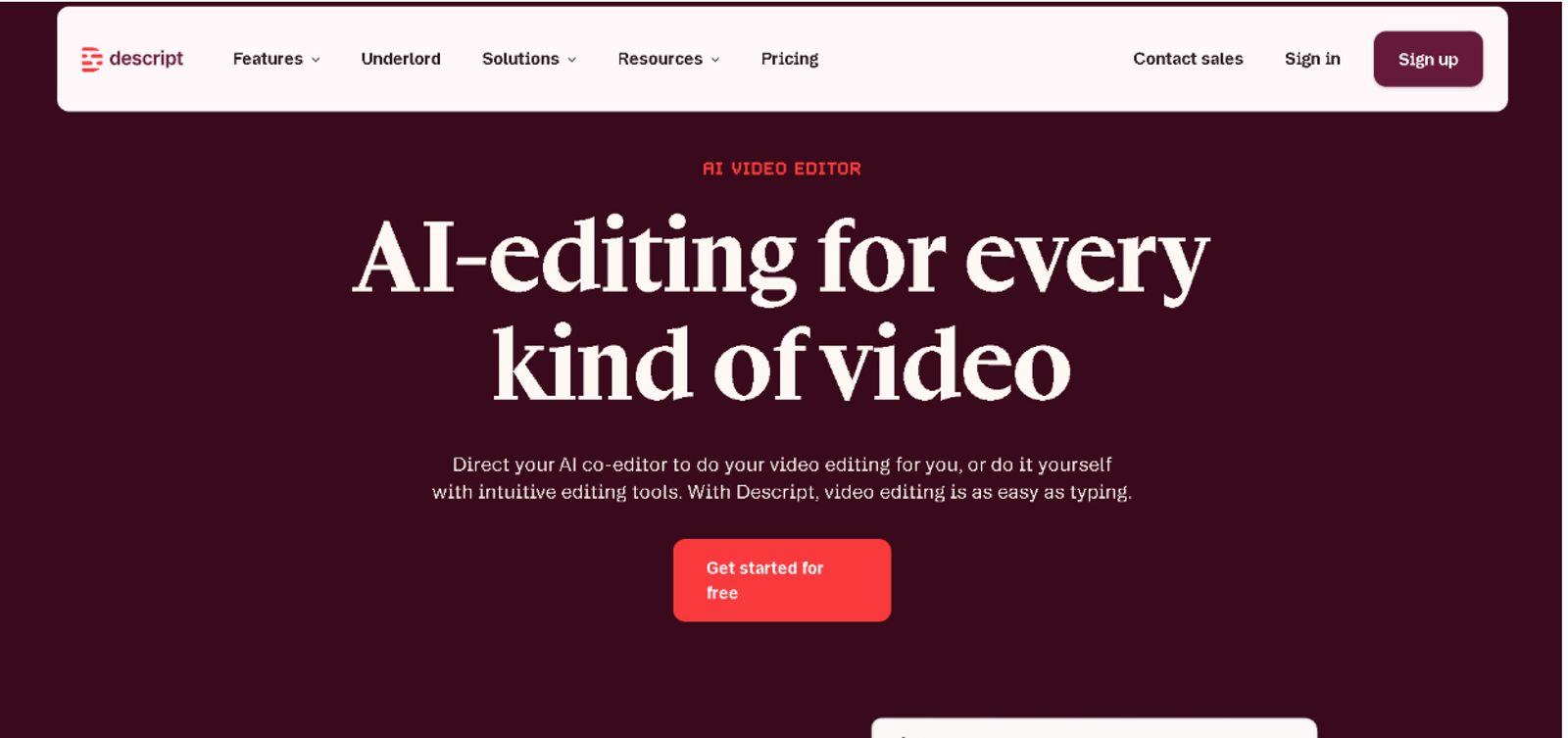
And finally, we have Descript, a tool that changes the entire production process by letting you edit audio and video files just like a simple text document. When you delete a word from the transcript, the software automatically trims that segment out of your video timeline.
It provides podcasters and long-form creators a remarkably fast way to kill filler words, burn in captions, and chop up full recordings into punchy social clips.
Pros:
- Text-based editing slashes your total production time compared to traditional methods
- AI intelligence handles the removal of “ums” and “uhs” without any manual searching
- You gain access to a built-in screen recorder for high-quality tutorials
- Clipping specific moments for social media distribution is handled in just a few clicks
Cons:
- Probably not the right choice for the fast, trendy edits you find on TikTok (stick to CapCut for those)
- Exporting in 4K or handling massive project files requires a paid subscription
- Folks coming from traditional timeline editors will need some time to adjust to this different way of working
Pricing:
Free plan available. Hobbyist plans start at $12/month.
Best For:
Podcasters and YouTube creators aiming to cut their editing hours in half while making it easy to slice long-form content into shorter social snippets.
Having a tool like this in your collection is a huge win when you want to keep a steady output. It turns what’s normally a tedious, hour-long editing slog into a task that feels as straightforward as proofreading a draft.
FAQ
What tools do content creators use to make money?
The tools that directly generate income for creators, rather than just helping them produce content, include Julip (for selling digital products, booking paid calls, and taking commissions from a bio link), Stan Store (for digital product and course sales), and Gumroad (for file-based digital products). Of these, Julip is the most complete option because it also serves as a portfolio and booking hub, with 0% transaction fees on any plan.
What are the best free content creation tools?
Several tools on this list have genuinely useful free plans: Canva (design), CapCut (video editing), Notion (planning), Grammarly (writing), and Descript (audio/video editing up to a monthly limit). For creators who want to monetise their audience without paying upfront, Julip offers a 14-day free trial on its full feature set: portfolio, booking, and selling tools included.
How many tools does a content creator actually need?
Most creators can run an efficient stack with 35 tools: one for design or video, one for planning, one for scheduling, and one hub that converts their audience into income. The mistake most creators make is using too many disconnected tools, a Linktree here, a Calendly there, a separate shop somewhere else. Consolidating into fewer, better-integrated tools (like using Julip as a single monetisation and portfolio hub) saves both money and mental overhead.
What is the best website builder for content creators?
For creators who build their audience on social media, Julip is the strongest option; it functions as a full website from your bio link, with a portfolio, booking, and digital product sales, all at $19/month with 0% fees. And for creators who want a traditional standalone website separate from social, Squarespace offers the most polished templates and built-in e-commerce.
Conclusion
Most creators pour all their energy into the tools that help them build, yet they leave almost nothing for the platforms that actually turn that content into a paycheck. But it’s important to keep in mind that the smartest stacks strike a balance between the two.
While Canva, CapCut, Notion, Rella, Grammarly, and Descript are essential for the heavy lifting of production, Julip brings it home by handling the conversion side: helping you manage your portfolio, bookings, and sales from a single bio link with 0% fees. And you start earning more from the exact same content by building out both sides of your stack.
Stop letting your hard work live and die on your social feed. Click here to start your free 14-day trial of Julip and turn your bio link into a business that actually pays you!