The fastest way to add 'Build a Website in a Day' to your services

Quick Summary: Best Website Builders for Photographers
The best website builder depends on your specific business goals, but the top options are Julip for social-first creators, Squarespace for overall portfolio quality, and Format for photographers who prioritize client proofing.
The best platforms break down as follows:
- Julip: The premier choice for social media-focused photographers. It functions as a complete business hub that converts Instagram and TikTok followers into booked clients with built-in booking and digital sales tools.
- Squarespace: Widely considered the best all-around platform for professionals. It offers stunning, mobile-optimized templates, world-class blogging tools, and integrated scheduli*ng via Acuity.
- Format: Built exclusively for visual creators. It features specialized client-proofing galleries, allowing you to share, select, and sign off on images without the need for complex email chains.
- Pixpa: Highly rated for photographers on a budget. It provides an affordable, all-in-one platform for showcasing your work, managing SEO, and setting up an e-commerce store to sell prints.
- Wix: The best option for SEO-driven growth. It offers a massive, flexible toolkit with advanced Google Search integrations, making it ideal if your main goal is to rank for local photography search queries.
If you’re here, you’ve likely poured thousands into your camera gear and spent countless bleary-eyed nights fine-tuning your edits, only to send potential clients to a lifeless Linktree or a bloated, slow-loading site that took you weeks to build and you still hate how it looks on mobile.
Most photography websites prioritize aesthetics but fail at the finish line because they lack simple booking, seamless payment options, or any real personality. And when your site doesn’t make it easy for someone to hand over their credit card, they just move on to the next person.
To stop that leak, we’ve put together a breakdown of the top platforms that actually help you run a photography business. This article ranks the best website builder for photographers based on the criteria that keep your workflow moving: image quality, integrated booking, sales tools, setup speed, and your bottom line. We’re cutting through the marketing fluff to show you which tools actually turn your visitors into booked clients, so you can spend less time managing tech and more time behind the lens.
Alright, let’s jump right in!
What to Look for in a Photography Website Builder?

Before you sign up for any service, you need to know exactly which features will actually help you grow your business.
Here are the five non-negotiables to keep on your radar:
- High-quality image display: Your galleries should load in a blink and stay razor-sharp on any screen, whether you prefer full-bleed layouts, grids, or slideshows. So avoid platforms that crush your file quality through aggressive compression.
- Mobile-first layout: Keep in mind that most of your potential clients are clicking over from an Instagram or TikTok bio link on their phones. Your site needs to look flawless on mobile automatically so you’re not stuck manually resizing images for smaller displays.
- Built-in booking and payments: You should be able to capture leads and take payments directly on your page. Adding a separate Calendly link or a third-party payment processor just creates extra friction that loses you clients.
- Ability to sell digital products: If you offer presets and prints, your platform should let you sell them without eating your margins with high fees. It makes a massive difference to keep more of what you earn.
- Fast, no-code setup: Photographers shouldn't be forced to act like web developers. The right website builder for photographers lets you go live in minutes, saving you from spending a week tweaking templates that never look quite right.
Now that we have our checklist ready, let’s see how the most popular options actually stack up against these standards.
Side-by-Side Feature Comparison
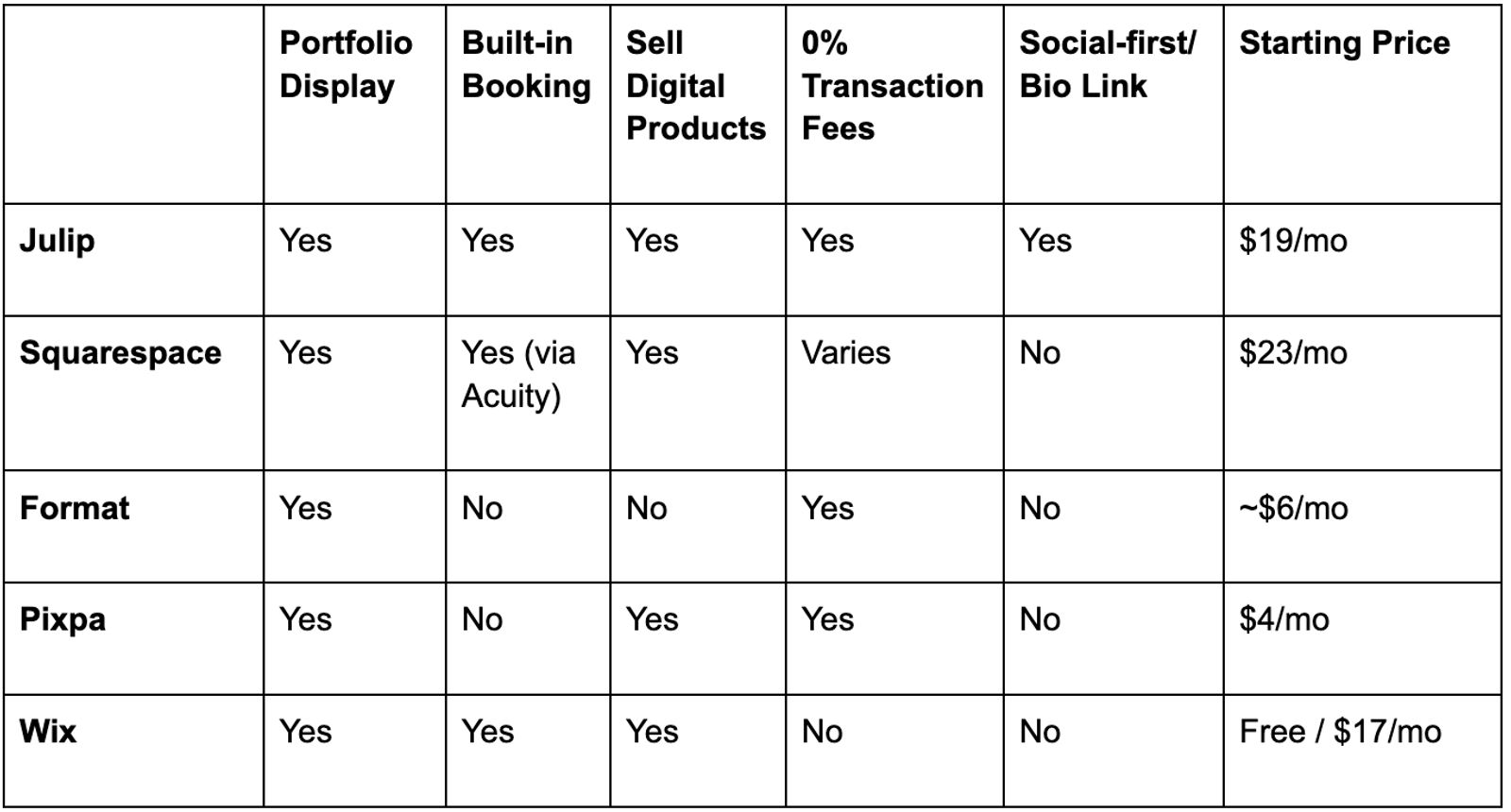
Here's how the top photography website builders compare on the features that matter most.
Best Website Builders for Photographers
Now, here are the top picks, tested against the criteria above, with honest pros, cons, and pricing for each.
1. Julip: Best for Photographers who Look for Clients From Social Media
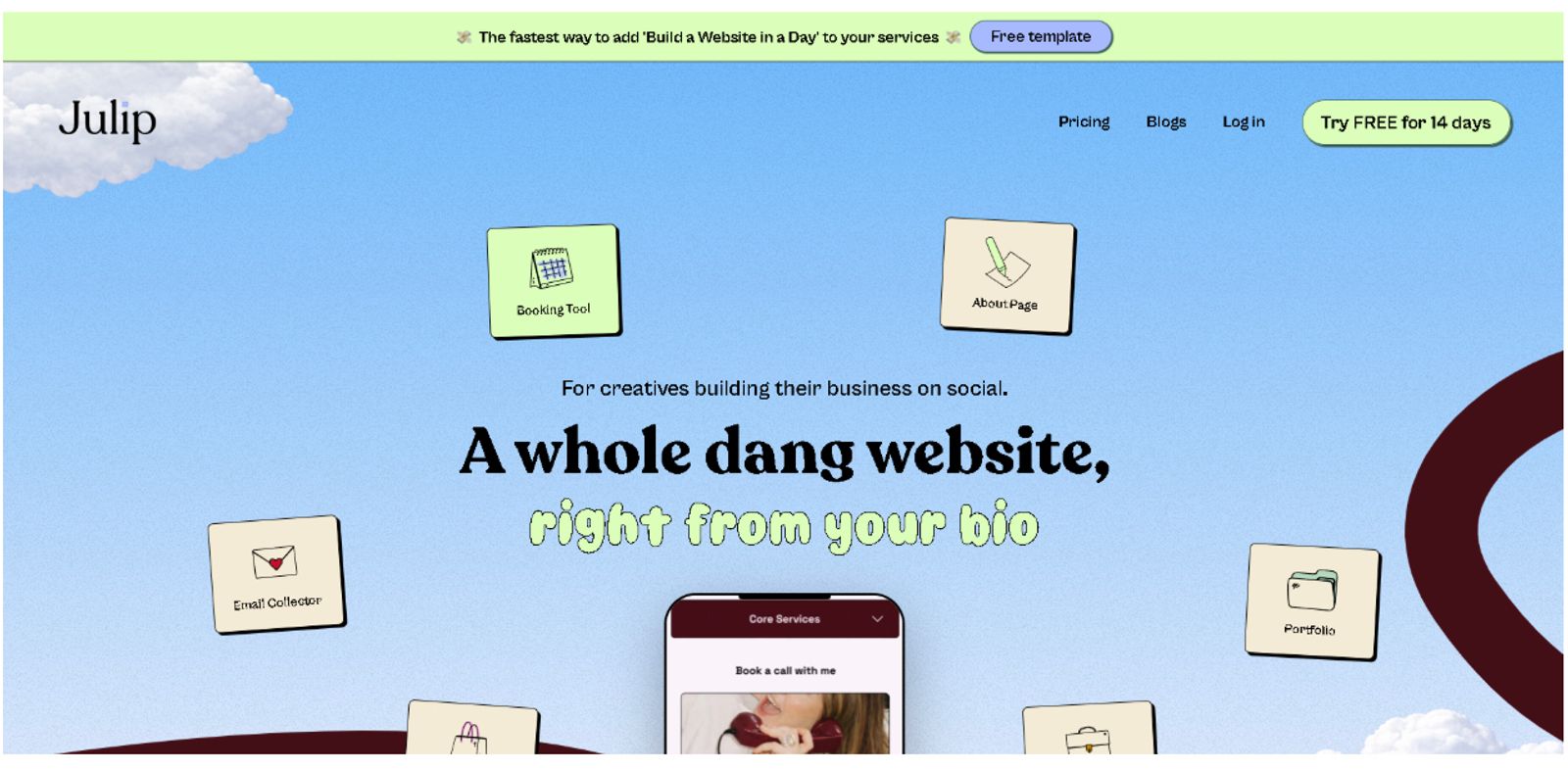
Julip works as a visual website-in-bio designed for photographers who gather their following on Instagram and TikTok. It acts as a full website right from your bio link, showcasing your portfolio, service menus, booking availability, and even digital products without needing a domain, hosting, or any design background.
While many platforms force you to choose between a pretty site and a functional business tool, Julip delivers both: a beautifully polished aesthetic that’s purpose-built to drive results.
Anyone landing on your page can see your work, understand your services, and book a session or link out to your digital products in one spot.
You can kiss those “contact me” dead ends and separate Calendly links goodbye now.
Take a look at how Kota, a photographer and filmmaker, runs his business. He uses his Julip page to display his portfolio, detail his creative capture packages, and take bookings, all while keeping his followers connected to his work.
Similarly, Elisha, a photographer and videographer, uses her page as a centralized hub to showcase her portfolio, services, and shop, providing a direct and stress-free way for her followers to engage with her creative work.
Key Features:
- Auto-formatting visual portfolio that stays sharp on every device
- Built-in booking and paid calls so you can stop using Calendly
- Digital product sales with 0% platform fees
- Clear services menu and about page
- Visual storefront for your offerings
- Email collector
- Testimonials section
- Customizable brand colors and analytics
Pros:
- Consolidates Linktree, Calendly, Canva portfolios, Stan Store and payment processors into one plan (and more!)
- You keep 100% of your hard-earned income
- Layouts that automatically adapt to mobile and desktop
- Build your full professional portfolio in minutes
- Offers a 14-day free trial
- Typical users save about $200+ each year by ditching separate subscriptions
Cons:
- Designed specifically for social media-focused photographers
- Might not be the right fit if you require a multi-page blog, heavy SEO content site, or client proofing galleries with watermarked selection
Pricing:
$19/month if billed annually, or $25/month for monthly billing. A 14-day free trial is available also.
Best For:
Portrait, wedding, lifestyle, and commercial photographers who rely on Instagram or TikTok to find clients and want a bio link that functions as a complete business hub.
2. Squarespace: Best for Photographers Who Want a Traditional Portfolio Site
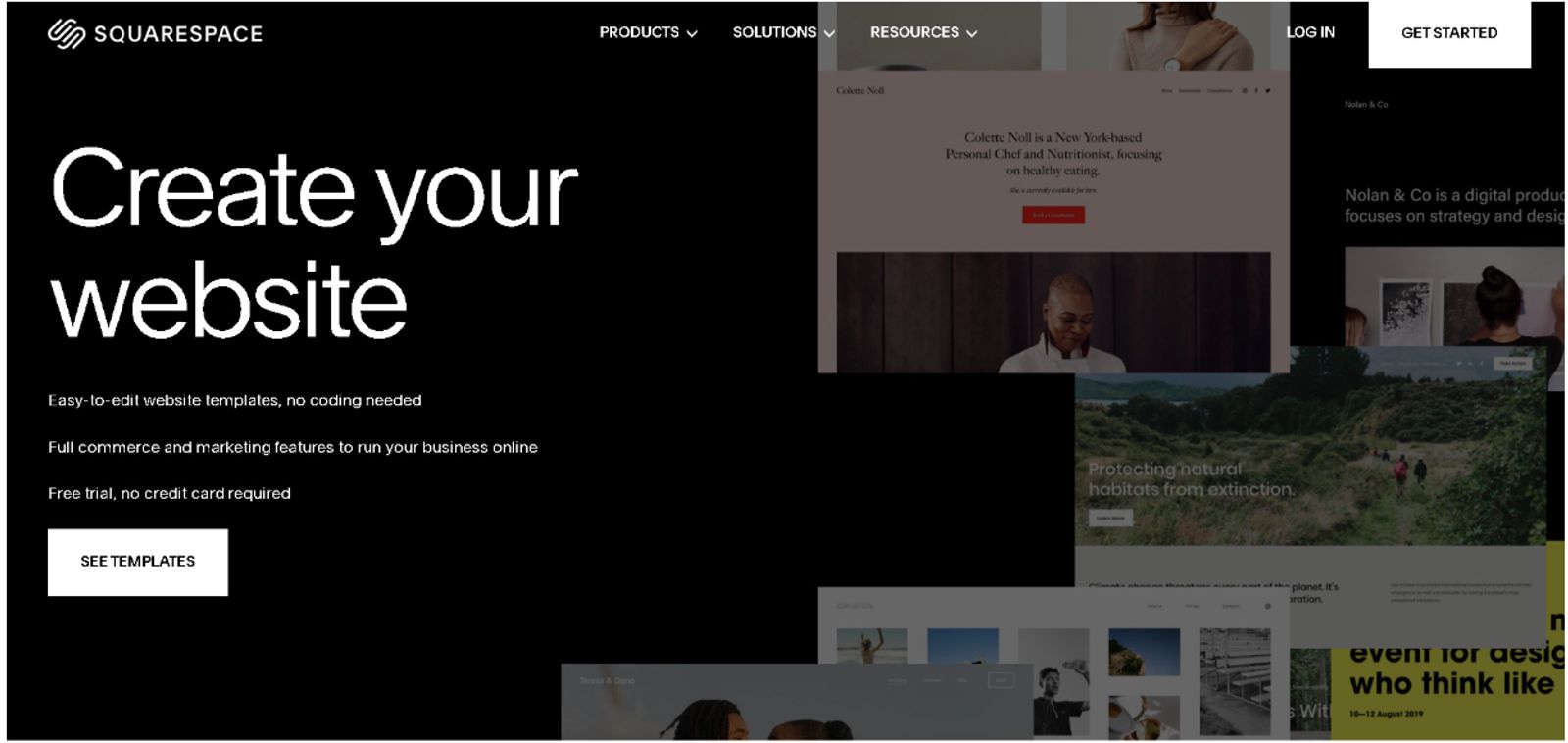
Squarespace holds the title for the most common choice among professional photographers, and for good reason. Its templates are crafted specifically for portfolios that put images first, offering clean typography alongside full-bleed galleries and responsive layouts that keep your work front and center without any visual noise.
This platform gives you a massive toolkit to build out a robust online presence. You get access to the Fluid Engine drag-and-drop editor, various gallery styles like slideshows and lightboxes, and built-in scheduling through Acuity. It also handles e-commerce for your prints and digital files, manages your custom domain, and supports a full blogging section.
Pros:
- High-end design templates that look professional right out of the box
- Reliable all-in-one hosting and e-commerce capabilities
- Seamless booking through the Acuity integration
Cons:
- Expect a steeper learning curve that takes time to master
- Setup requires more patience and hours compared to social-first tools
- Costs stack up quickly with e-commerce plans ranging from $23 to $49 monthly
- Transaction fees apply if you stick with the lower-tier plans
Pricing:
Starts at $16/month, with a 14-day free trial available for testing.
Best For:
Established photographers who need a standalone website, a polished design aesthetic, and a full-scale online store for selling prints.
Looking for a photography website builder that offers total control over a large-scale site? Then this is likely your top contender. It remains a classic website builder for photographers who want a traditional, multi-page professional hub.
3. Format: Best for Photographers Who Need Client Proofing
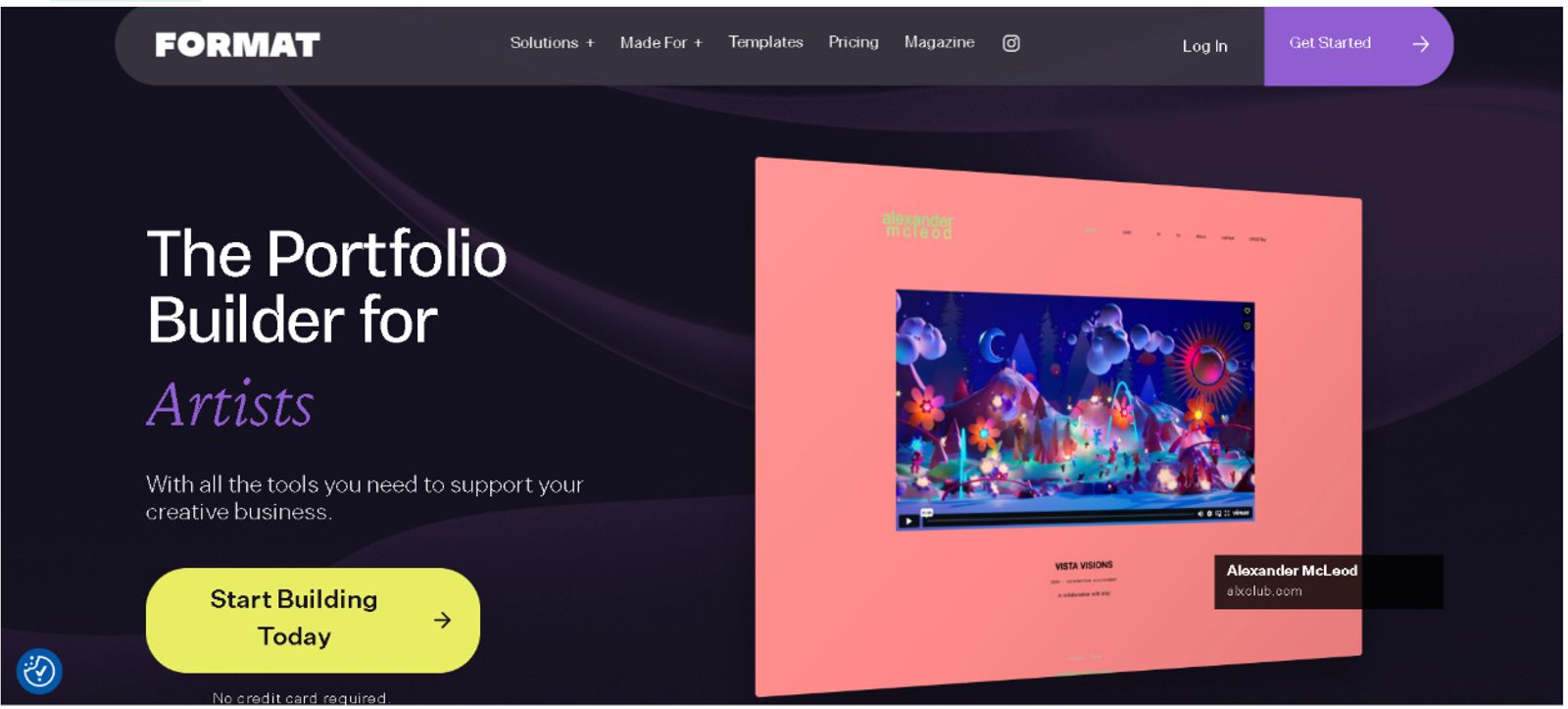
Format takes a different approach by focusing strictly on the needs of photographers and visual artists. Its most helpful tool is client proofing, which gives you password-protected galleries where your clients can easily preview, select, and sign off on images without you getting stuck in a long chain of emails.
You get around 100 templates designed with photographers in mind here, along with print lab integrations and image-optimized publishing to keep your portfolio looking sharp. It also gives you a dedicated space to manage your work, even if it lacks some of the wider marketing bells and whistles you might find on other platforms.
Pros:
- Built specifically for the photography workflow
- Strong client gallery tools that simplify approvals
- Clean layouts that keep the focus on your images
- Entry-level plans that are easy on the wallet
Cons:
- Missing native booking or digital product sales tools
- Limited options for social media integration or marketing
- Smaller community and user base compared to giants like Wix or Squarespace
Pricing:
Plans start around $6/month.
Best For:
Wedding or portrait photographers who spend a lot of time delivering galleries and want that proofing step handled right inside their site.
If you specifically prioritize client delivery over marketing, this is a solid website builder for photographers to consider. It functions as a specialized tool for your post-shoot process rather than a general-purpose marketing hub.
4. Pixpa: Best Budget Option for Photography Portfolios

Now, if you’re just getting started or simply watching your pennies, Pixpa is worth a look. This one is a photography-focused builder that gives you access to over 190 templates, built-in client galleries, and a store to sell your work, all starting at just $4 a month.
You get a surprising amount of value here, making it one of the most accessible routes if you need a professional site without a high monthly bill. While it lacks the polish of pricier competitors, it handles the basics like SEO and security right out of the gate. You also get unlimited bandwidth, which is a nice perk for a platform at this price point.
Pros:
- Easy on the bank account
- Zero commission fees on your store sales
- Handy client proofing tools included
- Solid SEO and SSL features on every plan
- Unlimited bandwidth for your image galleries
Cons:
- Less brand name recognition compared to the big players
- Templates feel a bit less premium than other options
- No native booking features for service sessions
- Requires more effort for mobile optimization
Pricing:
Plans kick off at $4/month.
Best For:
Photographers who want a portfolio and a shop on a tiny budget and don't need a built-in booking system.
For those counting their cash, Pixpa holds its own as a photography website builder for staying lean. It provides a simple foundation that hits the main requirements for a standard online portfolio.
5. Wix: Best for Photographers Who Want SEO and Marketing Tools
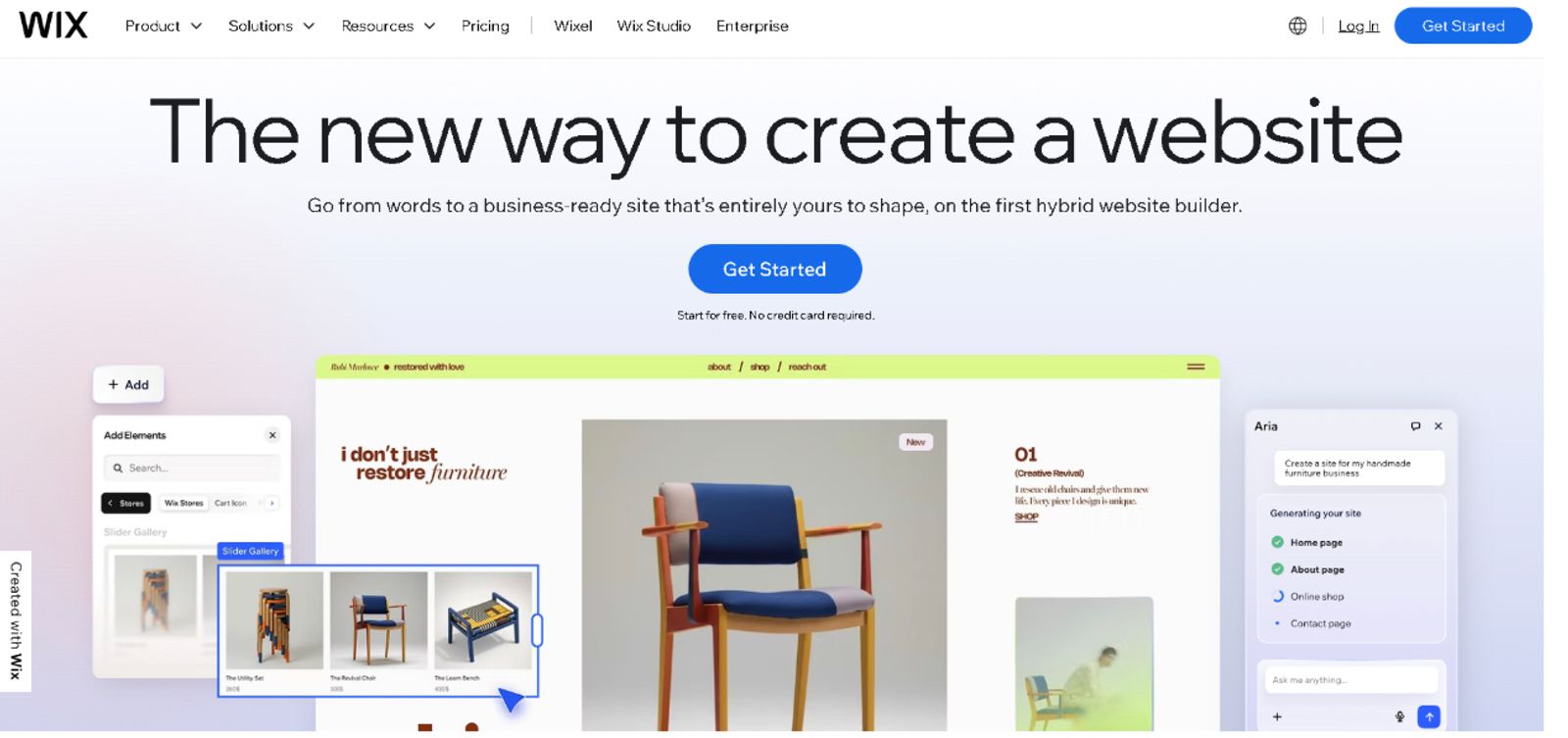
Lastly, we have Wix, which acts as a massive, flexible toolkit for building almost any type of site, offering over 40 templates built specifically with your camera work in mind. Here, you get access to a huge app market that lets you bolt on extra features, and they really stepped up their game lately. Wix Bookings now talks directly to Google Search and Maps, letting people book your services right from their search results.
This platform is a heavyweight when it comes to getting found online, making it a natural pick if you’re obsessed with local SEO rankings. Just keep in mind that with all that freedom comes a bit of extra work to keep your design consistent across different pages.
Pros:
- Powerful SEO features to help you get discovered
- Huge library of templates to pick from
- Google Bookings integration keeps things seamless
- Super flexible drag-and-drop editor
- Free plan available if you want to test the waters
Cons:
- The free plan comes with Wix branding and ads plastered on your site
- Costs can spike quickly once you start adding paid apps
- Total design freedom sometimes leads to messy or inconsistent layouts
- Not built for the social-first workflow
Pricing:
Free plan available, with paid tiers starting around $17/month.
Best For:
Photographers who live and breathe local SEO and want to climb the ranks for search queries.
For anyone whose primary goal is winning at Google search, this is a really good option. It functions as a heavy-duty marketing engine, making it a strong contender for photographers searching for the best photography website builder.
Conclusion
Finding the right home for your work comes down to what you actually need your site to do. For example, if your business lives on Instagram or TikTok, you want a tool like Julip that turns your bio link into a direct line for bookings and sales.
For those of you building out a traditional, multi-page portfolio site with a heavy store, Squarespace or Pixpa might be your best bet. If your priority is a polished proofing workflow, Format earns its spot. Meanwhile, Wix remains a heavy hitter for anyone focused on local search rankings and organic traffic.
Selecting the best website builder for photographers is about picking the one that saves you time rather than eating it up. You need a platform that handles the technical heavy lifting so you can focus on the creative side of your business.
So take a moment to think about your current workflow and where your clients are actually coming from. Once you have that figured out, the choice becomes a lot clearer.
Ready to stop managing clunky tech and start booking more clients? Give Julip a spin with a 14-day free trial today!
Frequently Asked Questions About Photography Website Builders
Do photographers really need a website?
Yes, and not just for credibility. A website is the one online asset a photographer fully controls. Social platforms limit reach, change algorithms, and can restrict account access at any time. A website lets you collect enquiries, take bookings, and sell prints or presets without relying on any platform. Even a single-page site linked from your bio is enough to turn followers into paying clients.
What is the easiest website builder for photographers?
Julip is the easiest option for photographers who build their client base on social media: no design skills, no coding, live in minutes directly from your bio link. For a traditional standalone site, Squarespace has beginner-friendly templates but takes longer to set up.
Can I take bookings directly from my photography website?
Yes, but not every builder includes this natively. Julip has booking built in, so clients can schedule and pay for sessions directly from your bio link with no third-party tool needed. Squarespace offers booking via its Acuity integration, and Wix has its own booking system with Google Search integration. Format and Pixpa don’t include native booking.
Is there a free website builder for photographers?
Wix has a free plan, though it displays Wix branding and ads on your site. Pixpa starts from $4/month for a clean portfolio. Julip offers a 14-day free trial on its full feature set, which is the most practical way to test a complete photography business hub before paying.