The fastest way to add 'Build a Website in a Day' to your services

Let's be honest for a sec. Most creators are not sitting around thinking: "Hmm, I'd love to build a full custom website today." No. You're thinking: "I literally just need a cute, professional link where brands can see my stuff without me losing my mind."
And yet... here's what usually happens:
- You open Canva to build a portfolio.
- You drag 48 boxes around the page trying to make things line up.
- Suddenly the font jumps for NO reason.
- You export it as a PDF.
- It looks great on desktop, then gets violently squished on mobile.
- Someone opens it and Canva demands they log in.
- They immediately close it.
You don't need a website.
You don't need another doc to export. You need something clean, simple, scrollable, and cute in one link. Good news: you can make that in minutes without a website. Here's how.
Why You Don't Need a Website (or Another Canva)
Creators don't need:
- A domain
- Hosting
- A complicated Wix website
- Squarespace layouts that somehow all look like wedding photographer sites
- A PDF portfolio that looks like a crime scene on mobile
What creators actually do need is one cute, organized place for:
- Your best work
- Your services
- Your vibe
- Your receipts (aka testimonials)
- A fast "book me" or "email me" button
That's it. Brands want instant clarity, not a website with six menu tabs.

The Easiest Way to Build a Creator Portfolio Without a Website
Instead of building an entire site, use a no-code tool like Julip that serves as your:
- Portfolio
- Services menu
- About page
- Shop
- Booking link
- Affiliate storefront
All in one aesthetic link. Your little digital home base.
What to Include in Your Creator Portfolio
1. Your Best Work
Make it SUPER easy for brands to see:
- Product demonstration videos
- Lifestyle UGC
- TikTok/Reels examples
- Before-and-after shots
- Campaign case studies
- Your best LinkedIn content
- YouTube shorts that killed it
Keep it visual and organized by niche (beauty, wellness, home, fitness). Don't make brands guess what you do. Show them; clean and cute.
2. Your Services + Pricing
Clarity = money. Include:
- What you offer
- Deliverables
- Usage rights
- Packages
- Rates
- Add-ons
Keep it simple. Brands will love you for it.
3. A Short "About Me" Section
Think: "I'm your go-to creator for _____." Make it fun but professional. A little personality never hurt anyone. Give them the "this is why you want me" pitch.
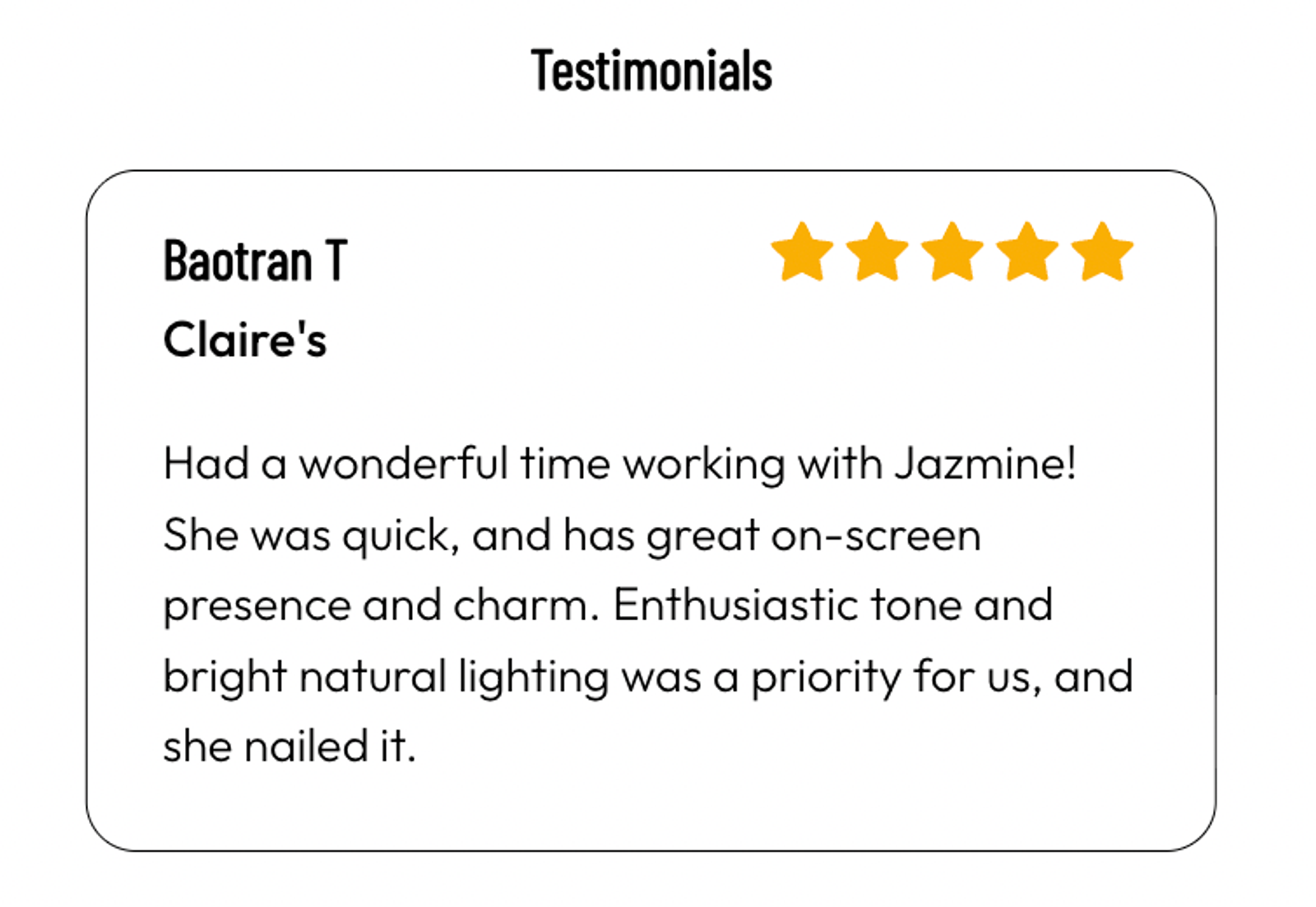
4. Testimonials or Past Results
Even one quote makes you instantly more credible.
5. Inquiry / Booking Buttons
Make it SO easy for brands to reach you. "Book a Call" "Work With Me" And yes, Julip lets you accept payments for calls and packages using Stripe and doesn't take a cut. You should get to keep your earnings!
6. Optional: Digital Products + Affiliate Shop
Creators are building multiple income streams. You should too. Add:
- Presets
- Guides
- Notion templates
- E-books
- Affiliate favorites
Julip lets you showcase everything in one place. Zero platform fees. Zero stress.

The Creator Portfolio Glow-Up: Why This Works Better Than a Website
Websites are:
- Expensive
- Complicated
- Slow to update
- Intimidating
- Not beginner-friendly
- Requires you to keep up and manage to ensure no bugs
A Julip portfolio is:
- Easy
- Clean
- Scrollable
- On-brand
- Mobile-optimized
- Built in minutes
It's giving: "I'm booked and busy but still have my life together."
How to Build Your Creator Portfolio With Julip
Step 1: Upload your best work
Add videos, photos, or campaigns that show your vibe. Just copy and paste from Instagram, TikTok, YouTube Shorts, LinkedIn, Google Drive, or Dropbox. No formatting required!
Step 2: Add your services and rates
Make it straightforward. No guessing. But if you don't want to share your rates, you don't have to! It's still great to show all your offers!
Step 3: Add your About section
Short, fun, clear. Make it easy to see that you're the obvious choice.
Step 4: Add booking cal
Remove friction = increase opportunities. No worries about needing a separate booking cal tool.
Step 5: Add digital products + affiliate storefront (optional)
Passive income is your friend.
Step 6: Publish + link it in your bio
Ta-da! You now have a professional portfolio that doesn't make you want to cry.
FAQ
Do I need to build a full website as a creator?
Not at all. Most brands prefer a single, scrollable link where they can quickly see who you are and what you offer. Your Julip acts like a website, without the work of actually building one.
Can I really ditch Canva?
Yes! But you can keep Canva for other things, but your portfolio is better inside Julip, not a squished PDF on mobile.
Will Julip work for creators, freelancers, and social media managers?
Yes. It's literally built for you.
How long does a Julip portfolio take to make?
Most creators finish theirs in minutes.