The fastest way to add 'Build a Website in a Day' to your services
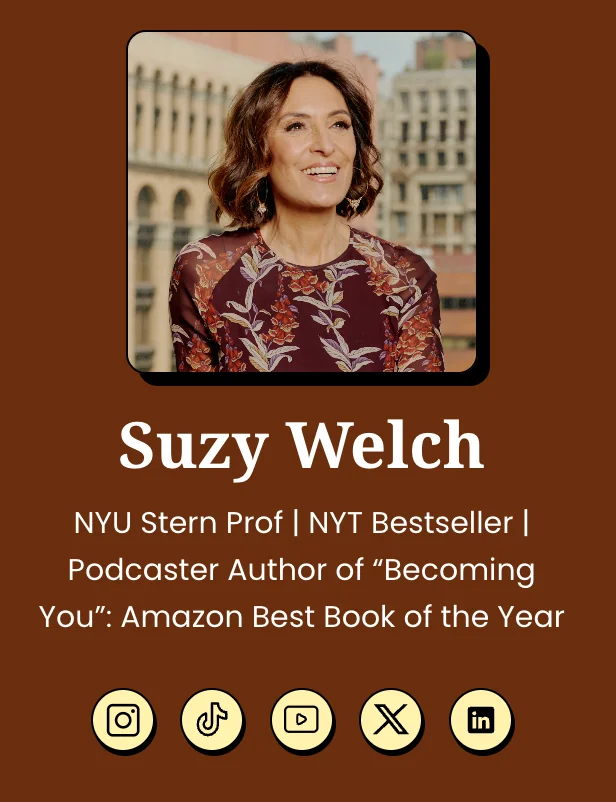
Add up to 5 social icons (including email) right at the top of your bio.
It's important to have your social accounts front and center on your Julip.
In this section you can have up to 5 icons and this can include your email.
To update your social accounts at the top of your Julip (like Suzy's), follow the steps below. ⤵️
Here's how to do it:
- Go to the Your Bio tab.
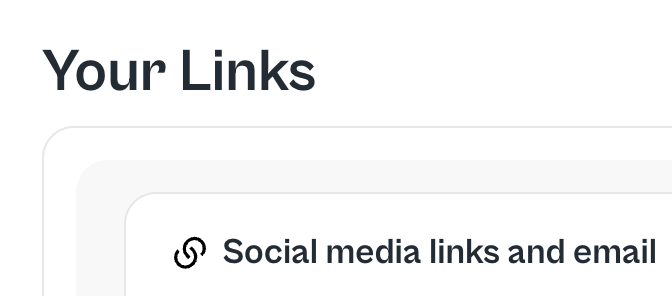
- Scroll to Your Links ⤵️
- Go to the section pictured below: Social Media Links and email.
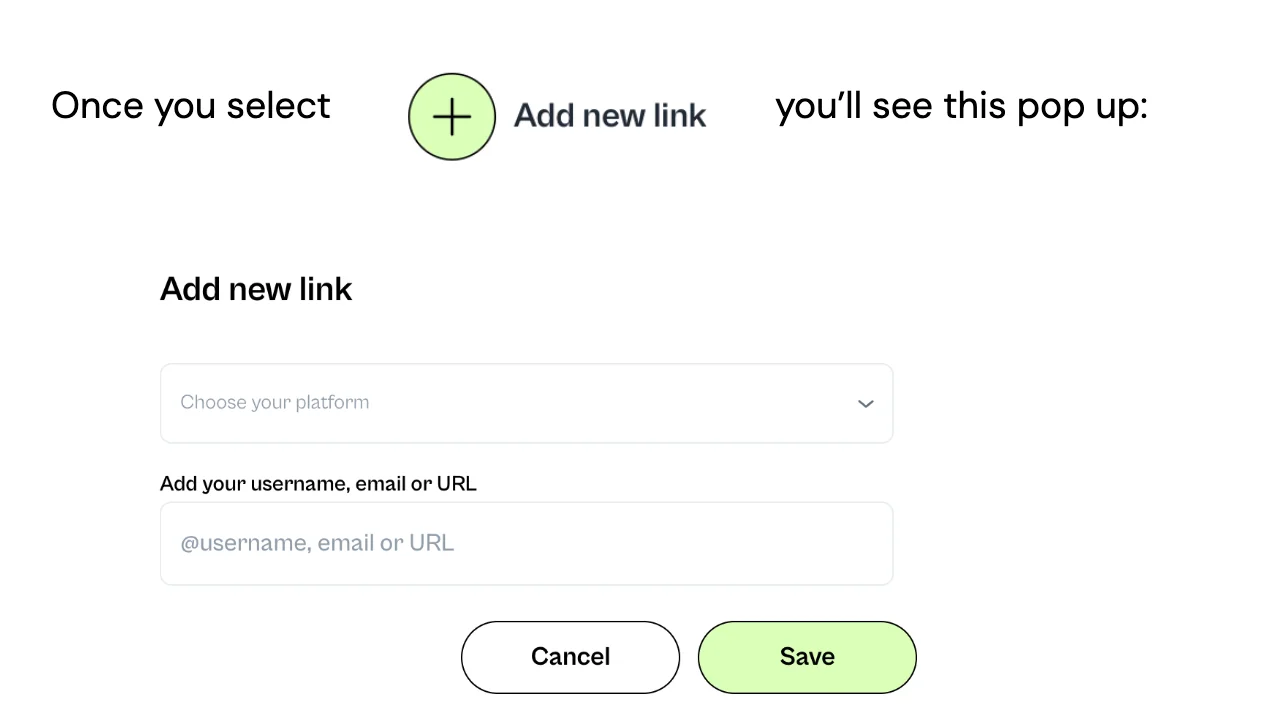
You'll have the following options:
- TikTok
- X
- Threads
- YouTube
- Discord
- Snapchat
- Spotify
- Substack
- Apple podcasts
If we're missing a social link you'd like to feature, please email us at hello@myjulip.com.
If you want to add other social links but not at the top of your Julip, you can always add them at the bottom of your Julip. Go to the same Your Bio tab and add as many as you'd like under Additional Links.