The fastest way to add 'Build a Website in a Day' to your services
Quickly customize your template, brand colors, and fonts in a few clicks.
One of the best features of Julip is how much you can customize your Julip in minutes.
Here are the main parts of your Julip that you can customize:
Your Template
We have 5 gorgeous templates to choose from. All of them allow for customization including (but not limited to) your brand colors and fonts.
Your Brand Colors
Under the tab "Templates", after you select your template, you'll see color options pre-set if you're not sure what you'd like to use for your brand colors. Here are some to choose from:
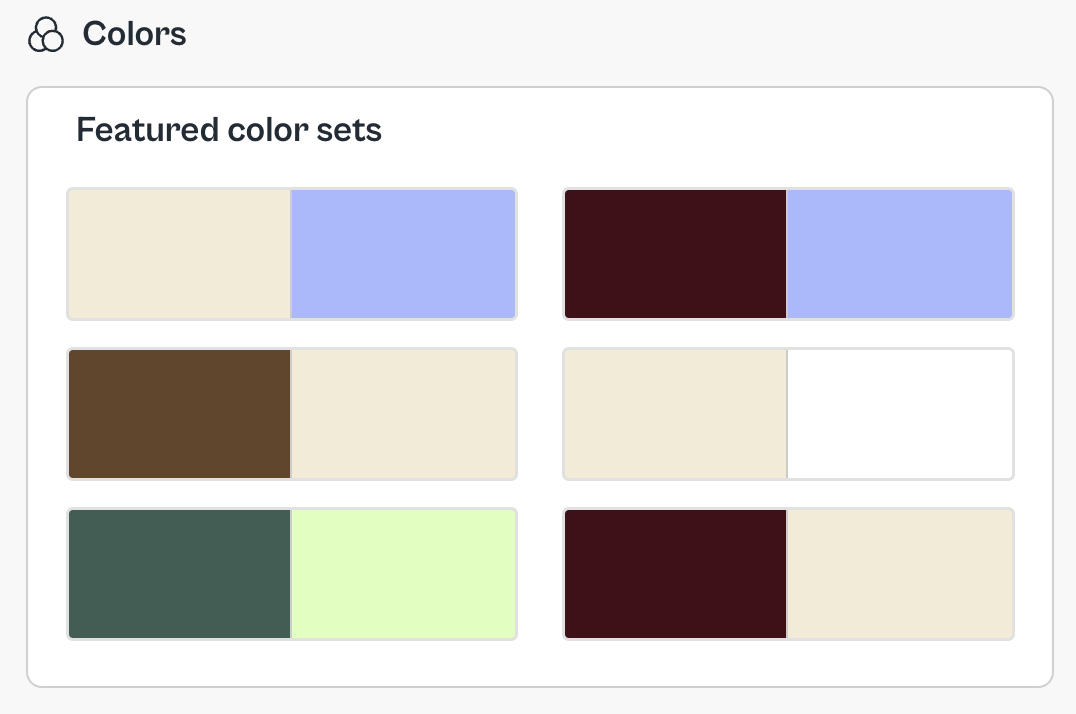
Now, if you do know what you want for your brand colors, go to this section:
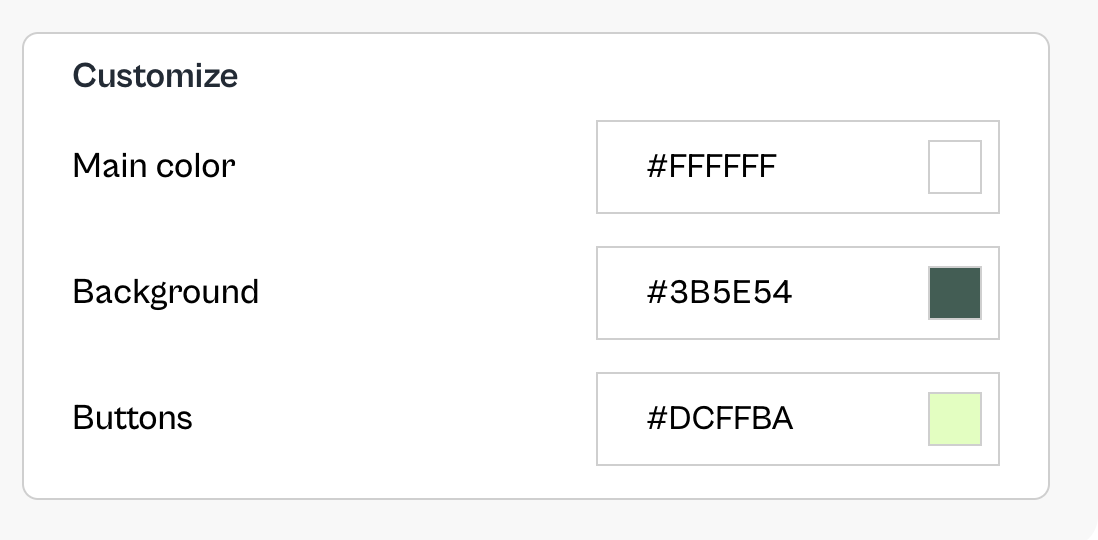
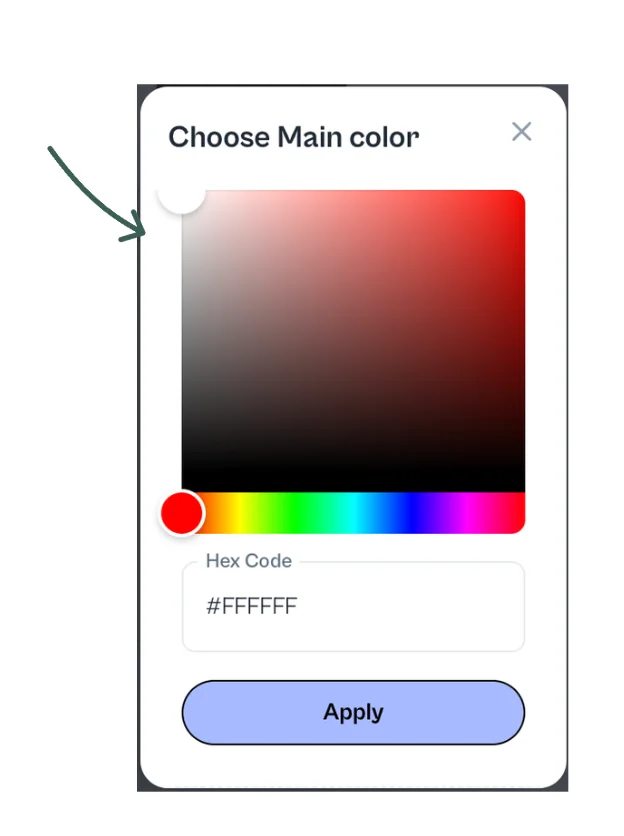
Here you can enter your hex code (your color's identifying code made up of letters and numbers). To see examples of hex colors, you can use any hex color website and copy the code you like.
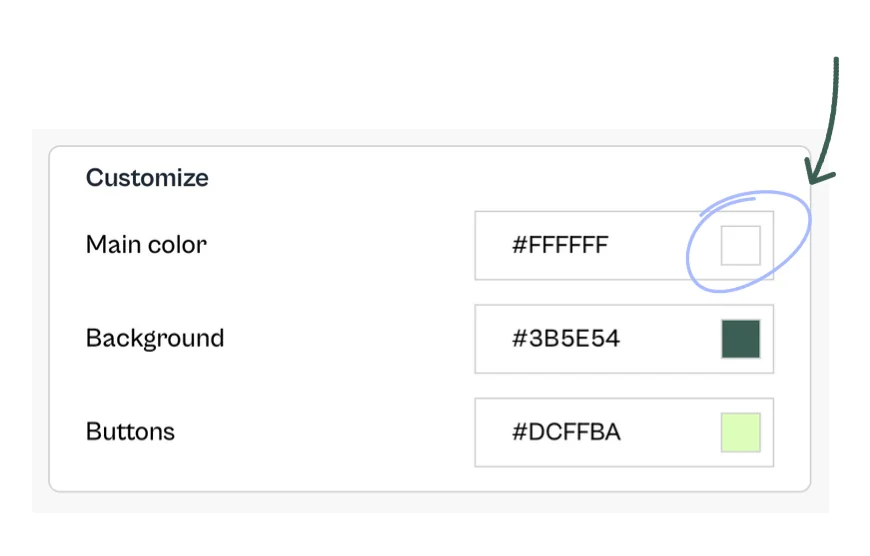
Once you have your hex color, click the square where you want the color changed (as seen below) and paste your hex code:
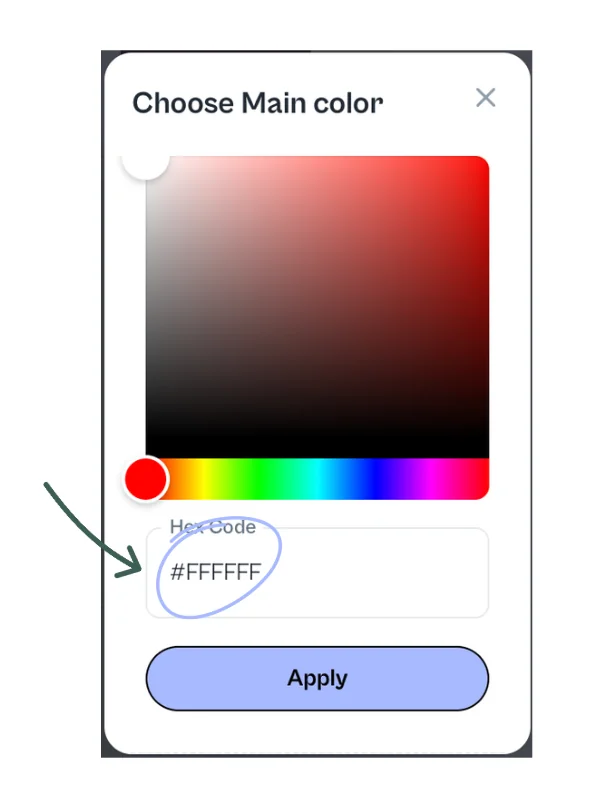
Or you can use the color picker and drag to find a color you like:
Your Fonts
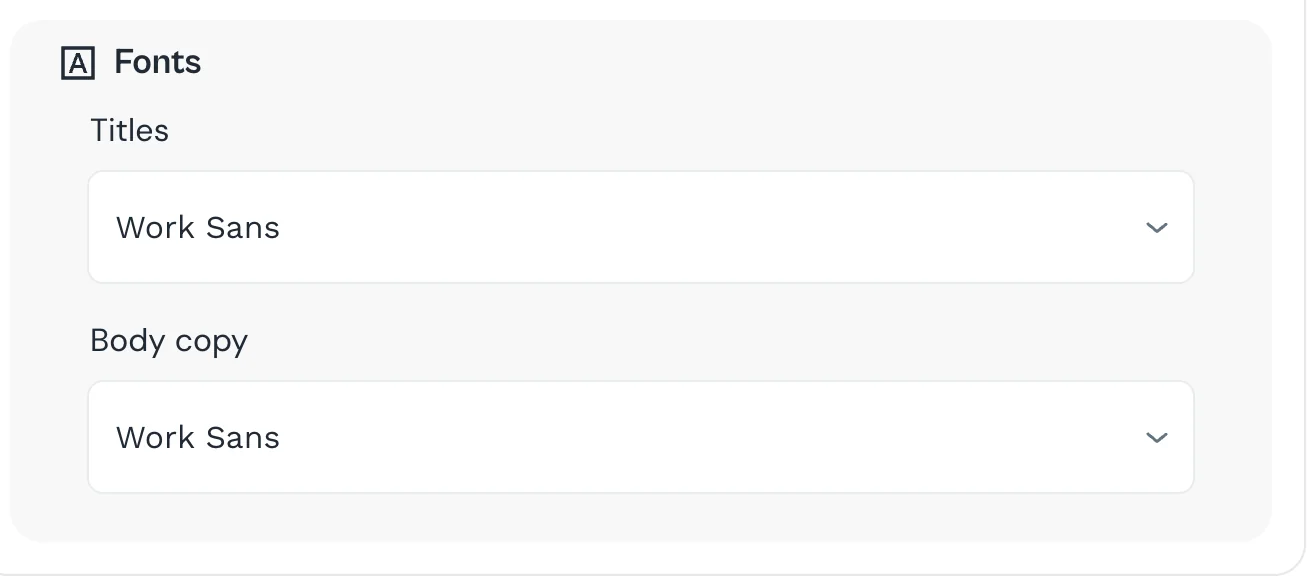
You're able to customize your fonts for both the header and the body copy. We recommend using two different fonts to show off your personality and make headings stand out.
And that's all you need to do to customize your Julip. So easy 😍