The fastest way to add 'Build a Website in a Day' to your services
Feature your most important link front and center in your bio.
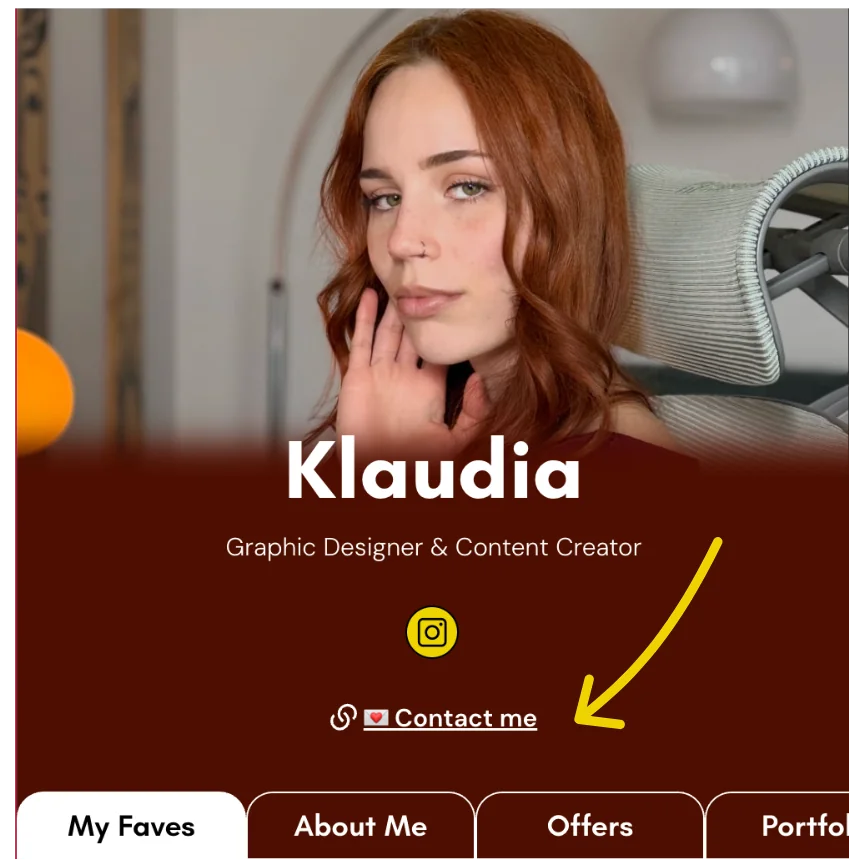
This feature is completely optional.
But as you know from building your own Julip your additional links you will be at the bottom of your Julip on each tab. Think of it like the footer of your website.
This allows you to feature your most important link front and center!
To add your featured link it is only 3 steps:
- Go to 'Your Bio' and scroll down to 'Additional Links'
- Add your new link and what you want the button to say
- Click the 3 dots and click 'Pin to bio'
And that's it ✔️