The fastest way to add 'Build a Website in a Day' to your services
Update your profile image and adjust it to fit perfectly in your Julip template.
This is a really important piece of your Julip as it is the first image people will see.
When you signed up for a Julip account you may have selected a photo but want to update it. That is where this feature comes in.
Now depending on the template you choose, this will determine which picture is best for your Julip.
Some templates like water, coffee and pomegranate are best with horizontal pictures. Whereas, sand and lime are best for vertical pictures.
However, inside Julip you can easily adjust the image to make sure it fits perfectly!
Here are the steps to update your profile image:
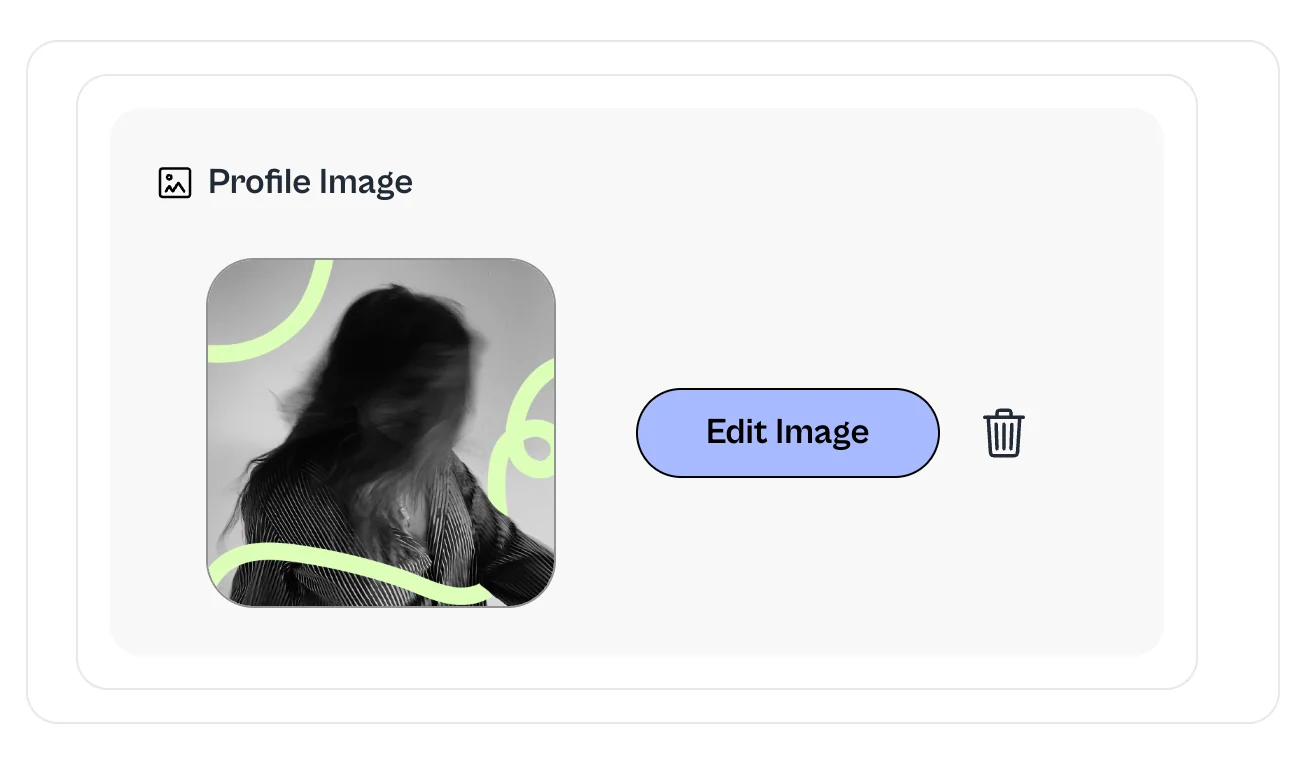
To add a NEW image, click on your pre-existing profile picture and there you will be able to select the new picture you'd like to add.
If you'd like to adjust your profile picture, click 'Edit Image'. You'll see the options to zoom or rotate (as pictured below)
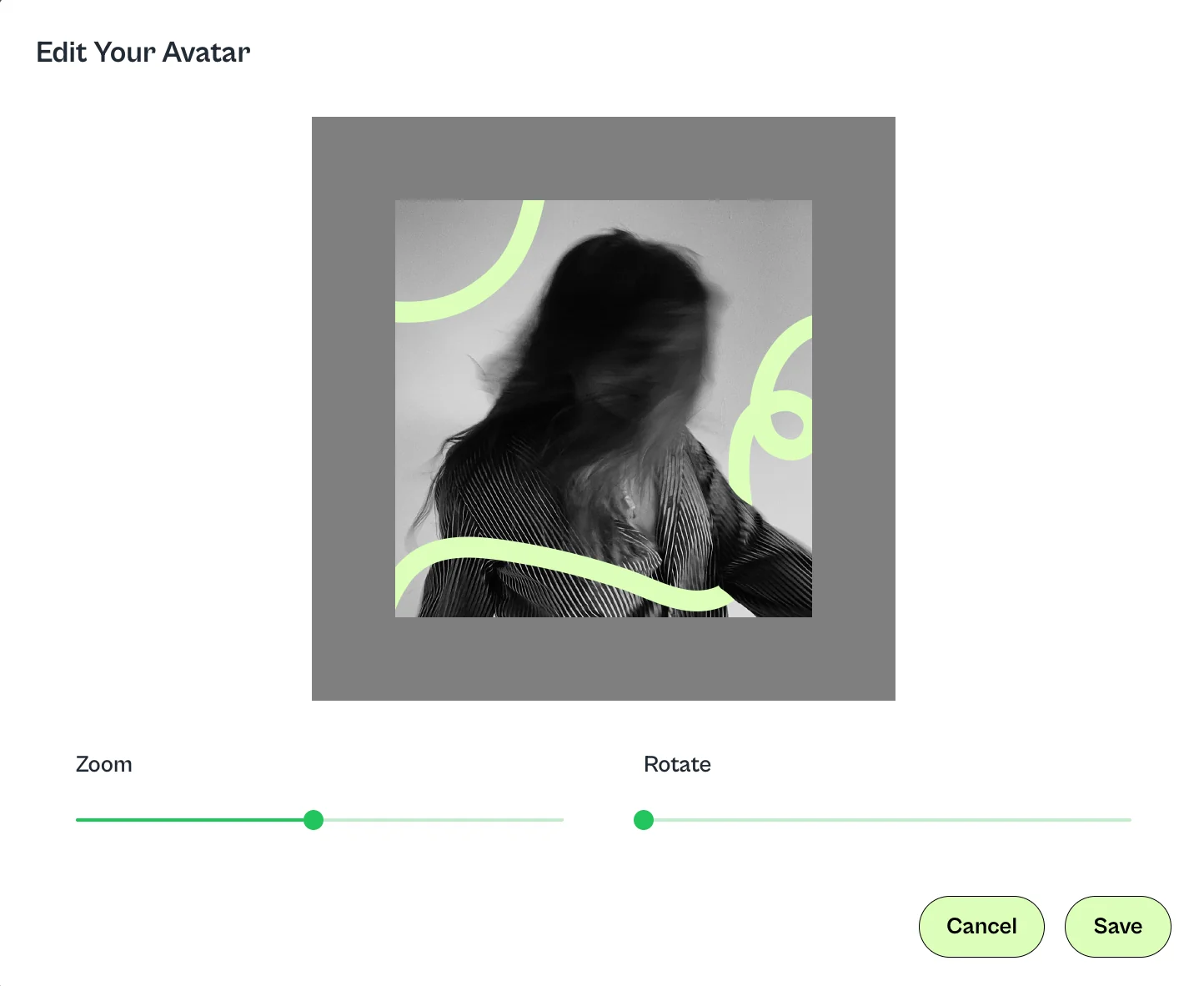
Once satisfied with the image, click save and that's it!