The fastest way to add 'Build a Website in a Day' to your services
Add a call-to-action button that appears on desktop view in your portfolio.
We were mindful when designing Julip to make sure that both mobile and desktop provided a clean and fun experience.
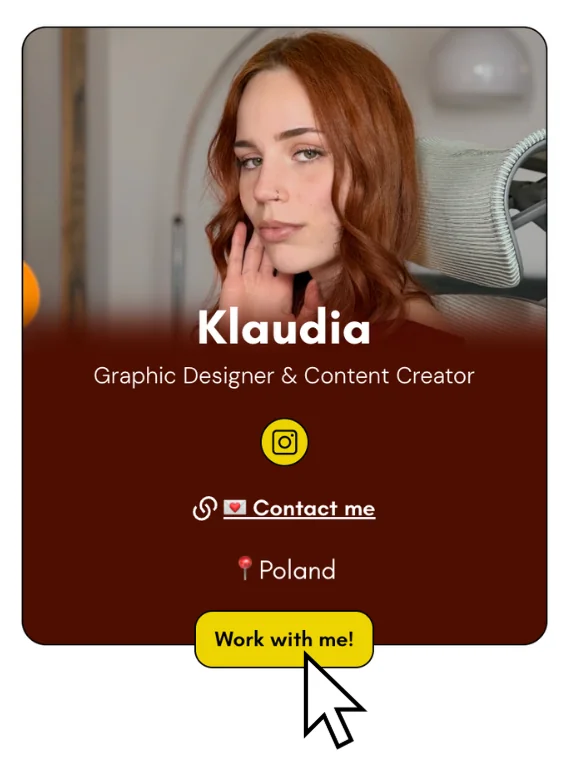
That's why we added a feature on your Julip desktop where your bio is prominent on the left side of your screen, in addition to the content readily available, you can add a call to action button so when clients or brands are ready to work with you all they need to do is click that featured button.
See the example below where the mouse is clicking 'Work with me!'
Here is how you add this featured call to action button on desktop:
- Go to the pages tab and select 'Portfolio'
- Scroll to the very bottom where it says 'Contact Me'
- Add an option to contact you. This can be email, calendly, etc.
- Once completed, click the 3 dots on the right and select 'Pin to desktop'
- And that's it!