The fastest way to add 'Build a Website in a Day' to your services
Two ways to refer and earn: through the footer button or by sharing your link directly.
There are two ways to refer and earn an affiliate with Julip. If you haven't already, be sure to connect your Stripe account to your Julip. You can do this when you go to the Refer a Friend Tab.
Once that's completed you'll have two options.
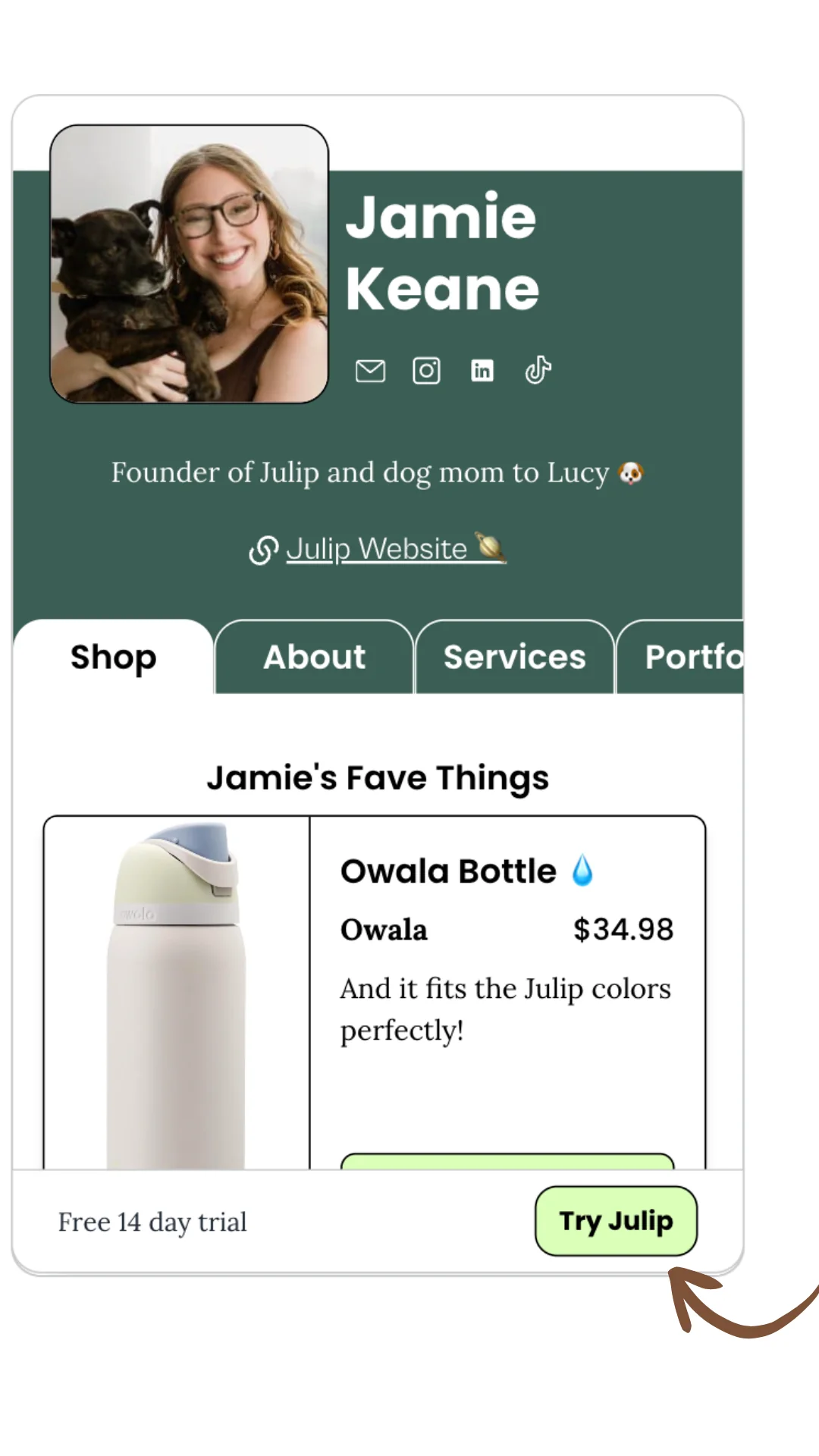
OPTION 1: The footer on your Julip
Once you connect your Stripe account on Julip under the refer a friend tab, the button featured below is automatically synced to your referral link.
Option 2: Copy + Paste your referral link
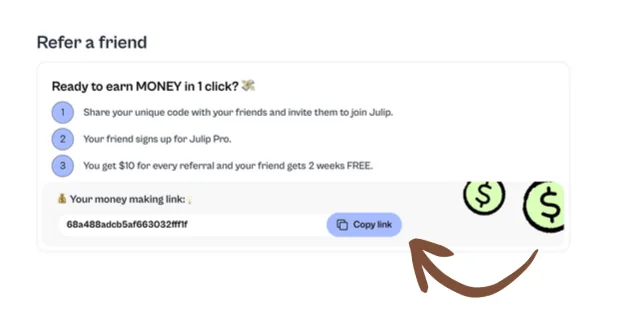
If you want to directly share your referral link, simply go to the 'Refer a Friend tab' and you'll see this code. If it is NOT connected, it will prompt you to connect to Stripe. You'll know your account is connected when you see the option to 'Copy Link.