The fastest way to add 'Build a Website in a Day' to your services
Two ways to feature freebies at the top: a dedicated tab or free digital products in Shop.
If you want a freebie at the top of a tab, there are two ways you can do this.
Inside Julip we have a freebie feature where it automatically allows you to create a form and Julip will collect the emails for you.
Here's an example of what this can look like ⤵️
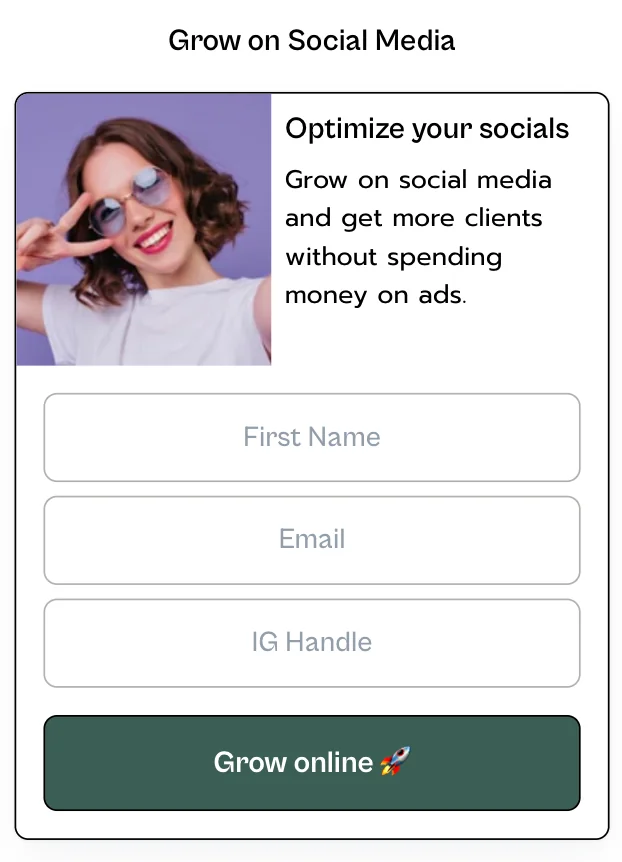
In addition, you can connect this form with your email marketing platform using Zapier. Here's the tutorial to set it up.
You'll find the emails collected on Julip under the tab 'Your data' and at the bottom you'll find this box where the emails live ⤵️

That way you can either manually download the list and upload it to your email marketing platform OR you can just have the emails collected when you're ready to start emailing.
Now, when ready to use this freebie feature, you'll find it under 'Your Bio'.
It's titled: Collect Emails / Freebies. Just make sure you toggle it on to use this feature.

Automatically this feature is set to sit at the bottom of the page you've selected (unless you've added Additional links) this is also under 'Your Bio' at the bottom. This will always be at the bottom of each page no matter what when it's activated.
Now, if you want the freebie to be pinned at the top of a page here are the two options:
Option 1: A freebie tab
If you want the freebie to truly shine, we recommend picking a tab you're not using, renaming it to be applicable (ex. Freebie), and then when you go to the section under 'Your Bio' -> 'Collect Emails / Freebies', select the page you want it to live under.
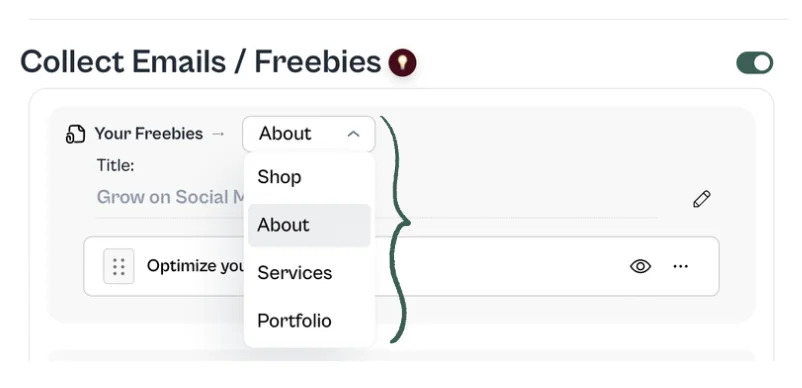
Since the freebie is designed to live at the bottom of a tab, if there is NOTHING on that page, it will be at the top.
Please note: when using this feature you can have only ONE freebie. BUT that doesn't mean you can only have one freebie in your Julip. Option 2 allows for you to have as many freebies as you'd like.
Option 2: Use the Digital Products feature under Shop
Under the Shop page you'll find the option to create digital products. Freebies are simply digital products that are FREE!
Here is a quick tutorial on how to create a digital product. The only difference here is you won't toggle on the price so it remains free.
Next to digital products you're going to see this icon:
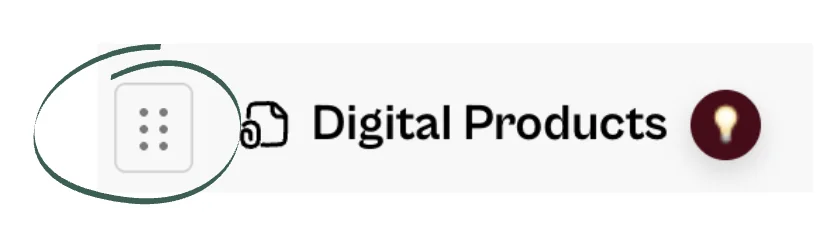
Anywhere you see this domino icon, it means you can drag and reorder the sections or pages.
Meaning, if you're in the shop tab, you can create a FREE digital product and have the digital products at the top of your shop.