The fastest way to add 'Build a Website in a Day' to your services
Feature your favorite products or sell advertising real estate at the top of your shop.
This feature is super unique to Julip and is a great way to not only show off your favorite products but as another way to earn more!
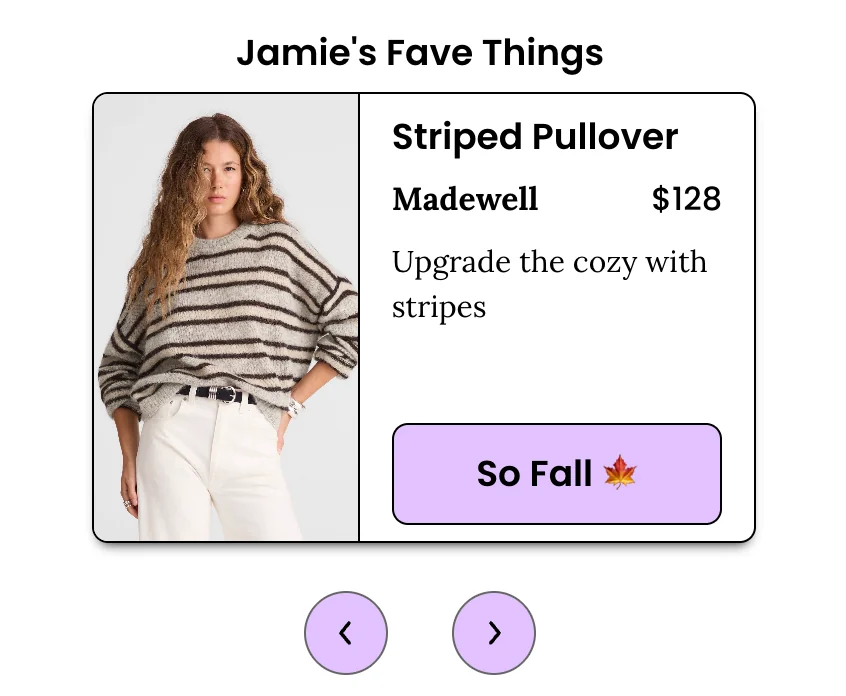
The way to add pinned links to your storefront is super easy!
Steps:
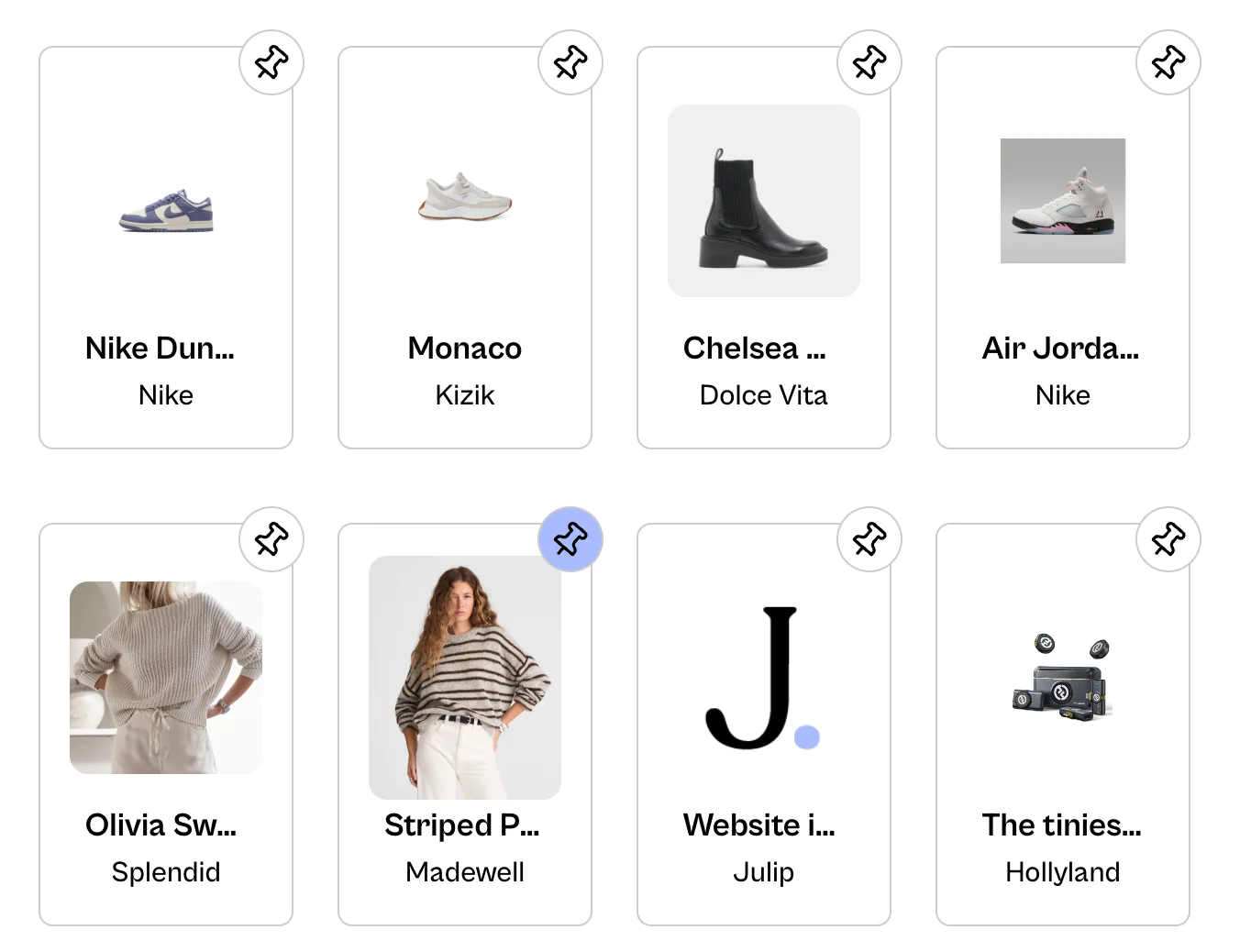
- Go to the shop tab
- Once you've added a product or products to your shop under collections you'll be able to add up to 5 pinned products
- Toggle on Pinned Products
- Optional: You can rename the title from Pinned Products to anything you want. For example, 'Susan's Obsessions'.
- There you'll be able to select your pinned products by clicking on the pin icon on the top right. And that's it.
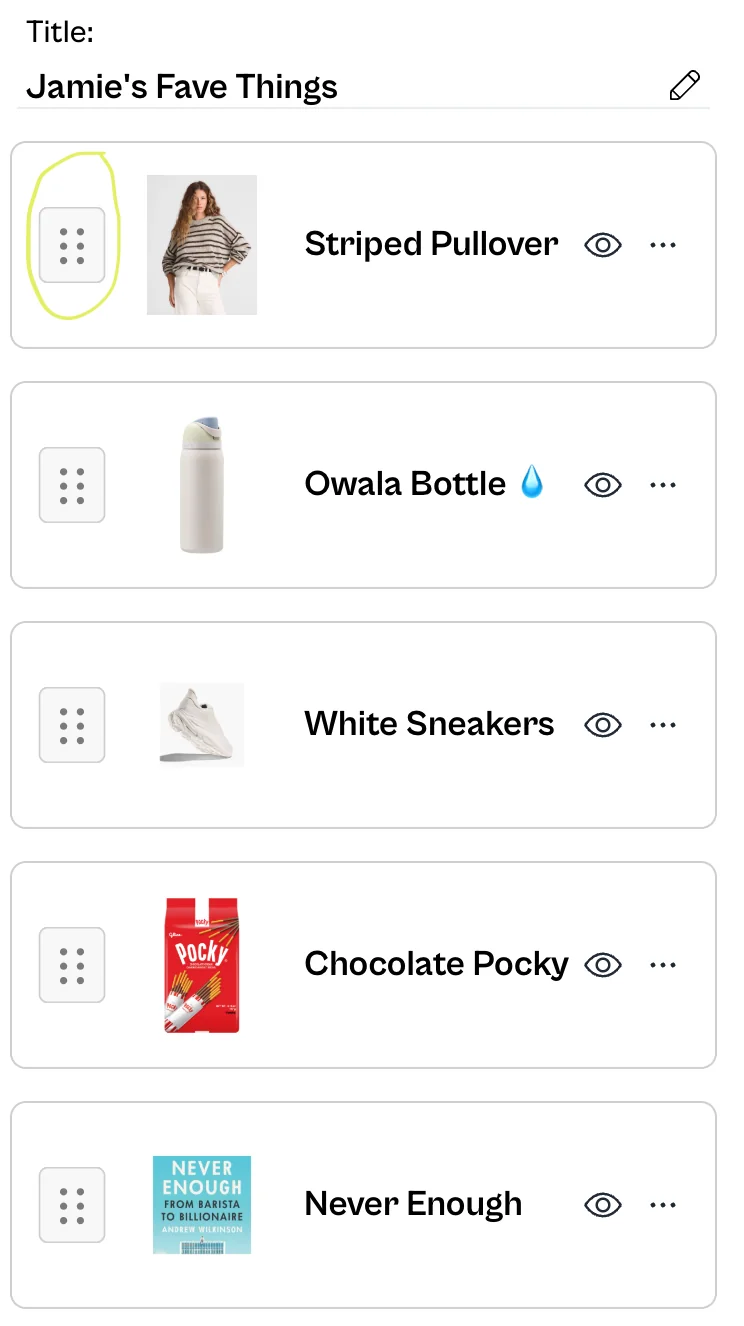
If you'd like to reorder your pinned products, you'll just want to drag and drop from the 6 dots.
BONUS:
Oftentimes, a brand when working with a creator will offer an affiliate link or code.
Whether you have 100 followers or 1M followers, that still is an audience that the brand many not have access to.
So think of the pinned section of your shop as advertising real estate and you can sell each slot for different rates for weekly or monthly visibility. No content creation needed here!
For example:
- Slot 1: $1,000
- Slot 2: $800
- Slot 3: $600
- Slot 4: $400
- Slot 5: $200
- Slot 6: $100
- Slot 7: $75
This is the easiest way of getting recurring revenue and can add this to your package of creating content.