The fastest way to add 'Build a Website in a Day' to your services

Quick Look: Top Social Media Management Tools
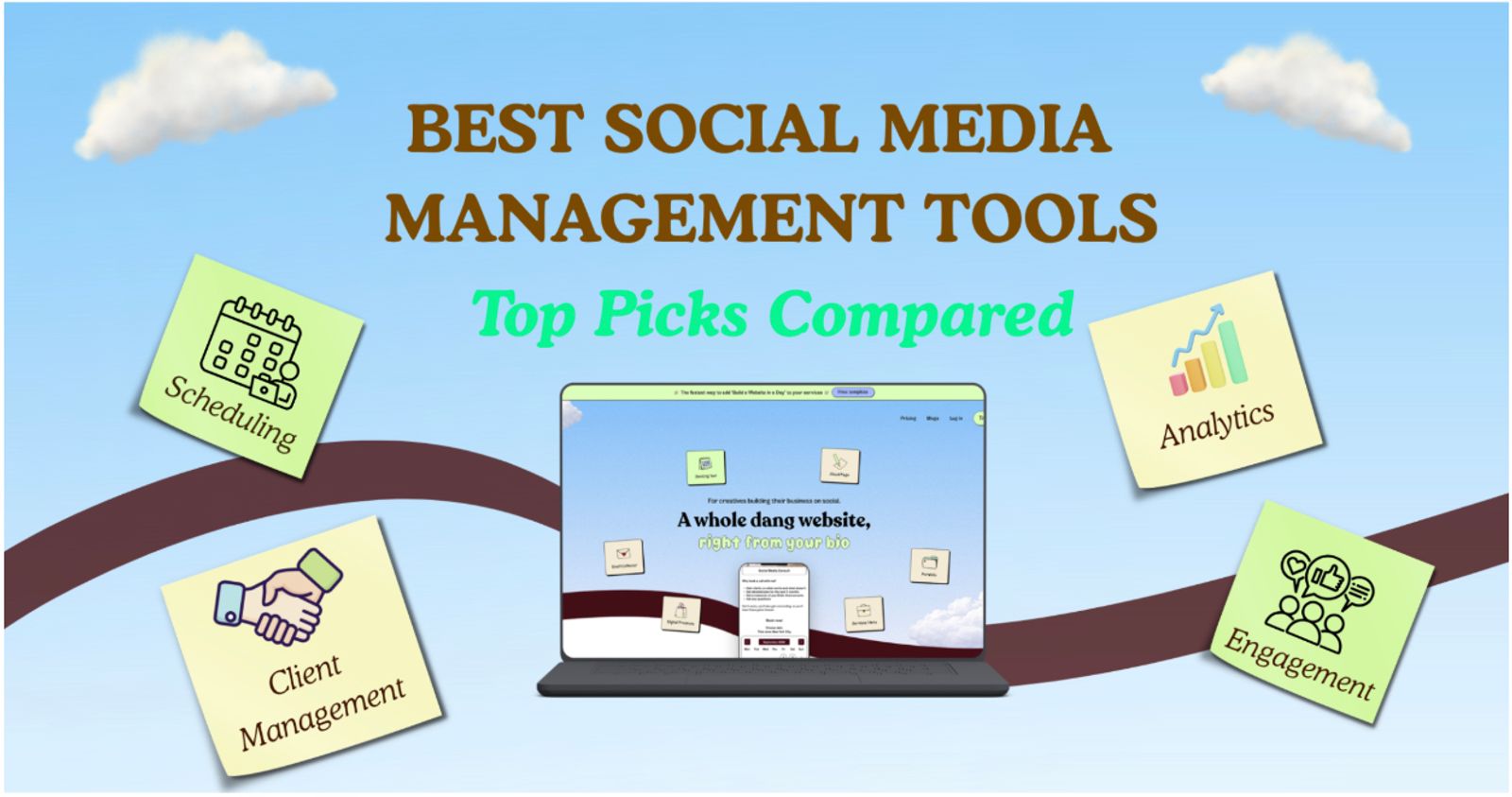
The best social media management tools depend on your specific goals, but top options include Julip for creators looking to turn followers into booked clients, Buffer for simple and affordable scheduling, and Sprout Social for teams that prioritize deep analytics and collaboration.
The best platforms break down as follows:
- Client conversion & monetization: Julip acts as your professional home base, consolidating your portfolio, service menu, and booking links into one hub to turn followers into paying clients
- Simple, low-cost scheduling: Buffer is ideal for solo creators needing a clean, straightforward way to queue content across multiple networks without the extra complexity
- Visual-first planning: Later shines for Instagram and TikTok creators who prioritize a polished, drag-and-drop visual aesthetic for their feeds
- Enterprise-grade operations: Hootsuite offers heavy-duty power for agencies that need to manage dozens of profiles, deep monitoring, and automated team routing
- Deep analytics & reporting: Sprout Social is the go-to for teams needing advanced data, sentiment analysis, and ROI tracking to prove their social impact
- Budget-Friendly Analytics: Metricool provides high-level competitor intelligence and performance reporting without the high price tag of enterprise software
- High-touch engagement: Agorapulse is built for teams that need a structured, reliable way to manage client communication and large volumes of inbox messages.
You’re staring at four different browser tabs, trying to remember if you already posted that graphic to LinkedIn or if it’s still just sitting in your drafts. You’re manually jumping between apps to reply to comments, and by the end of the week, you have no real idea which posts actually moved the needle.
The thing is, you just want one clean place to handle the heavy lifting, but every article you find feels like a glorified sales pitch for software that changes its pricing every other month.
Sounds familiar?
Well, this guide cuts through the noise to show you the best social media management tools honestly. We’re comparing what each platform actually does well and who it’s built for, so you can stop guessing.
Also, we’ll look at the specific features that make tools for managing social media worth your time and money. So by the time you finish reading, you’ll have a clear look at the best social media management tools this year has to offer, helping you find the right fit for your workflow without the headache.
Let’s get right into it!
What to Look For in a Social Media Management Tool

Now, before we get into that list, it helps to know what actually makes the best media management software worth your money.
- Scheduling and publishing across platforms. This is the bread and butter of any good tool, letting you queue content and auto-publish to every account from one dashboard. Just make sure the software actually supports the specific platforms your audience hangs out on
- Analytics that show what works. You need real data on reach, engagement, and growth to stop guessing what your followers want. And quality reporting helps you post with clear intent instead of throwing content at the wall to see what sticks
- A unified inbox or engagement view. Managing comments and direct messages in one spot saves you hours of toggling between apps. This is a game-changer if you handle multiple accounts or deal with a high volume of client interactions
- Collaboration and approval workflows. If you work with teammates or have clients who like to review posts, look for systems that offer specific roles, drafts, and clear approval flows. This keeps everyone on the same page and cuts down on embarrassing mix-ups
- Fair, predictable pricing. Monthly fees for extra accounts or users have a habit of creeping up fast. Take a close look at what a standard daily workflow costs, rather than just getting hooked by the headline price
Best Social Media Management Tools
Picking the right software depends entirely on what your daily workflow looks like, so here’s a breakdown of the top contenders currently on the market.
1. Julip: Best for Scheduling and Analytics Tools Keep your Content Running
Best for: Social media managers and creators who want to convert followers into paying clients.
What it offers:
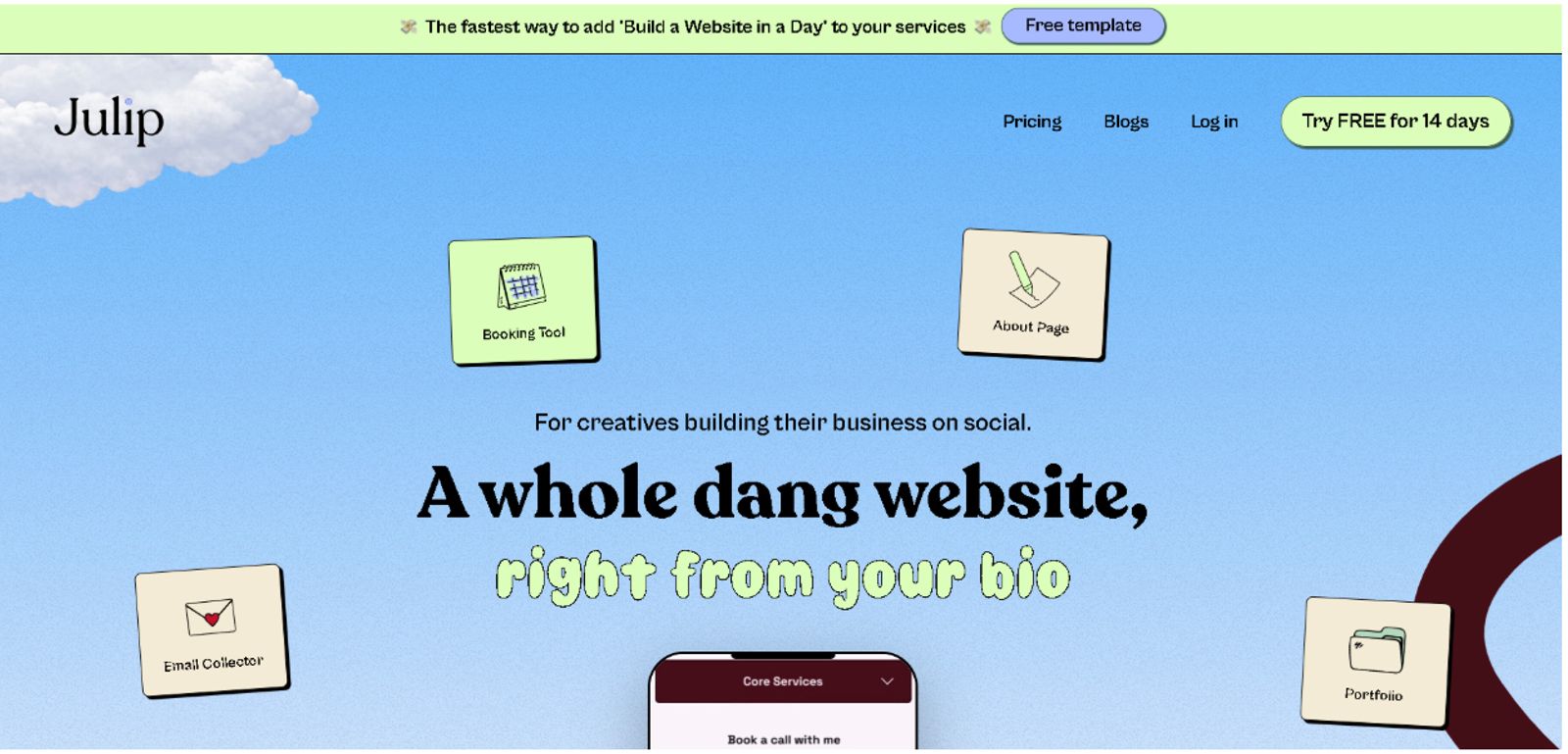
Julip transforms the link in your bio into a professional landing page that acts as your portfolio, service menu, and booking hub. For social media managers, it’s a powerful way to show prospects exactly what you do and get them to book a discovery call in one tap, with absolutely no coding involved.
You can get a client-ready page live in under an hour, and there’s a 14-day free trial that doesn’t require a credit card.
What to set up:
- A portfolio or case studies showing results you’ve driven
- A clear services menu, with or without pricing
- A discovery-call booking link so leads can book in one tap
- An email collector to capture prospects who aren’t ready to commit yet
- Testimonials and client wins you’re permitted to share
Worth knowing:
Julip costs $19/month (billed annually), which is a cost-effective alternative to stacking multiple subscriptions. This focus on conversion and client acquisition pairs perfectly with your broader set of tools for managing social media.
2. Buffer: Best for Simple, Affordable Scheduling
Best for: Solo creators and small teams who want a clean, no-fuss way to schedule content without the learning curve of a complex platform.
What it offers:
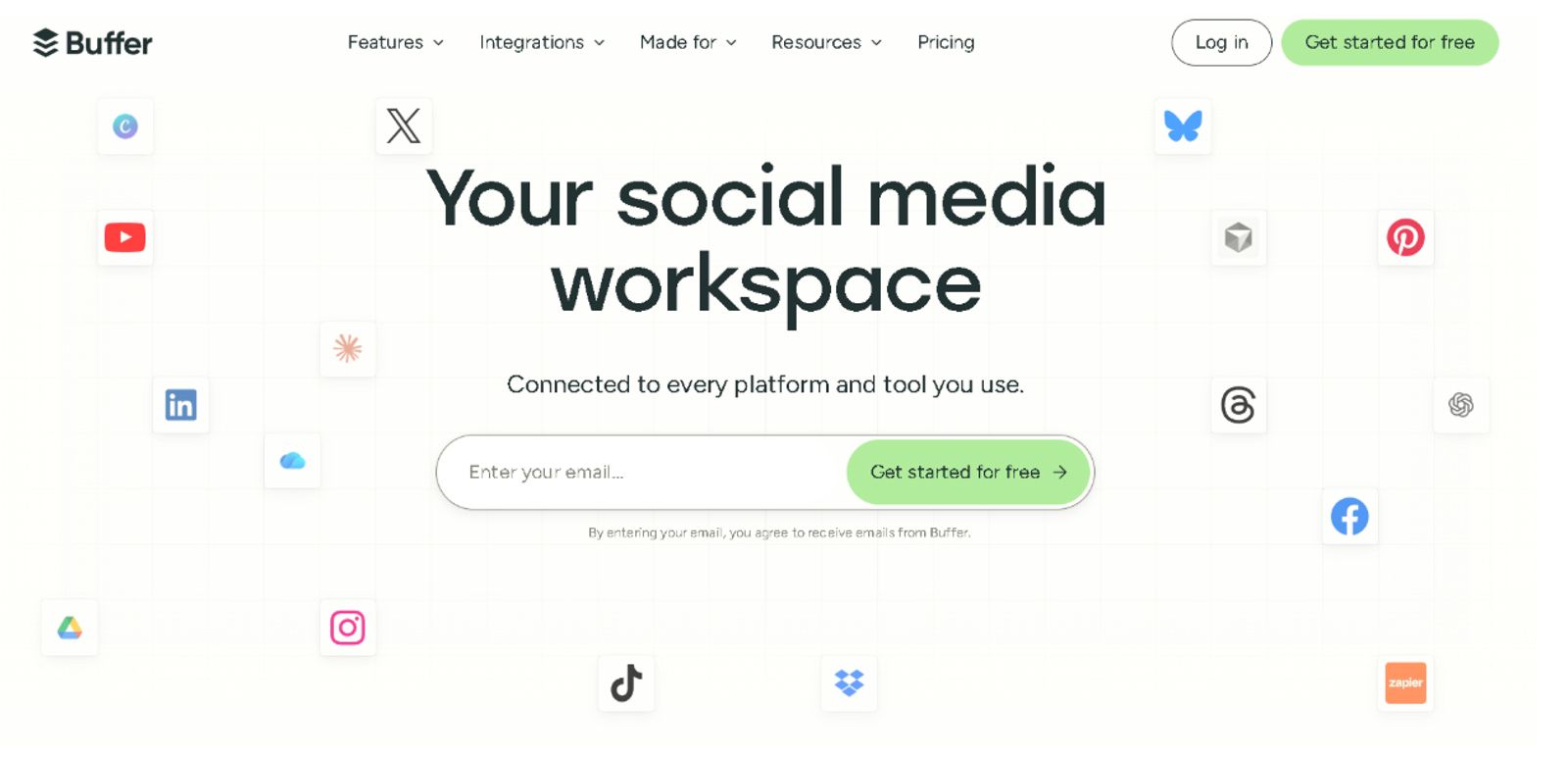
You get a reliable publishing queue, a visual drag-and-drop calendar for planning your week, and basic analytics to see how your posts are performing. It’s a straightforward way to keep your accounts active across multiple networks.
Worth knowing:
While it handles the essentials beautifully, it’s not built for heavy-duty social listening or deep-dive reporting. Also, keep in mind that their pricing is based on a per-channel model ($5/mo per channel for Essentials; $10/mo per channel for Team when billed monthly), so costs can climb if you manage a large roster of accounts.
3. Later: Best for Visual and Instagram-First Planning
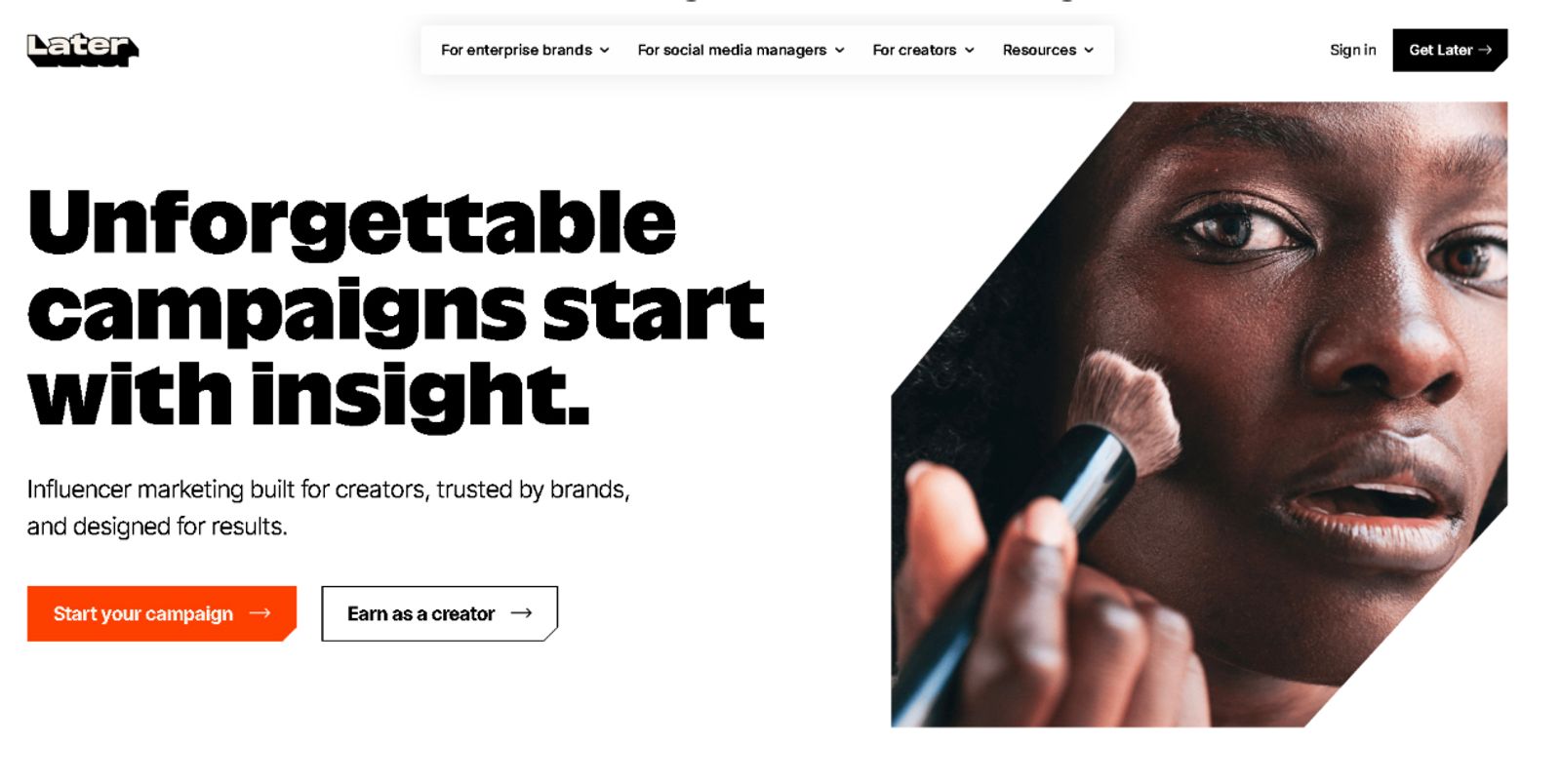
Best for: Creators, influencers, and brands that live and die by their visual aesthetic.
What it offers:
This platform provides a highly intuitive, drag-and-drop visual content calendar that makes organizing your feed a breeze. You’ll also find built-in tools for scheduling, a Link in Bio add-on to drive traffic, and AI-powered caption writing to keep your workflow moving quickly across platforms like Instagram, TikTok, and Pinterest.
Worth knowing:
This is definitely the strongest option if your strategy relies on heavy visual storytelling, though it can feel less robust if you need deep-level enterprise monitoring. Their plans start at $18.75/month for the Starter tier when billed annually (or $25/month monthly), scaling up to $82.50/month for larger teams.
4. Hootsuite: Best for Managing Many Accounts at Once
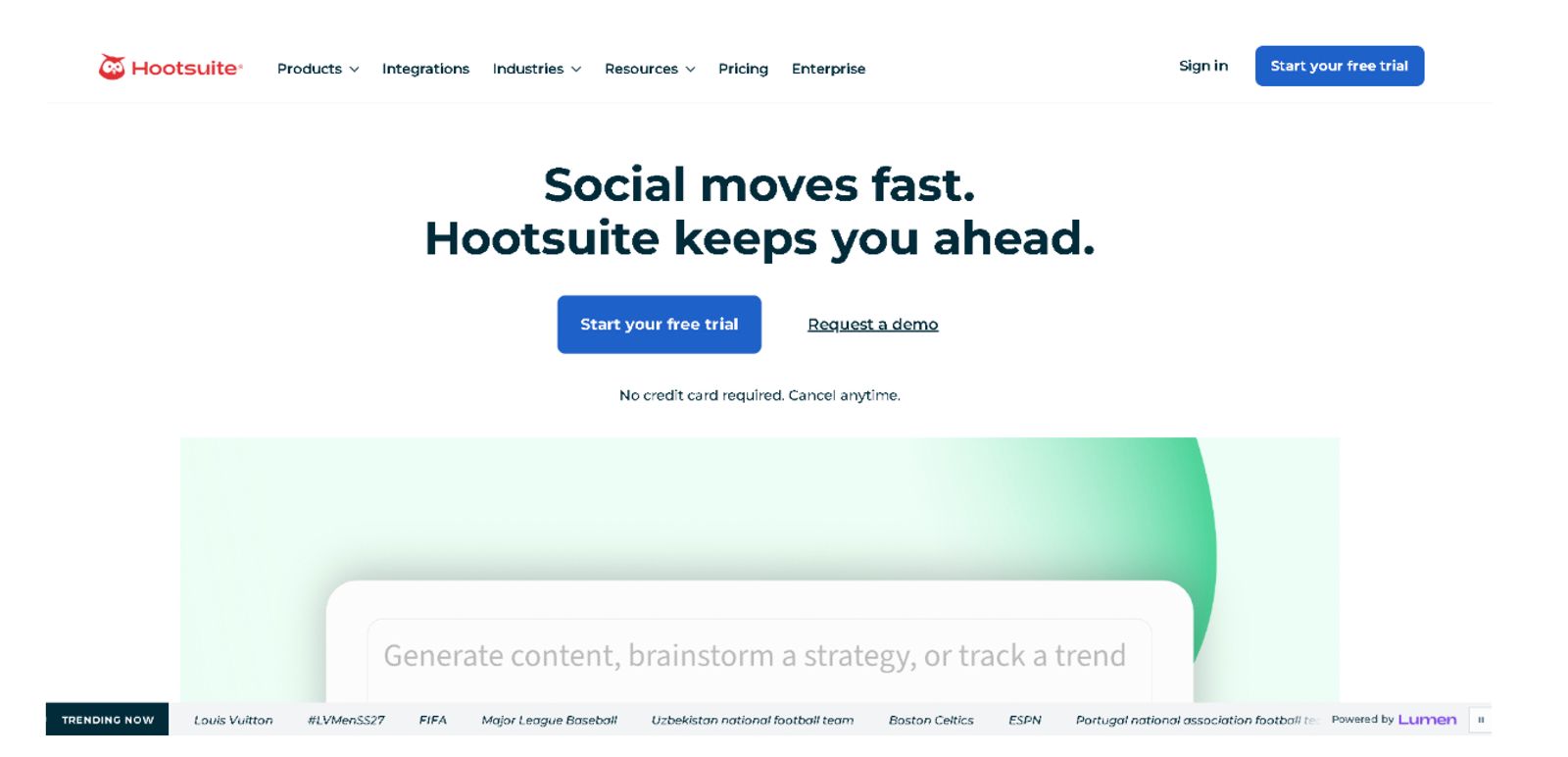
Best for: Larger teams and agencies juggling a high volume of profiles that require centralized, enterprise-grade control.
What it offers:
This powerhouse simplifies your entire operation through broad network support, robust monitoring streams, and comprehensive reporting. It’s designed for heavy lifting, offering everything from bulk scheduling and AI-assisted content creation to deep social listening and automated inbox routing across dozens of channels.
Worth knowing:
Because this tool is built for high-scale needs, the pricing, of course, reflects that enterprise power. Plans start at $99 per user/month for the Standard tier (up to 10 accounts) and scale to $199 per user/month for the Professional tier (unlimited accounts), reaching $399 per user/month for Advanced features. Keep in mind that per-user costs can climb quickly for smaller operations.
5. Sprout Social: Best for Analytics and Team Workflows
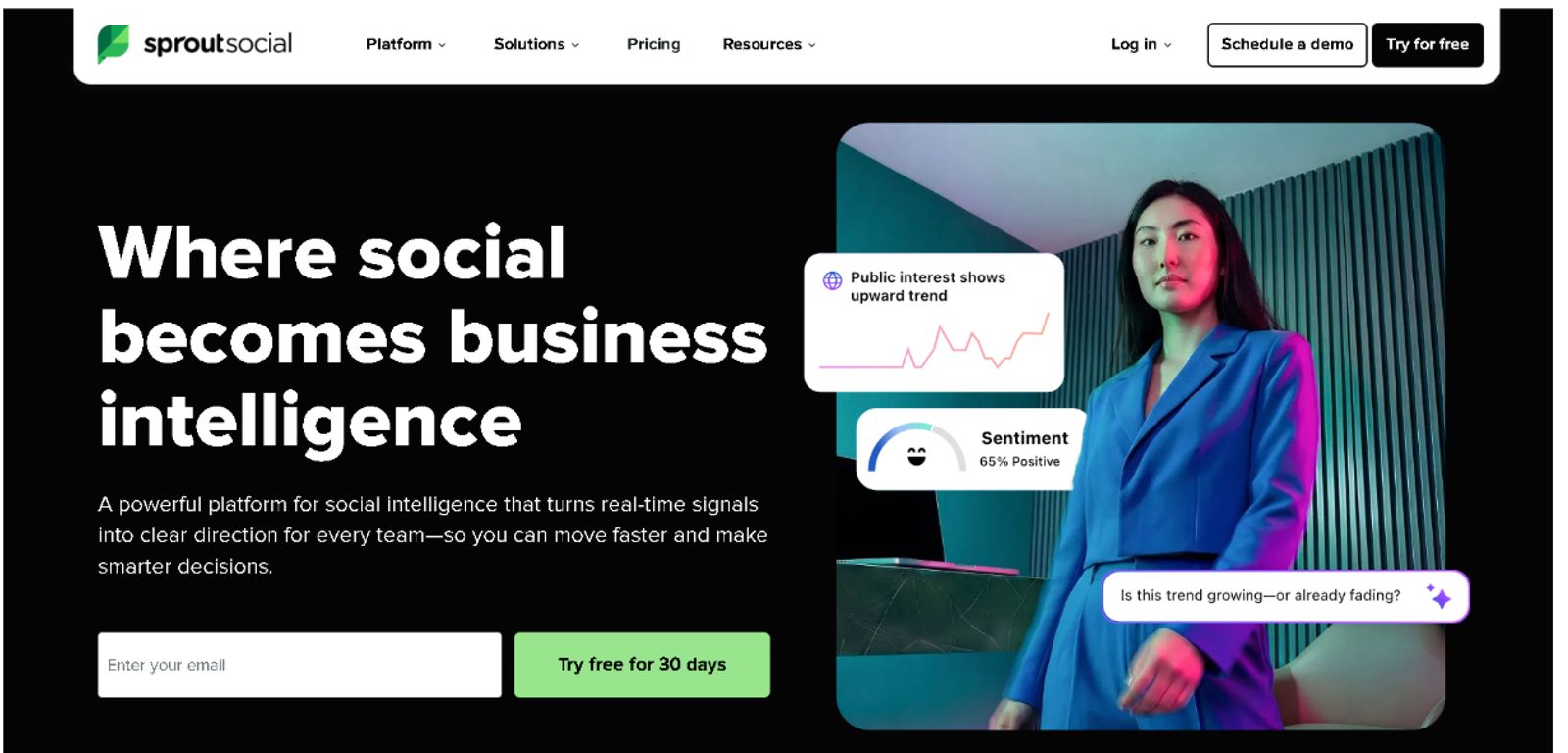
Best for: Businesses and growing agencies that require deep, data-driven reporting and seamless collaboration across cross-functional teams.
What it offers:
It’s a sophisticated toolkit featuring advanced analytics, a unified smart inbox, and complex approval workflows to ensure every post is vetted. The tool stands out by providing high-level sentiment analysis and team productivity reporting, which help you turn raw social data into clear, actionable ROI.
Worth knowing:
This is a premium-tier option, so you’re paying for the robust data capabilities and enterprise-grade reliability. Monthly plans start at $249/seat for the Standard tier, $399/seat for the Professional tier, and $499/seat for the Advanced tier. If you choose annual billing, those rates drop to $199/seat, $299/seat, and $399/seat, respectively.
6. Metricool: Best for Analytics on a Budget
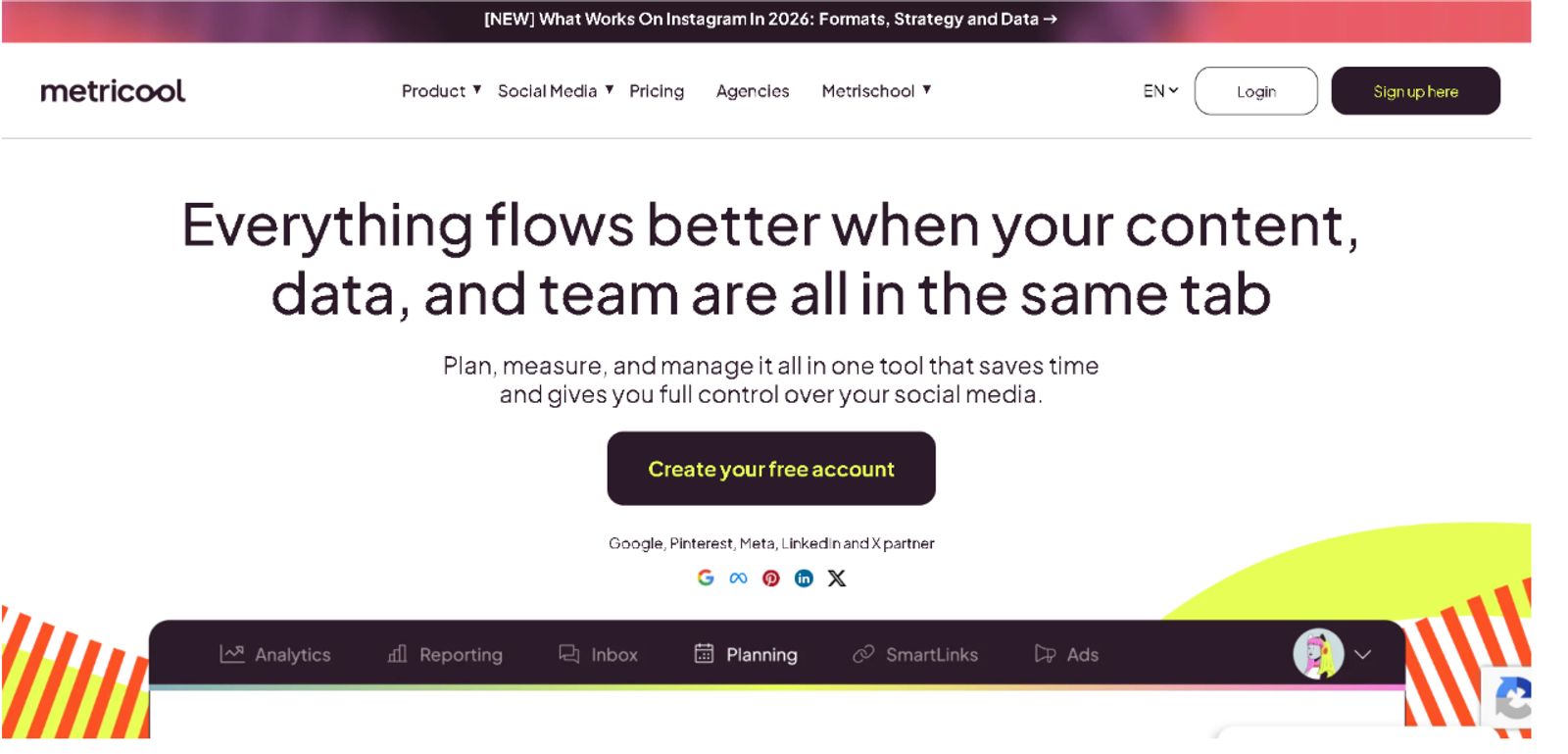
Best for: Creators and small teams who need professional-grade reporting and competitor intelligence without the enterprise-level price tag.
What it offers:
This tool bundles cross-platform scheduling with detailed performance analytics, ad management, and hashtag tracking. You can monitor your own growth alongside your competitors' progress, all while using their smart calendar to identify your specific “best times to post.”
Worth knowing:
It’s one of the most cost-effective ways to get deep insights, but check their platform coverage to see if your specific accounts are fully supported before committing. Pricing starts with a free plan. Paid plans start from $20/month for the Starter tier and $53/month for the Advanced tier when billed annually, or $25/month and $67/month respectively when billed monthly.
7. Agorapulse: Best for Engagement and Client Management
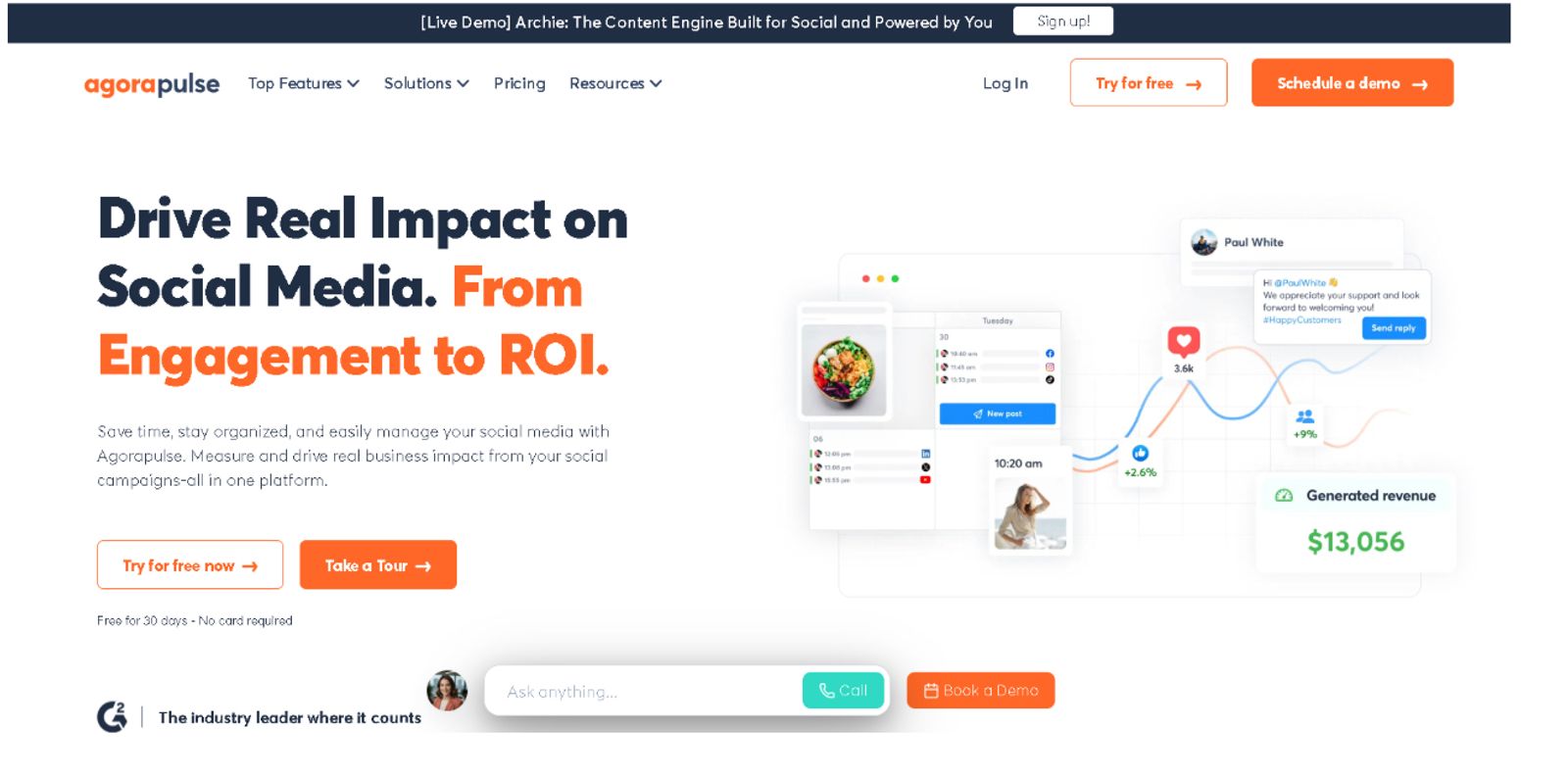
Best for: Teams that prioritize high-touch client communication and need a reliable, structured way to handle feedback and reporting.
What it offers:
You’ll gain access to a highly organized social inbox, straightforward scheduling, and professional-grade client reports. It simplifies the chaos of multiple channels by grouping your messages and comments into one place, making it easy to assign tasks and keep your team in sync.
Worth knowing:
Since their pricing model is based on a per-user and per-profile structure, your monthly bill will shift based on how many people need access and how many accounts you’re juggling. Prices start at $79/user/month for the Standard tier and reach $149/user/month for the Advanced plan, with annual billing options available to save on costs.
The right choice for you comes down to what you do most. So you want to pick a tool based on whether you spend your day focused on scheduling, diving into analytics, or handling heavy engagement.
Consider also how many accounts you manage and how large your team is, as those factors will drive both the best fit and the final cost of your software.
FAQ

What are the best social media management tools?
The best tools for managing social media depend on your specific needs, but platforms like Julip are leading the way by helping you convert followers into booked clients through an integrated portfolio and service menu. For ongoing content distribution and analytics, you can pair that client-facing hub with reliable options like Buffer, Later, Sprout Social, or Hootsuite. Overall, the best media management software is the one that aligns with your daily workflow, account volume, and team size.
What is the best social media management software for small teams?
Smaller teams usually see the best results with affordable, focused tools, which allow you to stay organized without the steep learning curve or high price tag of enterprise-level platforms. As your account volume grows or your reporting needs become more complex, you can transition to more robust software.
Do social media management tools help you get clients?
Not directly. They help you publish and measure content, but converting that audience into booked clients needs a client-facing page like a website-in-bio. Many social media managers pair a scheduler with a tool like Julip for exactly this.
How much do social media management tools cost?
Pricing for these tools varies widely based on the features, number of social accounts, and the size of your team, typically ranging from entry-level plans at $6–$30 per month to enterprise-grade solutions that run into hundreds of dollars per user.
Conclusion
The best social media management tool is ultimately the one that fits how you work, not just the one with the most bells and whistles. Once your content is running smoothly, your next big win is turning that audience into paying clients.
Ready to bridge that gap?
Try Julip free for 14 days, no credit card required, and give your followers a clear, professional way to book you today!