The fastest way to add 'Build a Website in a Day' to your services

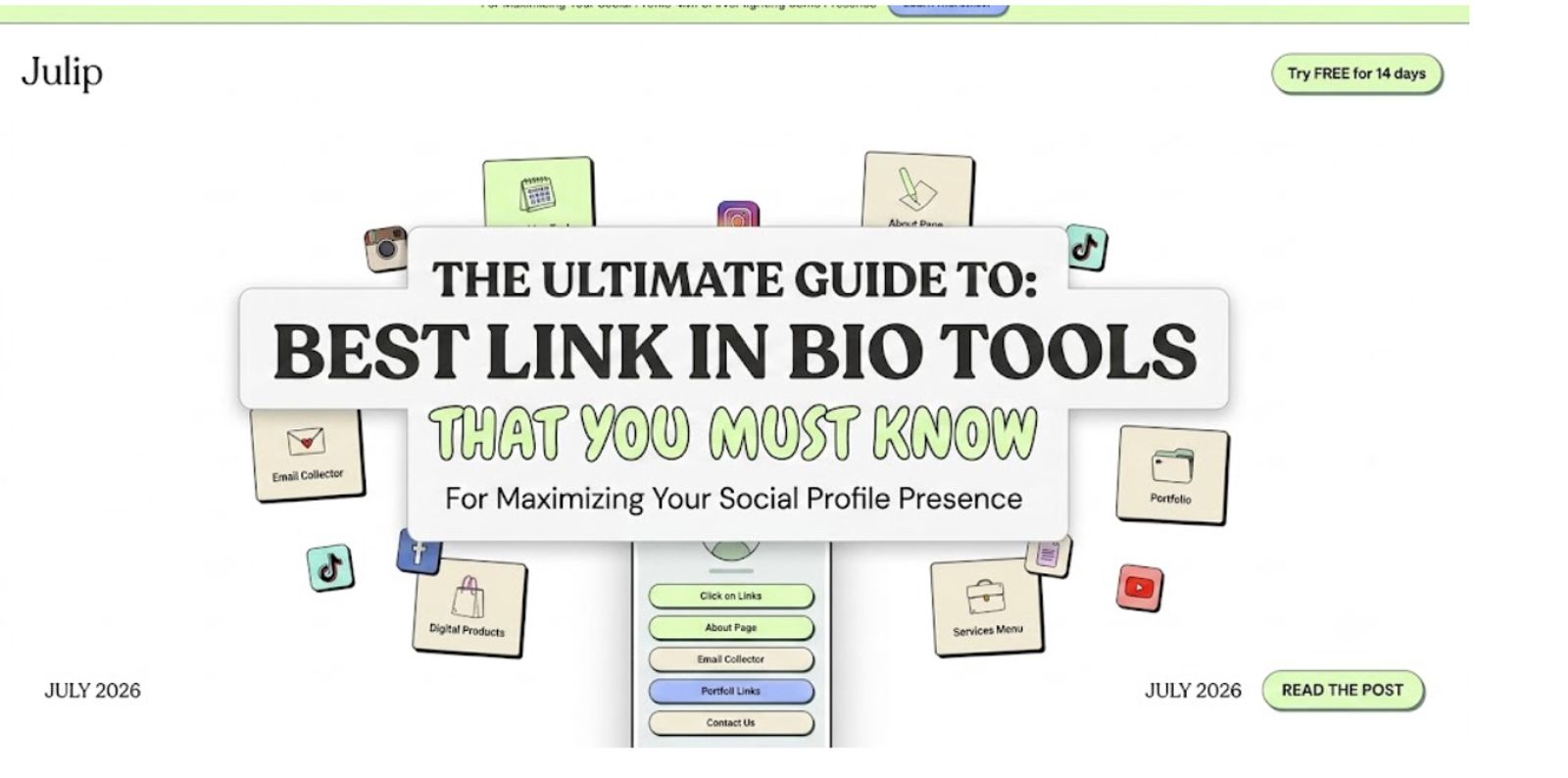
Top link in bio platforms, reviewed: We rank the best bio link tools, including Julip and Linktree, on ease of use, mobile layout, monetization features, and monthly pricing.
Kill the friction for your followers: Links that dump people onto a slow, messy, or confusing page lose you clients, because nobody digs through a wall of identical buttons to find one resource.
The features that actually matter: A real social media business needs booking built in, a digital storefront, and 0% platform fees on downloads so the revenue stays yours.
You're scrolling. A post stops your thumb mid-swipe. The caption ends with three little words: link in bio. So you tap over to the profile, ready to buy, book, or read the thing, and you hit a wall of twenty identical buttons, or a sliver of clickable text you have to squint to find. The trail goes cold.
And if you are the creator, you know the other side of this pain all too well. You have a dozen things worth sharing and exactly one clickable slot to share them in. Every follower who gives up hunting for your latest project is a click you never get back.
Here is the good news: fixing this is easy. This guide covers what a link in bio actually is, how to find one on any app, and the best link in bio tools for turning that single line of text into a proper home for your business.
The good news is that handling this doesn't have to be difficult. This guide will walk you through the definition of a link in bio, how to locate it easily on every social media app, and the finest link in bio tools available to transform that single text block into an amazingly useful home for your business.
What Does "Link in Bio" Mean?
A link in bio is the single clickable URL that lives in a social media profile's bio or about section. Because big platforms block working links inside normal post captions, creators use the phrase to send followers to their profile, where one clickable link is allowed. When a caption says a resource is "at the link in bio," that profile link is where the article, product, or video lives.
The reason this workaround exists is simple: apps like Instagram and TikTok want to keep you inside their walls, not send you off to the open web. You cannot drop a live URL into an Instagram caption, so your profile becomes the one exit door. To avoid swapping out that URL every single time they post, most creators run a dedicated tool that turns one web address into a launchpad for many.
How to Find Someone's Link in Bio?
Finding a link in bio takes just a single tap once you know where to look on each platform. To find a link in bio on any major app, navigate directly to the user's primary profile page and look immediately below their description text. You should always check the layout if an app modifies it because mobile interfaces are always changing.
- Instagram: Tap the username or profile photo above a post to reach the main page, then look for the clickable text sitting right under the bio.
- TikTok: Tap the creator's handle to open their profile. The link sits next to the follower count, just beneath the bio.
- YouTube: Head to the channel page and check the About tab or the space under the banner art.
- X / Twitter: Look for the website field just below the user's location and bio on their profile.
It's possible that the account owner hasn't included a link yet if you visit a profile and can't locate one anywhere. Additionally, some platforms limit link rights until an account upgrades to a business profile or reaches a certain number of followers.
What Makes A Good Link in Bio?
A truly effective profile page does far more than just exist; it instantly sends people exactly where they want to go. The absolute best tools ensure that your visitors find what they came for in one or two quick taps rather than forcing them to scroll through a massive wall of indistinguishable rectangles.
- It looks like your personal brand: Customized color palettes, matching typography, and a clear profile photo make your page feel deeply trustworthy and on-brand instead of looking like a generic template.
- It functions as a multi-purpose hub: A strong profile page elegantly showcases your latest portfolio work, highlights active offers, and provides an immediate way to buy or book without sending people away.
- It prioritizes a mobile-first experience: Almost every single click will come from someone browsing on a smartphone, meaning legible text, ultra-fast loading speeds, and tap-friendly layouts matter more than anything else.Crevio
- It remains incredibly easy to update: Your content changes constantly, so editing your layout, hiding old promotions, and adding new links should take you a matter of seconds without forcing you to touch code.
If you cannot find a link anywhere, the account may simply not have added one yet. Some platforms also lock link access until you switch to a business profile or clear a follower threshold.
Best Link in Bio Tools
Choosing the right software comes down to what you want your traffic to do once it lands. Here is how the top platforms stack up for creators and businesses.
Julip
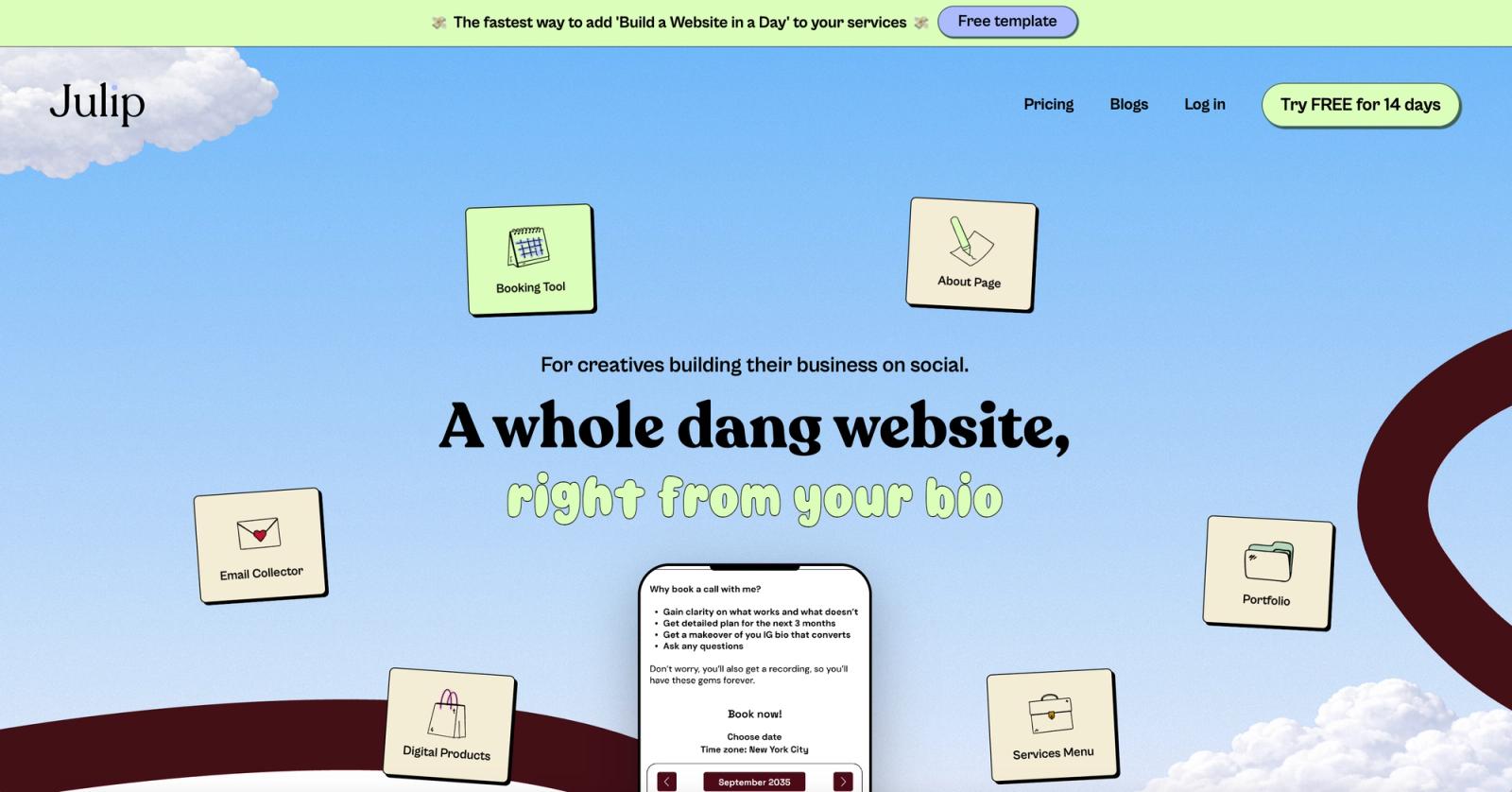
- Best for: Creators, freelancers, and service providers who want a beautiful, functioning website in their bio rather than a basic list of buttons.
- What it offers: Julip lets you build a full visual storefront, showcase portfolio galleries, list your services, collect email subscribers, and embed scheduling links for free or paid consultation calls. You can sell digital downloads directly from your profile while Julip takes a 0% platform transaction fee from your sales, keeping your revenue entirely in your bank account without complex hosting or coding.
- Worth knowing: This is a premium tool built specifically for individuals who run an active business straight from social media, with pricing set at $19 per month billed annually alongside a 14-day free trial.
Linktree
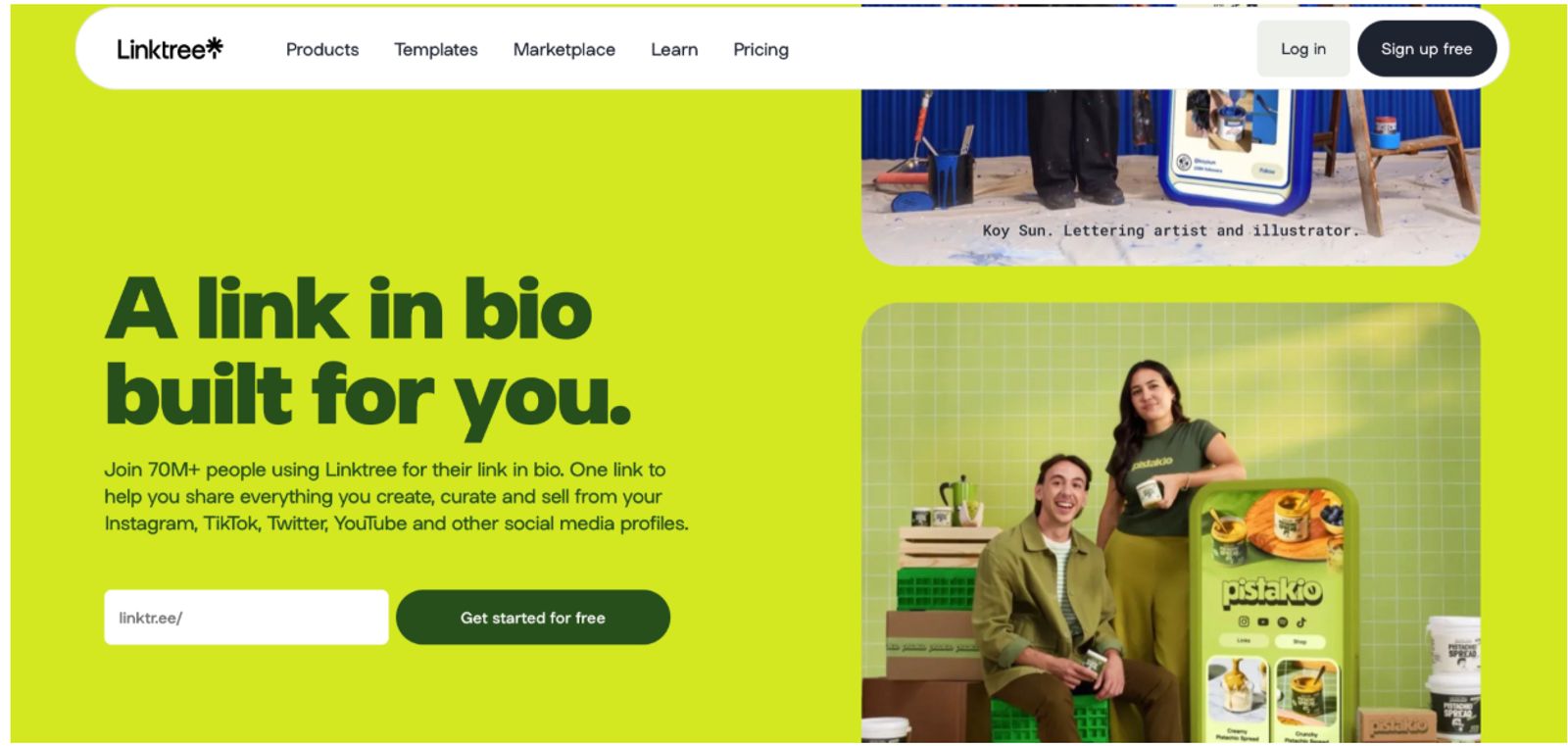
- Best for: Anyone who needs a highly recognizable, basic list of links set up in less than five minutes.
- What it offers: Linktree gives you a simple layout to stack web links vertically, offering a functional free tier alongside recognizable default themes.
- Worth knowing: The free tier charges a hefty 12% commission on your sales if you use their payment buttons, and you will need to upgrade to paid plans ranging from $8 to $35 per month to unlock deeper branding, advanced analytics, or lower fees.
Beacons
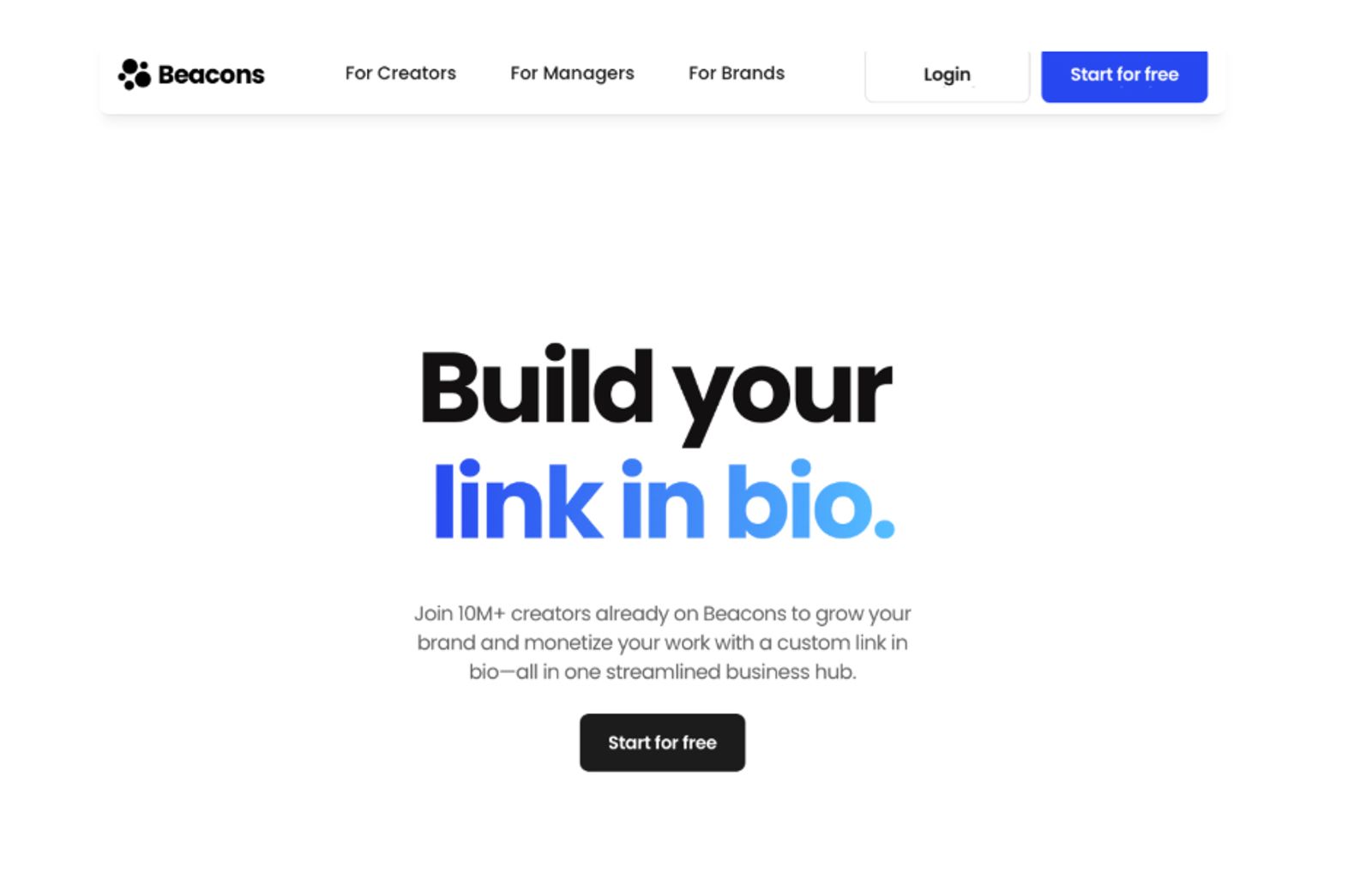
- Best for: Social media creators looking to monetize their content with diverse built-in apps.
- What it offers: Beacons provides a highly modular link page that includes custom digital stores, tipping jars, and automated media kits for brand collaborations.
- Worth knowing: The free tier imposes a 9% transaction fee on your sales, which makes upgrading to their $10 per month Pro plan or $30 per month Business plan necessary as your volume scales.
Stan Store
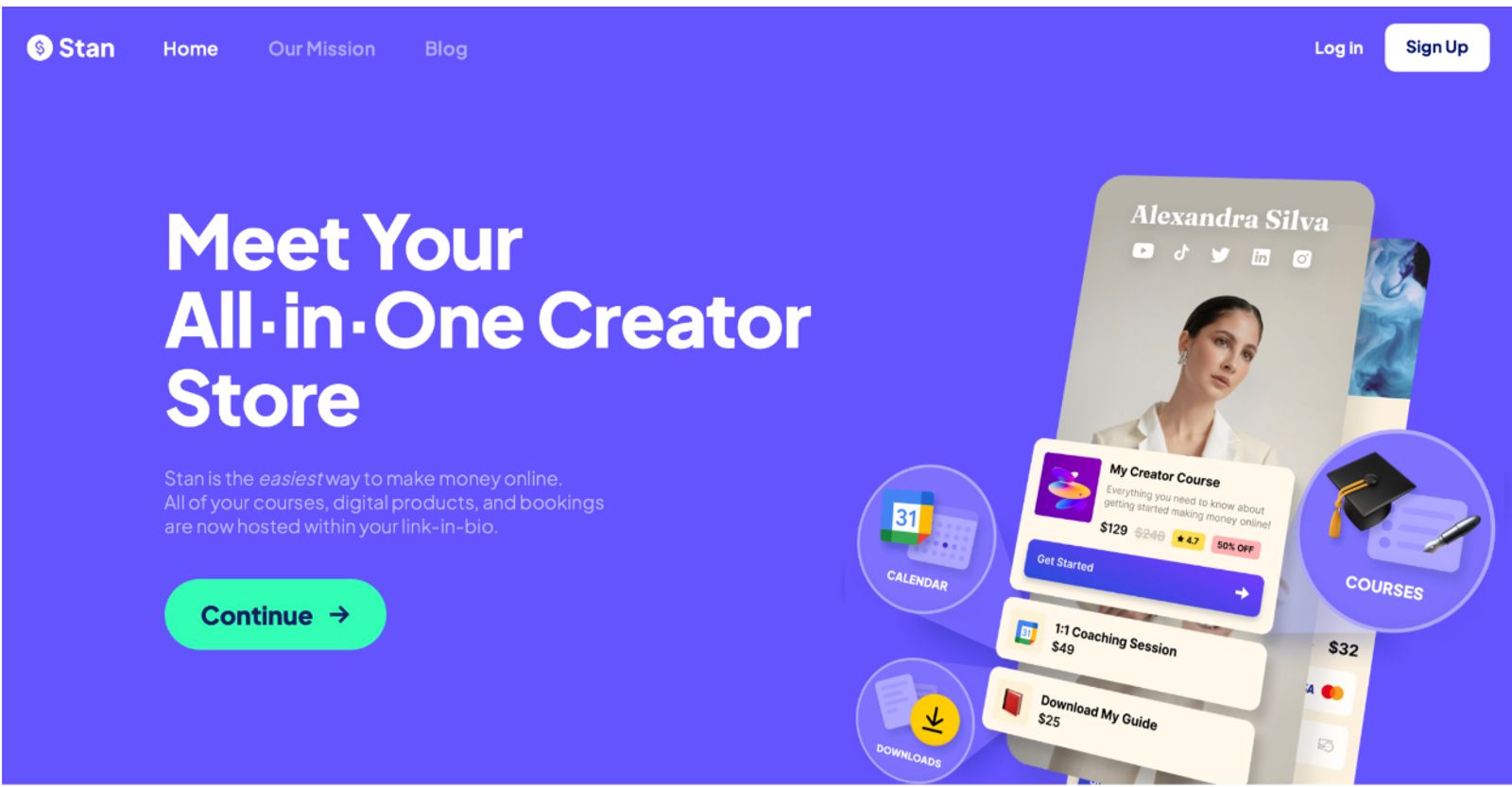
- Best for: High-volume content producers whose only goal is to offer digital goods and online courses with speedy checkout.
- What it offers: Stan Store prioritizes single-tap checkouts and operates as a mobile-optimized, high-converting digital storefront placed right into your profile link.
- Worth knowing: This tool does not have a free tier; the basic Creator tier costs $29 per month, while the Pro version costs $99 per month.
Tap.bio
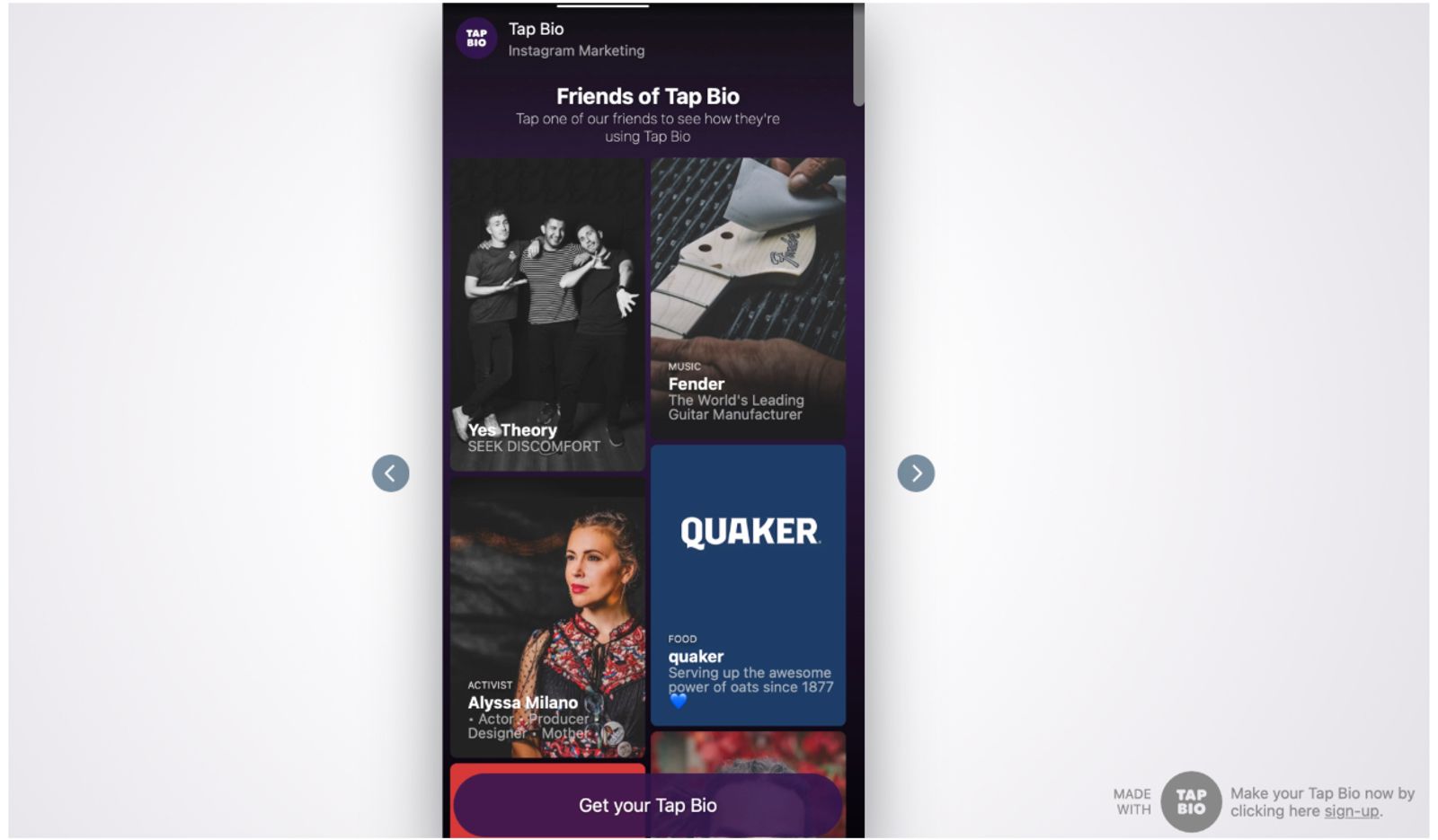
- Best for: Users who like a low-cost, slide-based design that resembles social media tales.
- What it offers: Users can flick horizontally through distinct pages of pictures, links, or YouTube embeds on Tap.bio thanks to its innovative swipeable card style.
- Worth knowing: The free plan restricts you to just a single functional card, while upgrading to their Silver or Gold plans costs between $5 and $12 per month to unlock extra cards and tracking pixels.
If you simply want to point people to a single external article, a basic free list tool works perfectly fine. However, if your goal is to sell products, book clients, or beautifully display your creative work, using a comprehensive website-in-bio platform is always the smarter choice.
How to Set up Your Link in Bio With Julip?
Transitioning your profile from a simple directory to an active business hub takes very little time. If you want your social traffic to convert into real revenue, a professional website-in-bio gives you a fully functional landing page in minutes.
Julip completely reimagines your profile link by turning it into a gorgeous visual website. You can manage client calendars, showcase your portfolio, market your services, and sell digital goods without charging platform costs, all without requiring followers to view clinical link lists. It allows you to have all the functionality of a bespoke website within your social media profile without requiring you to write code, buy a separate domain, or purchase hosting.
Setting up your page involves a few simple building blocks:
- An about section: A succinct introduction that lets new visitors know who you are and what you do right away.
- Your main services: Your creative offers, package specifications, and upfront pricing structure should all be clearly broken down.
- A live scheduling link: An integrated calendar for arranging paid consultation calls or free discovery sessions.Julip
- Digital product displays: A tidy checkout section with Stripe integration for the sale of ebooks, manuals, or design assets.
- An email capture form: A simple way to sign up for a newsletter or send out freebies to followers.
Because the system requires absolutely no technical background, most creators have their full page live and linked in their profile in under an hour. You can see how real creators structure their businesses by exploring live setups like Sir Andamanchez or Its Maela M. The initial 14-day trial is completely free and requires no credit card to get started.
FAQs
What does link in bio mean?
It refers to the one clickable link that appears in a social media profile's primary description. Creators use this phrase to direct followers to their main profile page, where a clickable address is allowed, because networks like Instagram and TikTok prohibit functional links inside ordinary post descriptions.
How do I find the link in bio?
Tap the user's username or avatar to access their profile page, then look directly beneath the text of their bio description. The clickable URL is always on the main profile page, albeit the exact location varies slightly depending on whether you use an Android or iPhone.
Are link in bio tools free?
Many popular options provide a basic free tier for stacking simple links, though they often take a percentage of your sales or restrict custom design options. Advanced tools that operate as a complete digital storefront or custom website usually require a monthly subscription.
What is the best link in bio tools?
Your professional objectives will determine the best tool for you. If you only need to lead followers to one external item, a straightforward, free link list is ideal, but if you need to display a portfolio, schedule clients, or offer digital downloads, a feature-rich website-in-bio platform like Julip is far better.
Conclusion
The term "link in bio" was first used as a straightforward workaround for social media algorithms that were too restricted, but with the correct software, you can transform that one space into a true home for your online business. You can provide your community with a lovely, unified area that represents your true worth rather than directing them to a cold list of buttons.
Choose your platform based on what you need your traffic to achieve. If you are ready to transform your profile link into a real website today, head over to Julip and start your 14-day free trial without entering a credit card.