The fastest way to add 'Build a Website in a Day' to your services

- Design Pain Points: Why standard web templates often clash with custom visual layouts.
- Core Criteria: The five specific structural needs required for a highly functional creative portfolio.
- Builder Rankings: A deep look at the leading digital builders categorized by their functional strengths.
- Comparison Engine: A side-by-side table evaluating features, scheduling tools, and active platform fees.
- Conversion Tactics: Practical industry advice to transform web traffic into high-value design retainers.
Your work is deeply visual, which means your site is judged as a major sample of your craft before a client reads a single word. Yet, most talented graphic designers remain trapped using basic Behance links, heavy portfolio PDFs, or rigid website templates that constantly fight their custom layouts. The cruel irony is that a designer displaying a weak or clunky website signals the exact opposite of the premium creative skills they are actively selling. Meanwhile, potential clients land on your page from Instagram or a warm referral, spot a generic layout, and immediately click away.
This guide systematically ranks the best website builders for graphic designers based on what actually impacts your freelance business. We review image rendering quality, integrated booking tools, client enquiry pipelines, digital asset sales capability, setup speeds, and baseline software pricing. You will find actionable analysis designed to help you find the best website builder for graphic designers. We also review specialized tools to highlight the best website builders for designers who need full spatial layout control. Our top-recommended platform provides a gorgeous visual portfolio that also schedules calls and sells digital assets without taking a percentage of your income.
What to Look for in a Website Builder for Graphic Designers
Evaluating a digital building platform requires looking past basic text boxes to focus on layout infrastructure that highlights custom visual artwork.
- High-quality visual portfolio: The tool must render crisp, high-resolution galleries that display layout designs perfectly across mobile and desktop screens without forcing users past an annoying login wall.
- Built-in booking and enquiry: You need to capture client discovery calls and project briefs directly on the page without paying extra to bolt on an external scheduling tool.
- Sell services and digital products: The software should allow you to sell design assets, typography files, Lightroom presets, and layout templates with zero platform transaction fees.
- Design control that stays on-brand: The building environment must support your specific hex codes, unique font pairings, and exact spacing choices rather than locking you into a corporate layout.
- Fast, no-code setup: The system should launch your portfolio link in minutes so you can spend your valuable hours billing clients for actual design work instead of coding.
The Best Website Builders for Graphic Designers
The following platforms are ranked by how effectively they serve specific creative stages, business operations models, and visual layout needs.
1. Julip: Best overall website builder for graphic designers
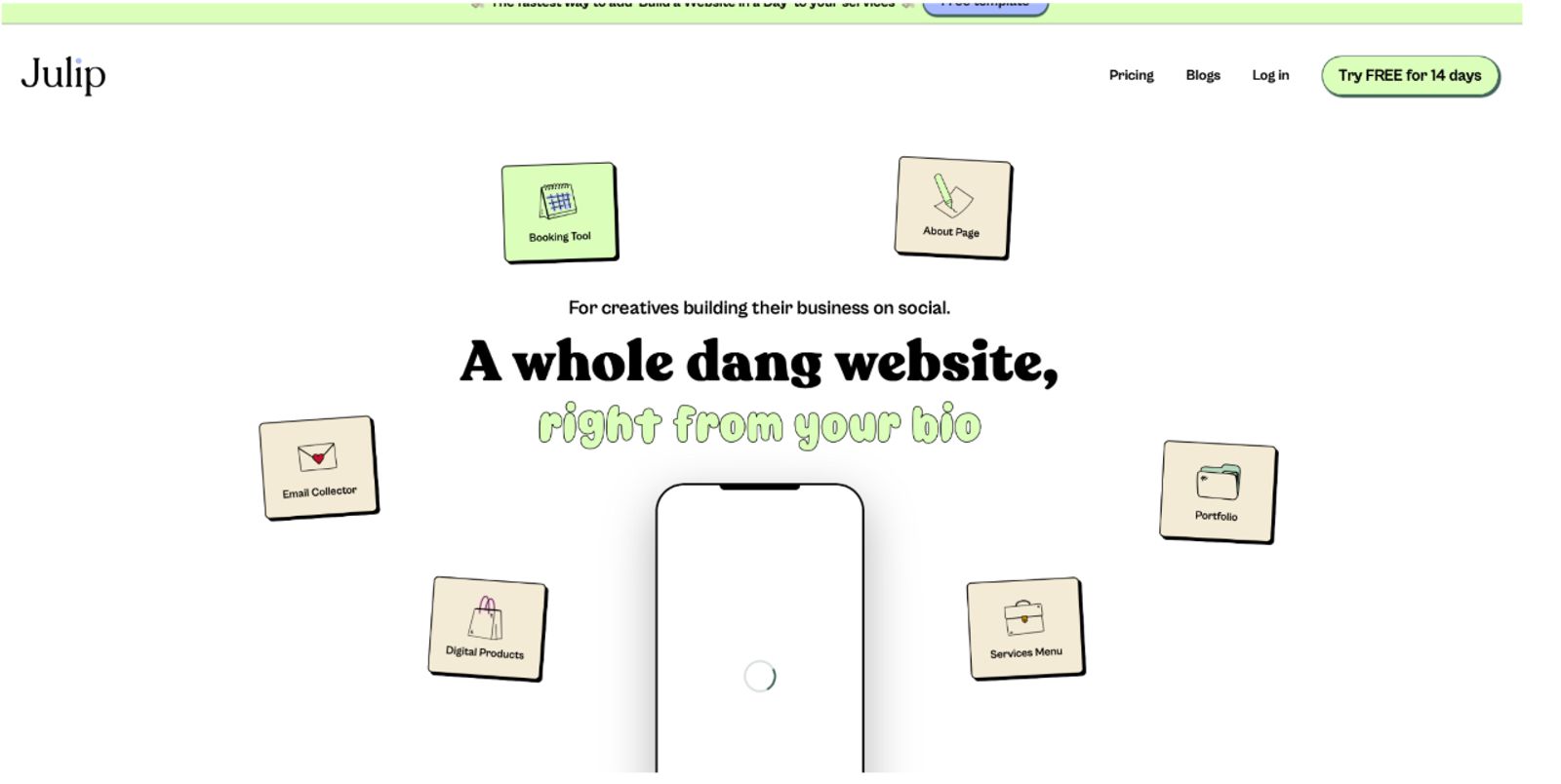
Julip is the premier all-in-one building selection for freelance graphic designers who need their online portfolio to actively win new business. The platform approaches web building with an aggressive focus on clean presentation, high conversion rates, and zero technical bloat. It uniquely combines high-end image galleries, a professional services menu, automated scheduling blocks, and digital file delivery tools into a single link. This framework completely eliminates the need to pay for distinct portfolio tools, standalone calendar widgets, and checkout extensions.
- Image-first portfolio display: Visual layout grids built to exhibit branding assets, digital packaging, and typography projects clearly.
- 0% transaction fees: Allows you to retain every dollar earned from direct font downloads, design assets, and template kits.
- Built-in client scheduler: Connects direct booking calendars directly to your custom landing page to convert visitors during their initial visit.
- Flexible services menu: Displays project tiers, pricing packages, and engagement criteria clearly to filter out low-budget leads.
- Mobile-centric optimization: Renders beautifully across mobile feeds, making it the perfect destination for traffic clicking through from Instagram bios.
- Instant visual customization: Allows you to control color schemes, background textures, and typography layouts with zero coding knowledge.
- Pros: Charges zero platform transaction fees, consolidates your entire tech stack into one affordable $19 monthly tier, sets up within minutes, and provides a 14-day free trial.
- Cons: Built intentionally as a high-converting single-page bio site rather than a deep multi-page corporate layout with blog archives.
- Pricing: Full pro access costs a flat $19 per month, which unlocks all portfolio modules, checkouts, and scheduling features with no hidden fees.
- Best for: Freelance graphic designers, brand strategists, and visual artists who want a high-end portfolio that books clients directly from social bios.
2. Squarespace: Best for a polished standalone portfolio site
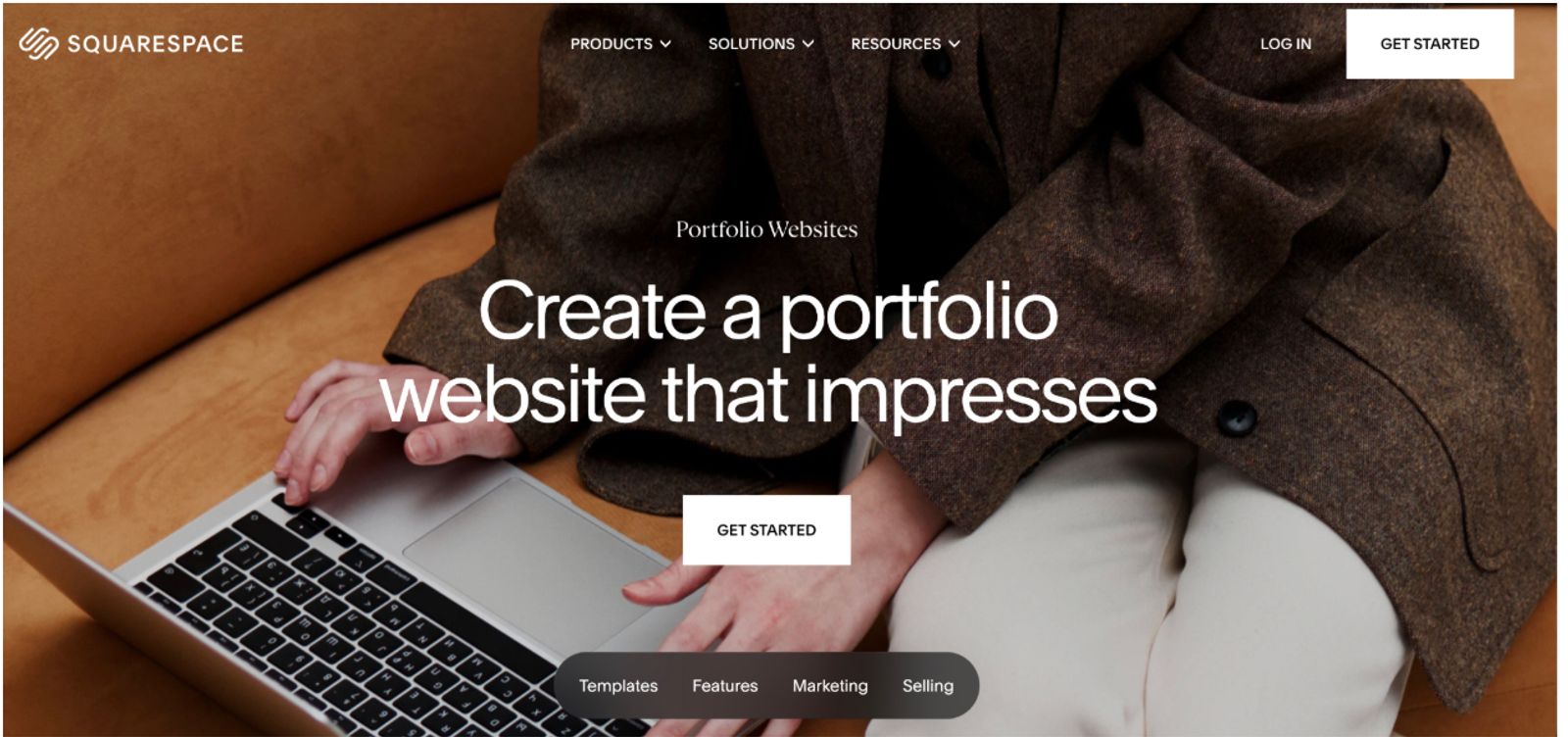
Squarespace is highly regarded among creative industries for its clean, award-winning templates and presentation styles. The drag-and-drop fluid engine allows designers to construct multi-page websites featuring large image spreads, integrated blogs, and basic store capabilities. It acts as a great mid-tier option for designers who want a traditional desktop portfolio site with minimal backend maintenance.
- Pros: Highly aesthetic baseline templates, excellent high-resolution image rendering across layouts, accessible multi-page architecture.
- Cons: Standard plans require you to purchase and bolt on separate scheduling tools, setup takes hours, and lower plans carry a transaction fee.
- Pricing: Personal plans start at $16 per month billed annually, but unlocking basic store features requires the $23 per month Core plan.
- Best for: Established independent designers who want to build a traditional, multi-page web presence with large case studies.
3. Webflow: Best for designers who want total custom control
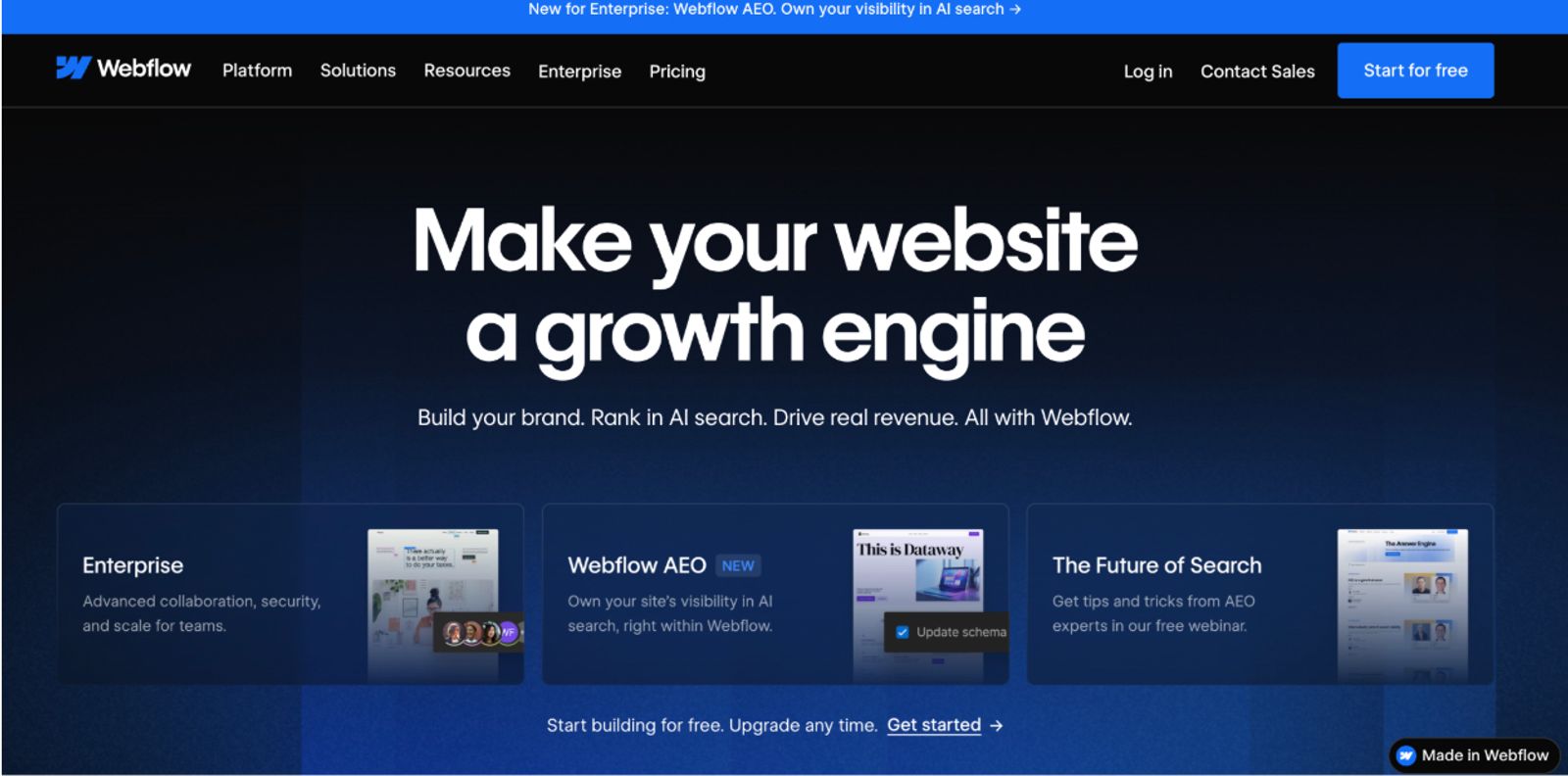
Webflow gives advanced graphic designers absolute pixel-level authority over their custom website builds. The software operates as a visual interface for complex front-end HTML, CSS, and JavaScript coding, letting you build custom web animations and intricate spatial layouts. It includes a powerful built-in content management system (CMS) that can organize complex databases of past projects.
- Pros: Complete spatial design freedom, high-end motion animation support, professional CMS data structures.
- Cons: Massive technical learning curve, requires a deep understanding of code structure, software subscription costs stack up quickly.
- Pricing: The core hosting tier starts at $15 per month billed annually, but adding advanced CMS portfolio archives increases the cost to $25 per month.
- Best for: Highly technical UI/UX designers and advanced creators who want to build complex, highly animated desktop portfolio sites.
4. Wix: Best for flexible drag-and-drop design
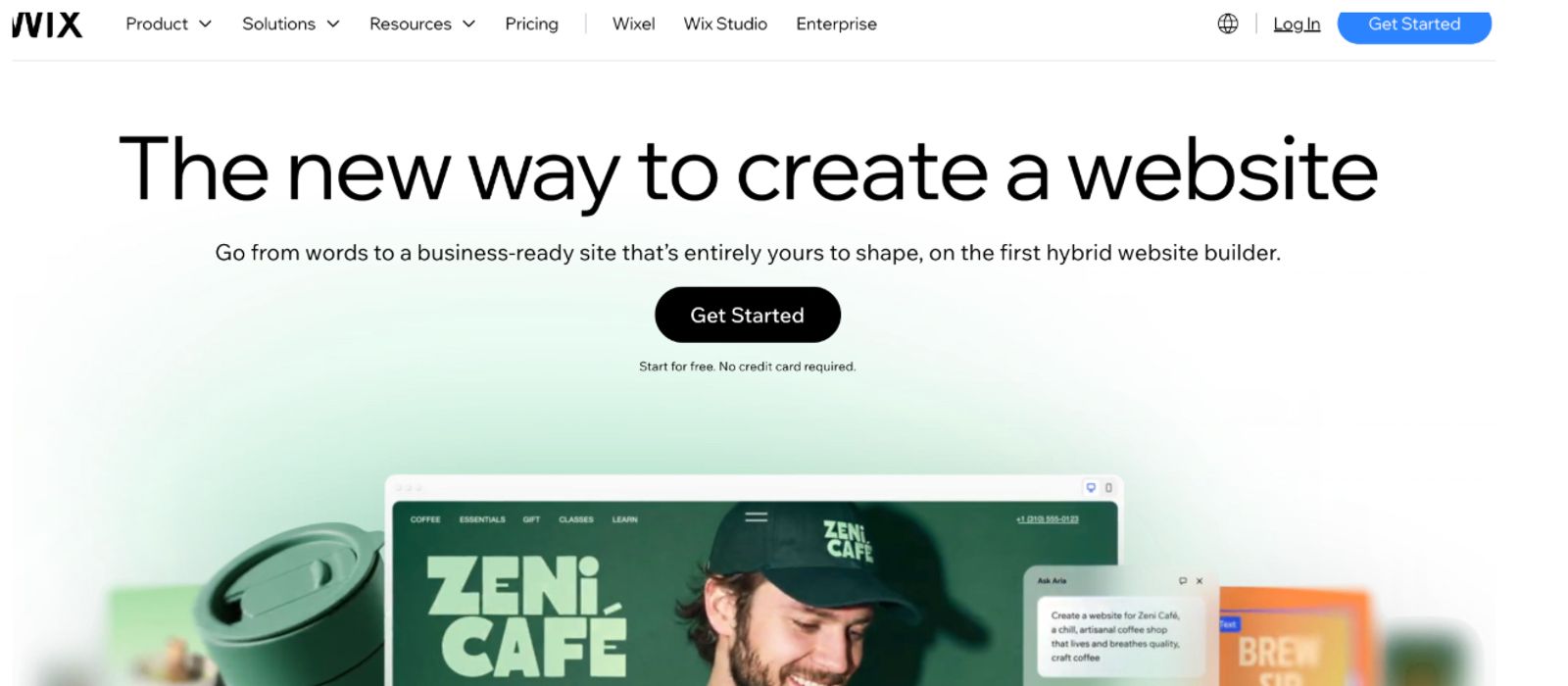
Wix provides an unstructured, open visual canvas that allows you to drag image blocks, vector graphics, and text boxes anywhere on a page. The system features a massive template library alongside an extensive marketplace of app add-ons to enhance your site's functionality. It provides an excellent sandbox environment for early-stage designers who want to experiment with different page layouts.
- Pros: Total freedom to move elements anywhere on the screen, accessible built-in search engine optimization features, massive app options.
- Cons: The raw editing canvas can easily break on mobile screens if not designed carefully; the free tier displays heavy corporate branding.
- Pricing: The baseline Light plan costs $17 per month billed annually, while unlocking advanced booking and e-commerce tools requires the $29 per month Core plan.
- Best for: General graphic designers looking for an open drag-and-drop canvas to build a simple personal website.
5. Adobe Portfolio: Best for existing Creative Cloud subscribers
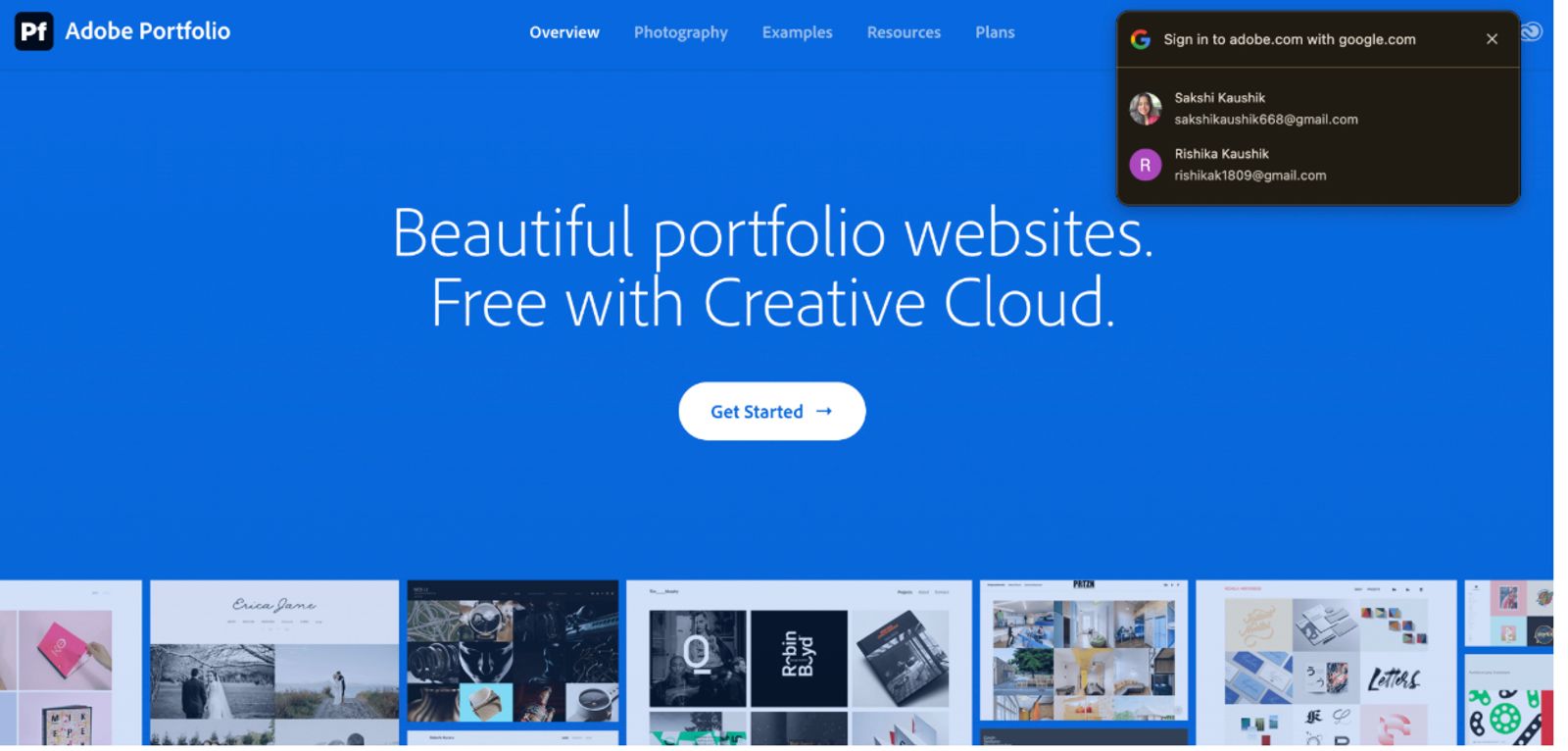
Adobe Portfolio allows visual creators to build simple, clean online galleries that sync directly with their active Behance profiles. The software is included at no additional cost within any paid Adobe Creative Cloud subscription plan. It offers a fast way to get a series of curated project grids live online without investing in a new website subscription.
- Pros: Completely free if you already pay for Adobe design apps, quick automated importing from Behance profiles, clean image presentation.
- Cons: Extremely limited design layouts, offers no native client scheduling capabilities, lacks professional e-commerce store features.
- Pricing: Included for $0 alongside any Creative Cloud plan, which starts at $11.99 per month for a single app plan or $59.99 per month for the full suite.
- Best for: Design students and active Adobe users who need to publish a clean, simple project gallery quickly without added overhead costs.
6. Carrd: Best ultra-cheap one-page option
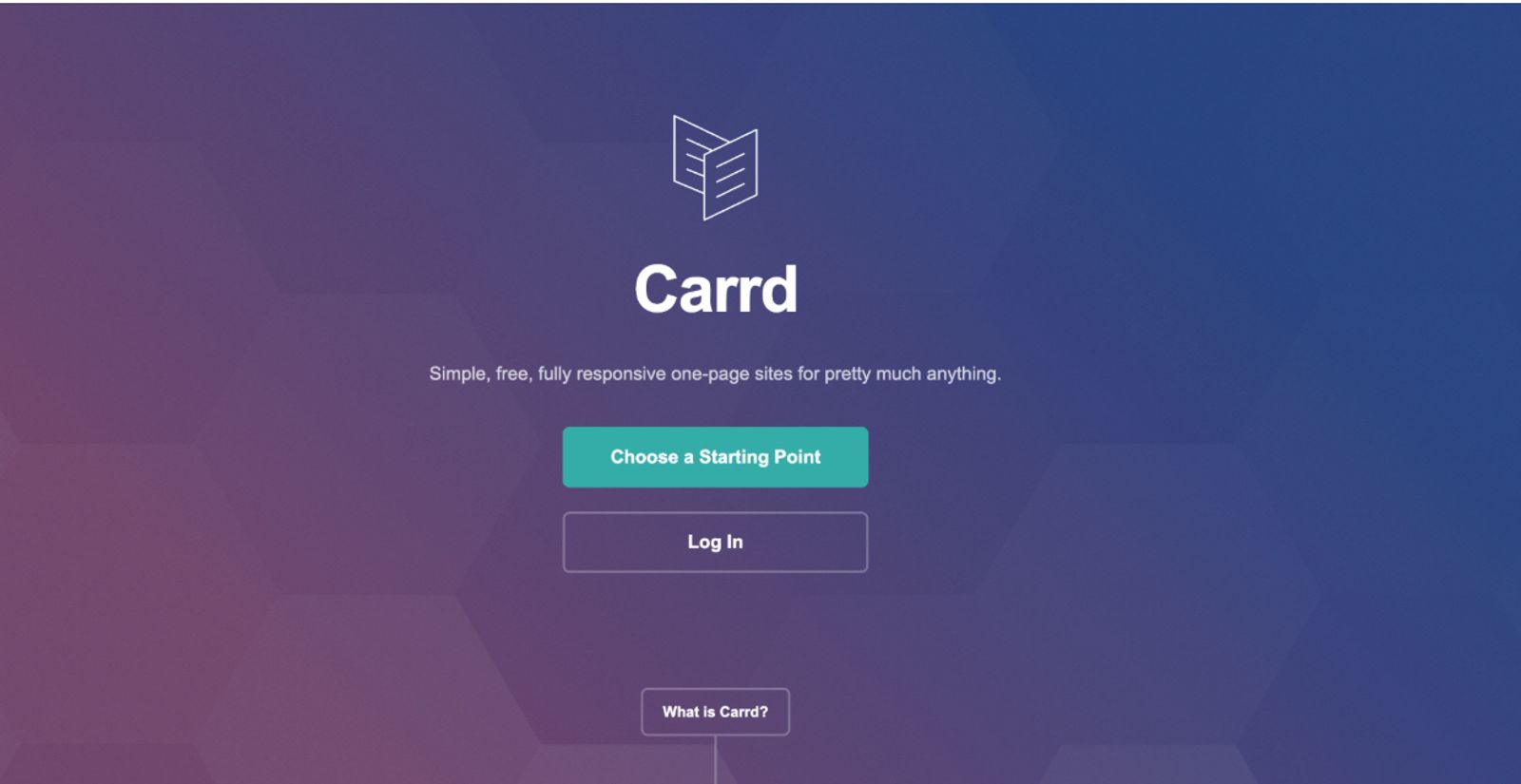
Carrd specializes in helping users deploy responsive, single-page landing pages with a clean design aesthetic at a very low cost. The builder is highly structured, making it easy to display simple imagery, short text paragraphs, and basic contact links. It serves as a great starting point for designers who only need a minimalist online business card.
- Pros: Incredibly affordable, highly lightweight code framework, simple interface that ensures your site looks modern out of the box.
- Cons: Offers no native client scheduling blocks, lacks built-in digital file delivery checkouts, limits advanced styling controls.
- Pricing: High-end custom domain plans start at roughly $19 per year, making it the most affordable entry-level tool on the market.
- Best for: Budget-conscious freelance designers who only require a basic, single-page web presence to list their contact info.
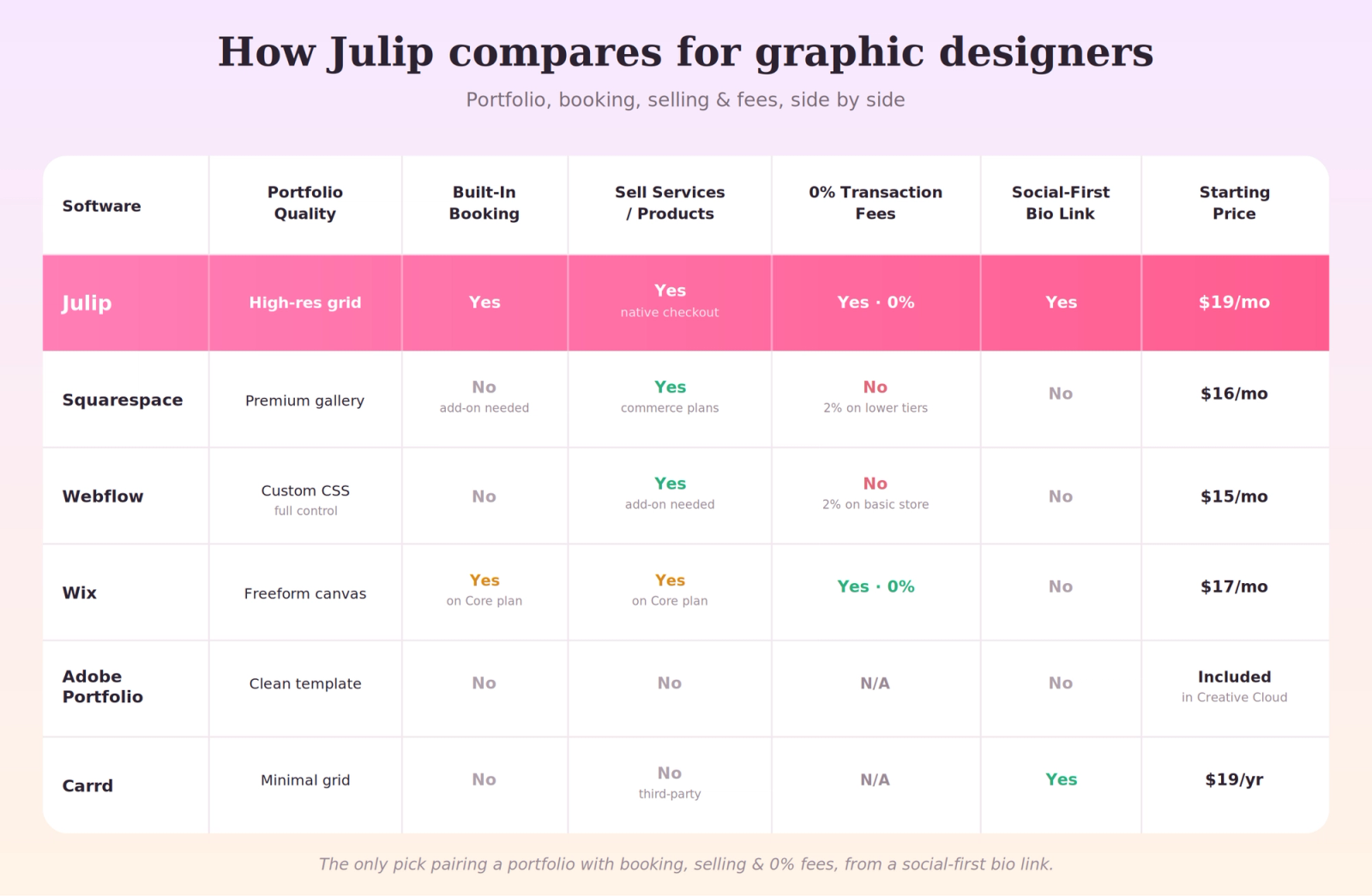
Website Builders for Graphic Designers Compared: Side-by-Side
Here is a look at how the top creative building tools compare across the specific business features that matter for client acquisition.
Portfolio Tips that Win Design Clients
Optimizing your website layout requires moving beyond basic image archiving to focus on layouts that build real commercial value.
- Lead with your best three projects: Avoid cluttering your site by displaying everything you have ever designed; select three exceptional case studies to highlight your core expertise.
- Clearly detail the project brief: Explain the underlying strategic problem you solved rather than just posting images, as business context is what sells creative work.
- Prioritize mobile performance: Ensure your page loads instantly and scales correctly on mobile, as most creative directors look at portfolios on their phones.
- Make booking completely seamless: Place a direct, highly visible scheduling module on your page so clients can book a discovery call without sending an email.
- Treat your site as a design piece: Focus heavily on the spacing, alignment, and polish of your own site, as it functions as your very first creative sample.
FAQ
What is the best website builder for graphic designers?
Julip stands out as the best choice for freelance graphic designers who want a clean visual portfolio that handles client booking and digital asset sales with 0% transaction fees. For designers who need massive multi-page sites, Squarespace or Webflow offer excellent alternatives.
What is the best website builder for designers?
The right builder depends entirely on whether you want a quick all-in-one bio site to convert clients or an advanced desktop layout. Julip excels at driving fast client bookings from social bios, while Webflow gives advanced designers complete code-level design control.
Do graphic designers need a website?
Yes, a dedicated website serves as a live presentation of your creative skills and is the primary destination where prospective clients review your background, check your pricing packages, and hire your services.
Is there a free website builder for graphic designers?
Wix offers a free plan featuring corporate ad banners, while Adobe Portfolio is included for $0 alongside any active Creative Cloud plan. Julip provides a 14-day free trial that gives you full access to their conversion tools without entering a credit card.
What should a graphic design portfolio include?
Your online portfolio should display your finest visual projects alongside the original business briefs and clear project outcomes. It must also include clear pricing tiers and an intuitive booking calendar to help prospects hire your team instantly.
Conclusion
The ideal building tool depends on your specific career goals and creative workflow. Webflow offers maximum flexibility for highly technical designers, Squarespace delivers polished multi-page styles, and Adobe Portfolio provides a quick way to launch simple galleries if you already pay for Creative Cloud. However, if you are a growth-focused designer who wants a beautiful portfolio that schedules client calls and sells design assets directly from your bio link with 0% platform fees, Julip is the strongest choice. You can start building your page today with a 14-day free trial requiring no credit card details.