The fastest way to add 'Build a Website in a Day' to your services

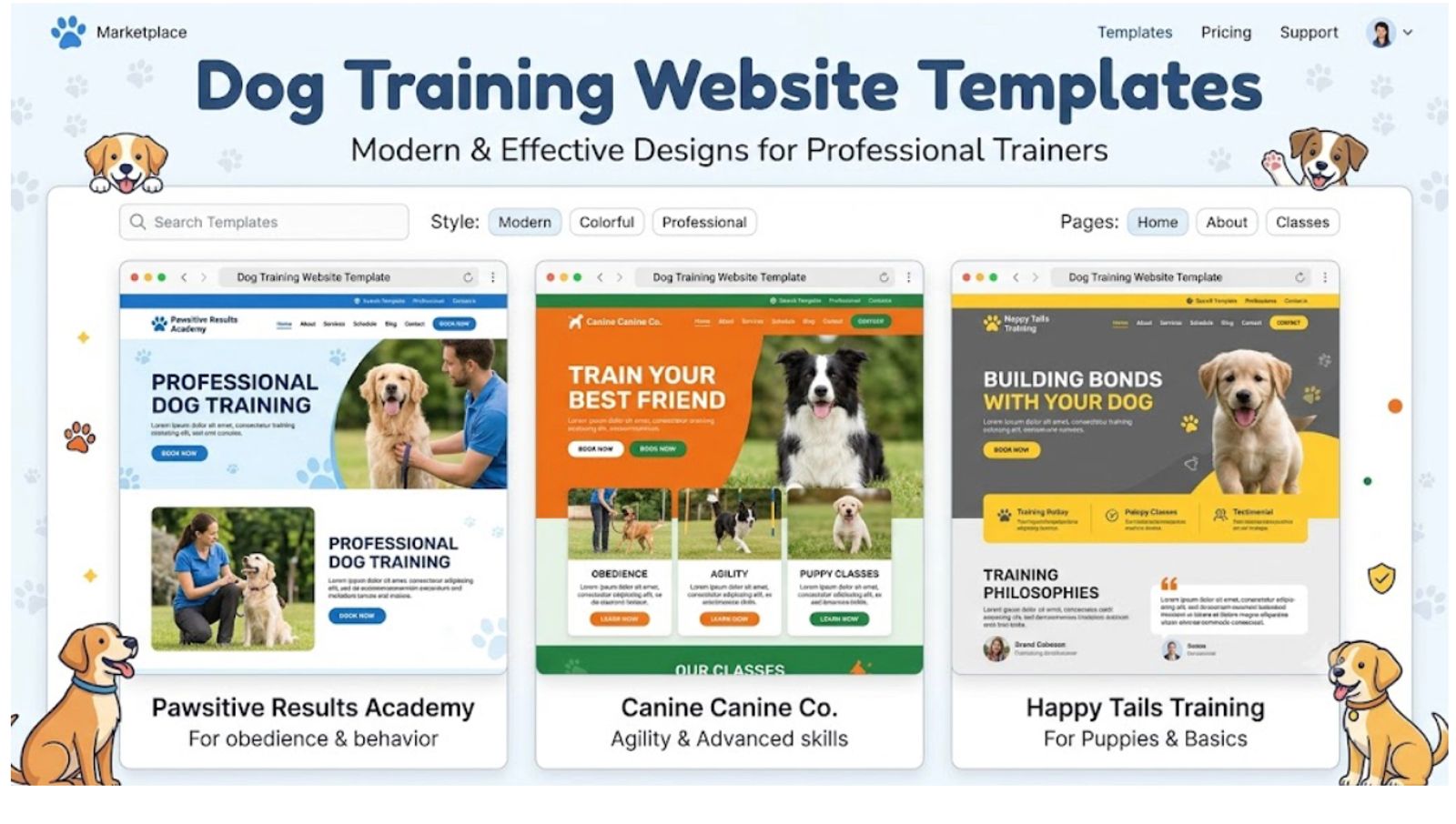
Top dog training platforms, reviewed: We rank the best dog training website templates and builders, including Julip and Squarespace, on ease of use, mobile styling, trust-building features, and monthly pricing.
Kill the friction for pet owners: Fiddly multi-page templates lose you clients, because an anxious dog owner will not dig through confusing links to find your rates, your methods, or a contact form.
The features that actually matter: A real dog training business needs consultation booking built in, clear policy displays, and video proof of real behavior change to turn browsers into bookings.
You're great with dogs. Websites? Not so much. Open a template gallery and you're hit with a wall of stiff, corporate layouts that scream "law firm," not "warm, welcoming dog trainer." Meanwhile, somewhere out there, an owner with an anxious rescue pup is scrolling your page right now, deciding in about eight seconds flat whether you're the one who gets to work with their dog. If your site looks confusing or half-finished, they're gone before you knew they showed up.
Good news: a professional presence online does not have to eat your whole week. This guide compares the best dog training website templates and builders, breaks down what each one is actually good for, and covers the trust signals that turn a casual scroll into a booked session. Whether you want a full dog training website template with all the bells and whistles or a simple one-pager that just gets the job done, you'll walk away knowing how to fill your calendar with eager pups.
What a Dog Training Website Needs to Include
Your site doesn't just need to look nice. It needs to answer a nervous owner's biggest questions almost instantly. Nail these five things and you're most of the way to a page that converts.
- Clear services and your training approach. Spell out exactly what you offer: puppy socialization, obedience, behavior modification, board-and-train, group classes, whatever your thing is. And say how you train. Owners care a lot about whether you're positive-reinforcement, balanced, or something else.
- Proof that your training works. Before-and-after clips, real reviews, actual success stories. They beat "trust me, I'm great" every single time. Video does the heavy lifting here, since people can watch a dog transform in real time.
- Credentials and trust signals. Show your CPDT-KA, KPA, or IAABC certifications, mention your liability insurance, and add a friendly headshot. You're asking someone to hand over a family member, so a little visible proof goes a long way.
- An easy way to book a consultation. Make "book a free assessment" impossible to miss. One tap, no hunting for a hidden email address, no ten-field contact form to wrestle.
- Mobile-first, fast design. Most owners are searching from a phone, usually mid-crisis after a walk that did not go well. If your site is slow or clunky on mobile, they're already tapping over to the next trainer.
Best Dog Training Website Templates and Builders
How much time you want to sink into building and maintaining your site should really drive which platform you pick. Here's how the top options stack up for independent trainers.
Julip
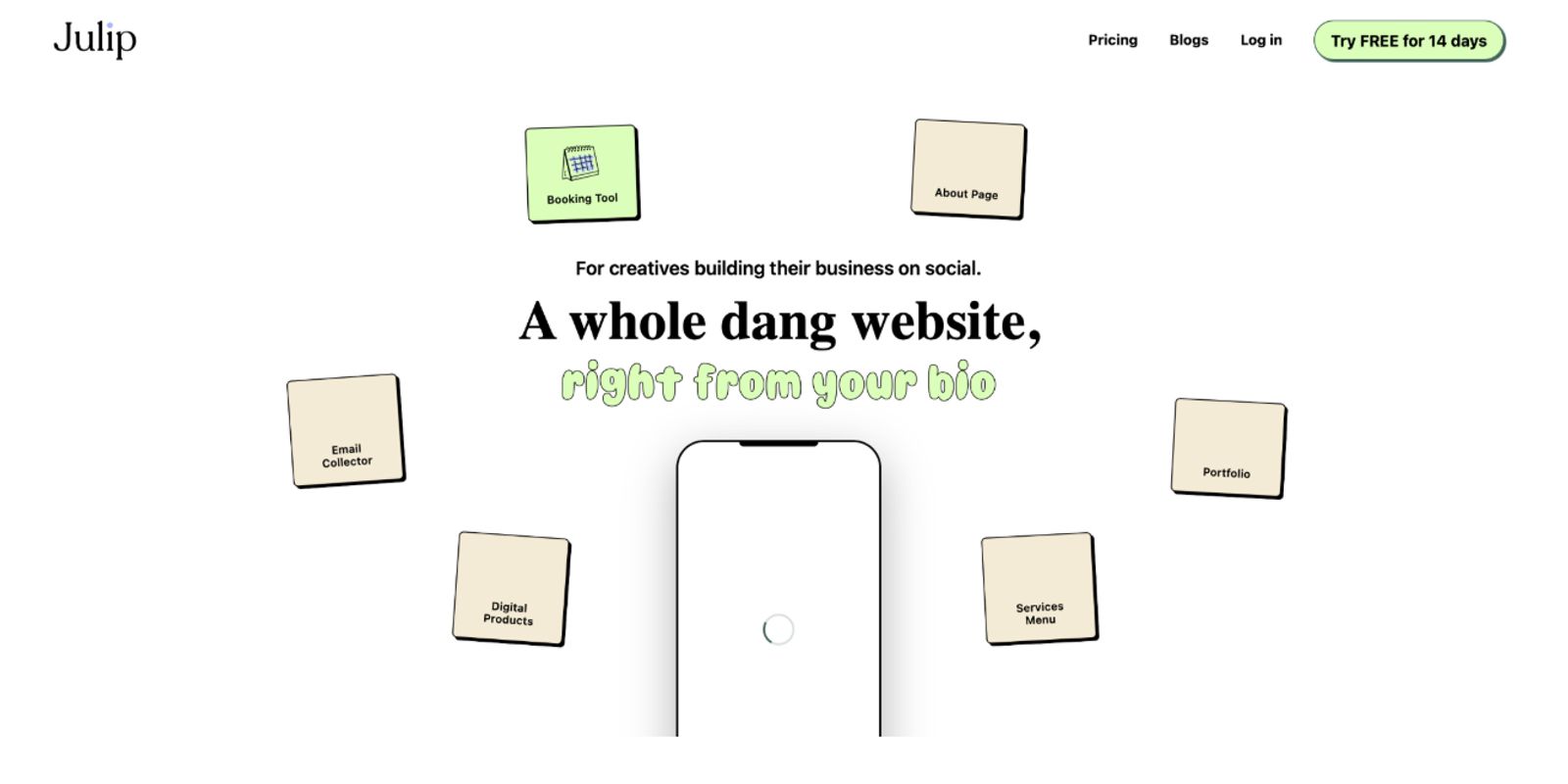
Best for a bookable page that also sells your courses. If you get most of your clients through social media or local referrals and just want to look sharp fast, this is your lane. Julip hands you a ready-made, customizable page that pulls together your services and training approach, before-and-after video, certifications, testimonials, and a free-assessment booking link, plus the option to sell training guides or courses with Julip taking a 0% cut.
- Best for: Dog trainers who get their clients through social media or local referrals and want to look professional fast without wrestling with complicated template grids.
- What it offers: Julip gives you a ready-made, beautiful page that instantly organizes your service menus, training approach, before-and-after videos, certifications, testimonials, and a free-assessment booking link. It even lets you sell training guides or digital courses with Julip taking a 0% cut of your sales, all from one link with no code, hosting fees, or custom domains required.
- Worth knowing: Although it is not made to manage complicated class-rosters or client-management software, this platform works flawlessly as your public website and business front door. Subscriptions include a 14-day free trial and cost $19 per month when billed annually.
Squarespace
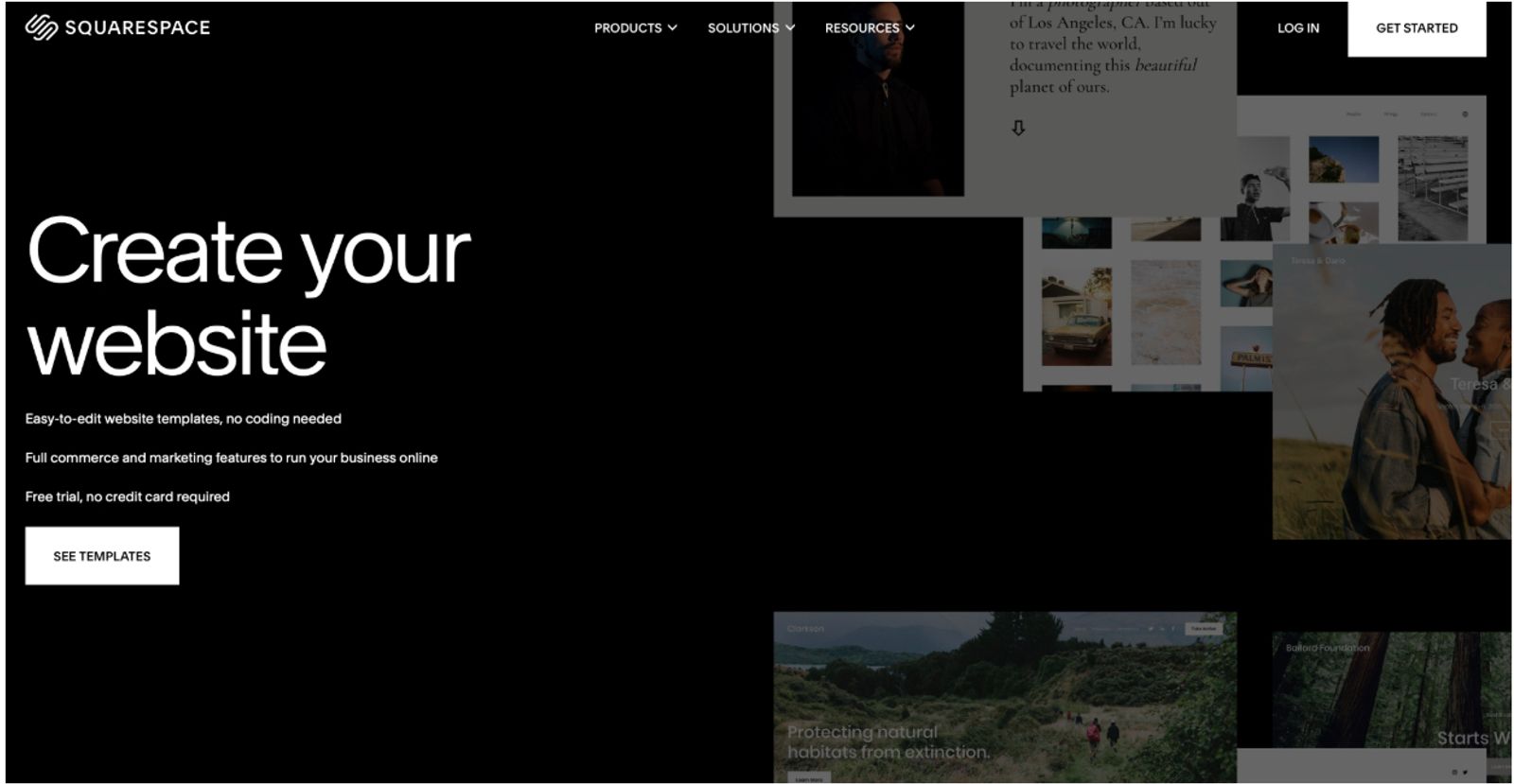
Best for a polished full website built from a real template gallery. If you want a standalone, multi-page site with serious design chops, this is where you land. Squarespace brings professional templates, booking add-ons, and solid blogging tools to the table. Worth knowing: expect more setup time and a bigger monthly bill than a streamlined bio-link page. Worth verifying current templates and pricing before committing.
- Best for: Dog training business owners who want a completely standalone multi-page website alongside an extensive, highly polished design gallery.
- What it offers: Squarespace provides professional templates tailored to animal care, advanced built-in blogging tools to boost local search rankings, and proprietary scheduling add-ons.
- Worth knowing: Building on this platform involves significantly more initial configuration, design alignment, and ongoing subscription costs than using a streamlined profile-link site.
Wix
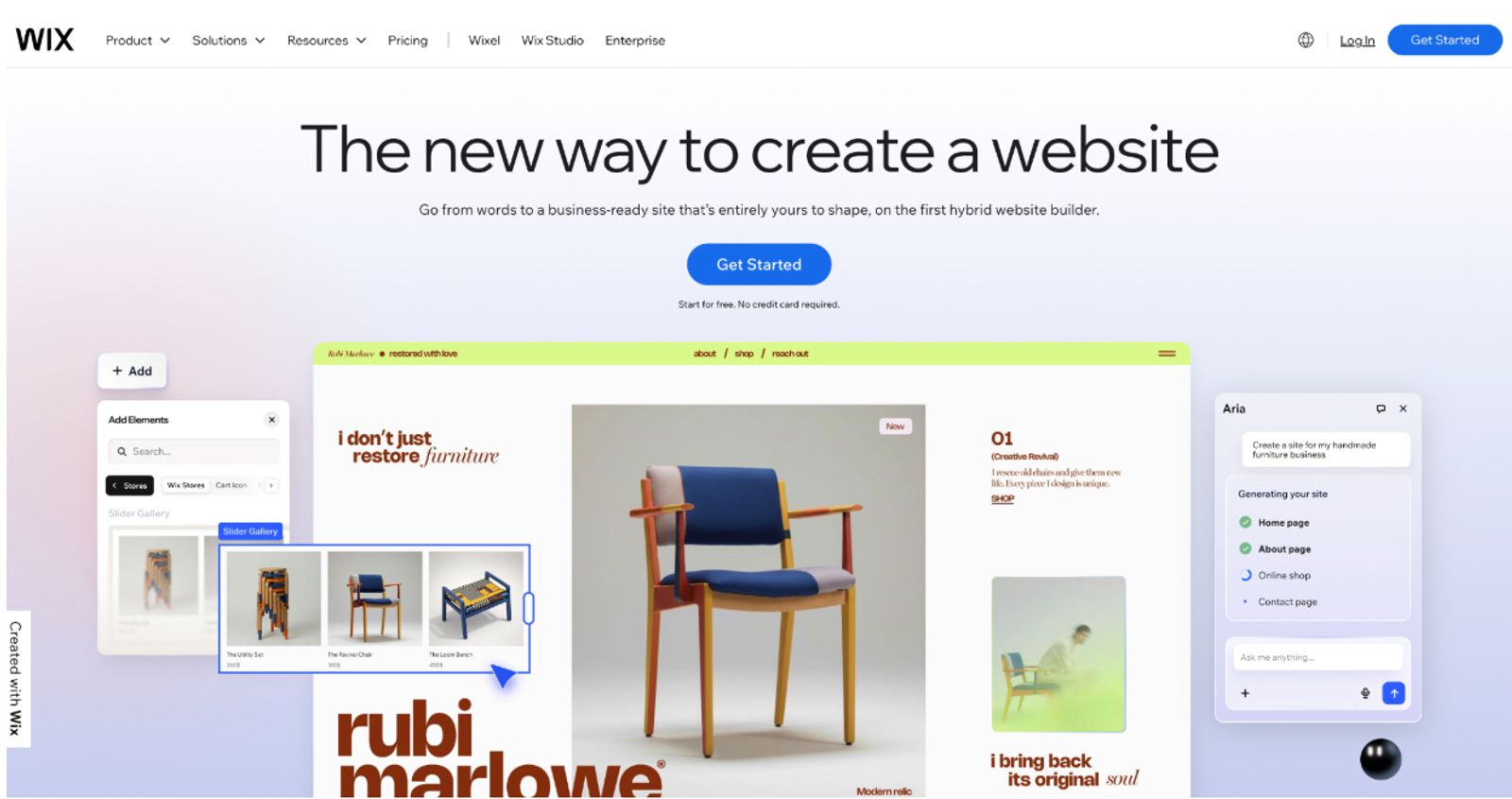
Best for trainers who love tinkering with a template themselves. Wix gives you a massive library and a drag-and-drop editor, so if you have a specific vision, you can chase it pixel by pixel, plus built-in booking tools. Worth knowing: all that flexibility means more hours spent building, testing on mobile, and keeping things maintained. Check current plans before you dive in.
- Best for: Individuals who want total creative freedom to tweak every single visual element of a dog training website template themselves.
- What it offers: Wix boasts a massive template library, an intuitive drag-and-drop editor, and customizable booking forms for independent service providers.
- Worth knowing: Having total design flexibility means you will need to spend much more time building, testing mobile layouts, and maintaining your site layout over time.
Canva
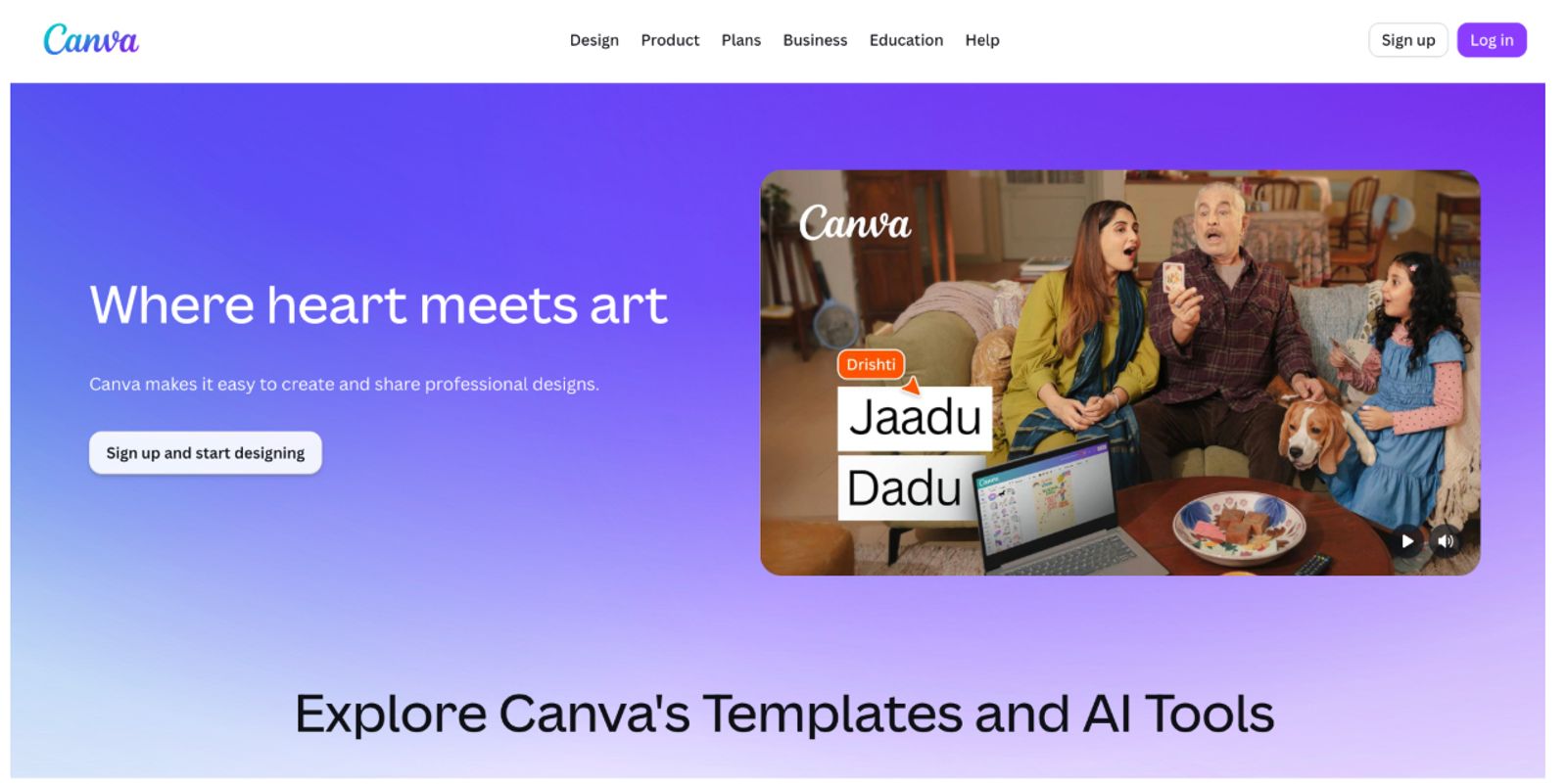
Best for a simple, free starting point. If you're just testing the waters or working part-time, Canva's website builder is a low-stakes, low-cost way to get something live using the same easy tools you already know from making flyers. Worth knowing: it's light on real business features, so booking and client management may need extra steps or outside tools. Worth confirming current features.
- Best for: Part-time dog trainers looking for a quick, entirely free visual starting point for a simple single-page site.
- What it offers: Canva features hundreds of friendly, pre-made layouts with an accessible editor and a functional free publishing tier.
- Worth knowing: This platform is incredibly light on robust business features, meaning you cannot easily host automated client calendars or integrated booking forms directly on the page.
GoDaddy

Best for an all-in-one domain-plus-site bundle. If you want hosting, a custom domain, and a basic builder wrapped into one simple package, GoDaddy keeps things straightforward, with templates, marketing tools, and basic scheduling built in. Worth knowing: the templates tend to feel more generic than the design-forward builders on this list. Worth verifying current pricing.
- Best for: Service providers who want an all-in-one bundle that combines web hosting, a custom domain name, and a basic setup utility.
- What it offers: GoDaddy delivers highly structured layouts alongside automated marketing tools and basic online appointment scheduling.
- Worth knowing: The available templates tend to look more generic and less design-led compared to dedicated creative web builders.
If you're after a big, fully custom standalone site, a traditional template builder makes sense. But if you want a professional, bookable page live right now, and you also want to sell digital courses, a streamlined page like Julip is the fastest path there.
Trust and Proof Tips for Dog Trainers
When it comes to behavior work, trust is the whole ballgame, it's what decides whether someone books you or quietly closes the tab. A few smart design choices can turn any dog training website template into a client magnet.
- State your method up front. Owners often pick a trainer based on philosophy alone, so be upfront about whether you're positive-reinforcement, balanced, or otherwise. It filters in the right clients from the start.
- Show, don't tell. A quick before-and-after clip of a real dog you've trained beats a whole paragraph of promises, every time.
- Put credentials where they'll actually be seen. Certifications and insurance belong near the top, right where a cautious owner's eyes land first.
- Keep one clear call to action. Repeat "Book a Free Assessment" like it's your mantra, instead of scattering five competing buttons across the page.
How to Set Up Your Dog Training Site with Julip
If local owners are finding you through social media or word-of-mouth, your site needs to be one tap away and ready to convert. You don't need a full custom website to look like a pro this week.
Julip turns the link in your bio into a genuinely professional single-page site built for your business. Instead of sending clients on a scavenger hunt through a dozen links, it lays out your full service menu, training approach, before-and-after videos, certifications, reviews, and a free-assessment booking link, plus any training guide or course you sell with zero cut taken. All in one tidy place, no code and no domain required.
Getting your page set up takes a few steps:
A services menu with your training approach: lay out your availability and pricing for puppy care, obedience, behavior modification, board-and-train, or classes.
Before-and-after video or photos: pull together a gallery of the dogs you've helped transform.
Trust signals: add your background checks, certifications, insurance details, and client reviews.
A free-assessment booking link: hook up your calendar so new clients can grab a slot instantly.
A training guide or course as a digital product: connect Stripe to sell guides directly, and add an email collector for owners who aren't quite ready to book.
Because it's all visual, most trainers have their page live and linked in their bio in under an hour. The 14-day free trial asks for nothing upfront, so go have some fun with it.
FAQ
What should a dog training website template include?
A good dog training website template should make room for your services and method, proof like before-and-after videos and reviews, your credentials, and an easy way to book a consultation. The goal is answering "what do you do, does it work, can I trust you, and how do I book" in seconds flat.
Where can I find a free dog training website template?
Canva and Wix both offer free tiers with templates, though the more advanced business features usually sit behind a paywall. A bio-link tool like Julip gives you a ready-made page and a generous free trial, so you can get a real booking front door live right away.
Can I sell training courses from my website?
Yes! Plenty of modern tools let you sell digital products right alongside your booking options. Julip lets you sell training guides and video courses with a 0% cut taken by the platform, so the revenue stays yours.
What is the best dog training website builder?
It depends on whether you want a fast bookable page that also sells courses easily like Julip, or a larger standalone site to customize from scratch over several weeks like Squarespace or Wix.
Conclusion
The best dog training website template isn't the one with the flashiest animations, it's the one that proves your results and lets owners book in a single tap. A clean page, real proof, and an easy booking link will win the client every time. Ready to give your dog training business a professional home this week? Head to Julip and start your 14-day free trial, no credit card needed.