The fastest way to add 'Build a Website in a Day' to your services

So you drop a video, the algorithm actually plays nice, and people start flooding over to your profile. They’re looking for the exact product, portfolio, or booking page you talked about in the clip.
But when they get there?
Total dead end. There’s no clickable link anywhere in sight, or worse, you’re stuck trying to cram a dozen different projects into one lonely text slot.
Then comes the classic TikTok plot twist: that clickable bio link isn't even unlocked for every account right out of the box, which catches a ton of creators off guard.
But fret not, because by the end of this guide, you’ll know exactly how to add link to a TikTok bio, what requirements you need to check off to unlock it, how to bypass the single-link limit, and how to turn that tiny profile spot into a high-converting landing page.
We’ll also break down everything you need to master your TikTok link in bio so you can stop losing traffic and start turning views into actual results.
Sounds good?
Let’s jump right in.
What is the TikTok Link in Bio?
The TikTok link in bio is simply that single clickable web address you spot sitting right underneath a user's profile picture. TikTok keeps captions and comment sections entirely text-based so people can’t tap out to external websites while scrolling.
Keep in mind that social platforms love keeping users inside their apps for as long as possible. And because of that design choice, your profile page turns into the ultimate destination hub for sending fans off-platform.
The main catch to watch out for is that this clickable spot is gated. So unlike Instagram, where almost any profile gets a link right away, TikTok ties tapping permissions to your account setup and eligibility status.
Can Everyone Add a Link to Their TikTok Bio?
Now, access to that website slot depends entirely on your account type and follower count, since TikTok doesn’t hand it out automatically to everyone on day one.
The basic breakdown works like this:
- Business accounts get immediate access to the clickable website field without needing a specific follower count.
- Personal and creator accounts need to cross the 1,000-follower threshold before the platform unlocks that website option.
- Plain text URLs can be typed directly into your bio description by anyone, but they remain dead text that users can’t tap.
- Switching to a Business account takes just a few taps through Settings and Privacy, then Account, and finally Switch to Business Account, though it does limit your access to the full commercial music library.
In short, unlocking that single slot takes a quick account adjustment if you’re starting from scratch. And meeting either the business status or the follower milestone clears the path.
How to Add a Link to your TikTok Bio (Step by Step)
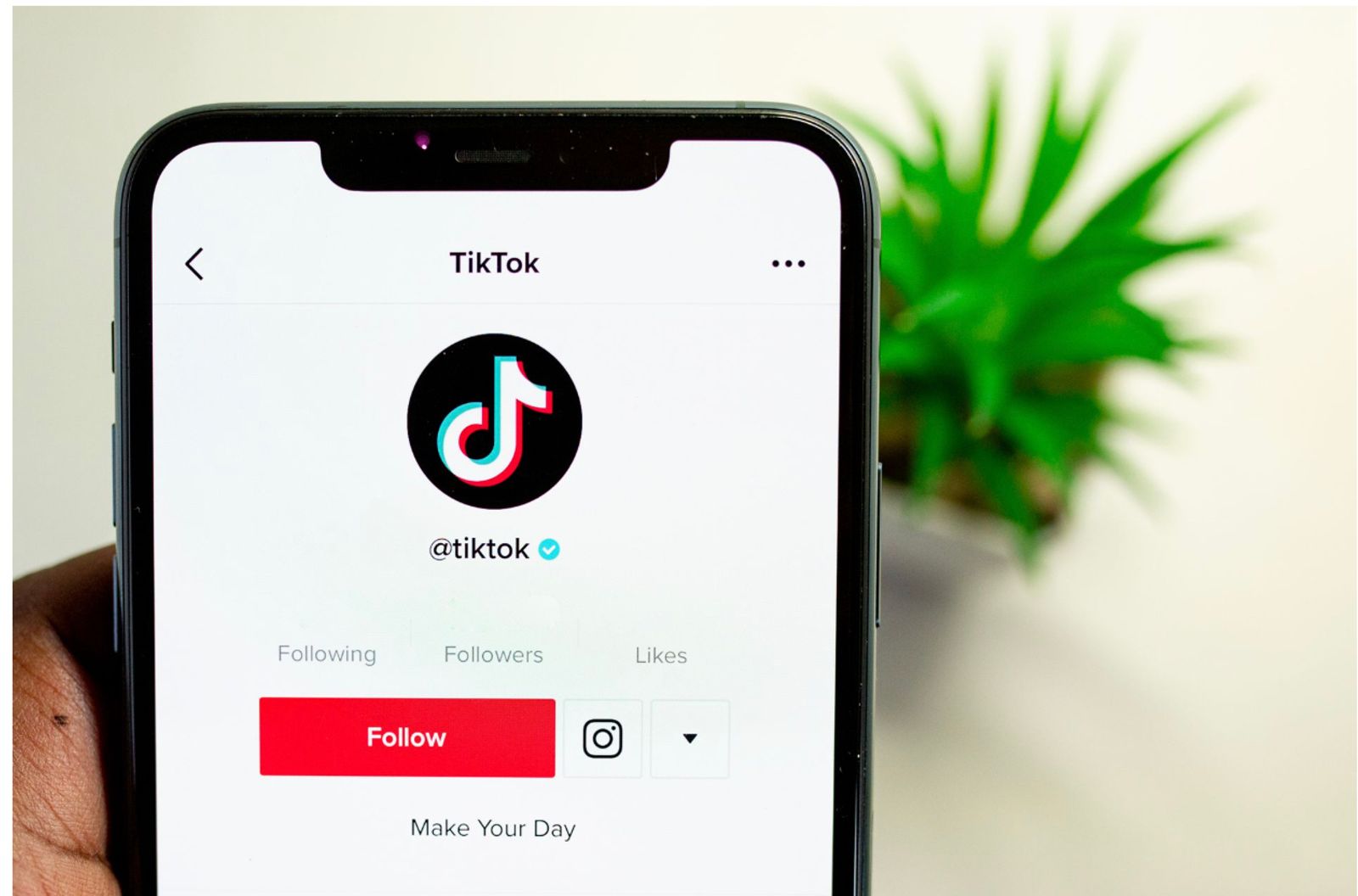
Getting your URL live on your profile takes just a few quick taps once you meet the requirements.
Here’s the exact path to learn how to add link to a TikTok bio:
- Fire up the TikTok app, head over to your profile page, and tap the Edit profile button right under your bio stats.
- Look for the Website field on that screen and tap it open.
- Paste your destination URL into the box and save your changes.
- Switch over to a Business account or hit the follower requirement if that website field is missing, then run through these steps again.
Dropping your URL straight into the main bio text box works as a last resort, but people reading your profile can’t click it. And the only way to make your TikTok link in bio actually useful for traffic is to keep it in the dedicated website slot.
How to Add More Than One Link to Your TikTok Bio
TikTok hands you a single clickable slot, which creates a puzzle when you have multiple projects, products, and pages worth sharing. The standard fix involves pointing that sole URL toward a centralized landing page that holds everything at once.
Setting up a classic link-in-bio approach means pasting one master address into your profile settings. That single tap opens up a clean hub containing your latest content, online store, and booking calendar.
This is where Julip steps in to upgrade the standard text list. The way it works is that instead of forcing visitors to scroll through a plain menu of text buttons, that single profile slot opens a full visual page built to showcase your brand.
This visual setup lets you display everything from featured products and service menus to booking links and portfolio galleries without cluttering your profile.
Turn your TikTok Bio Link Into a Page That Converts (with Julip)
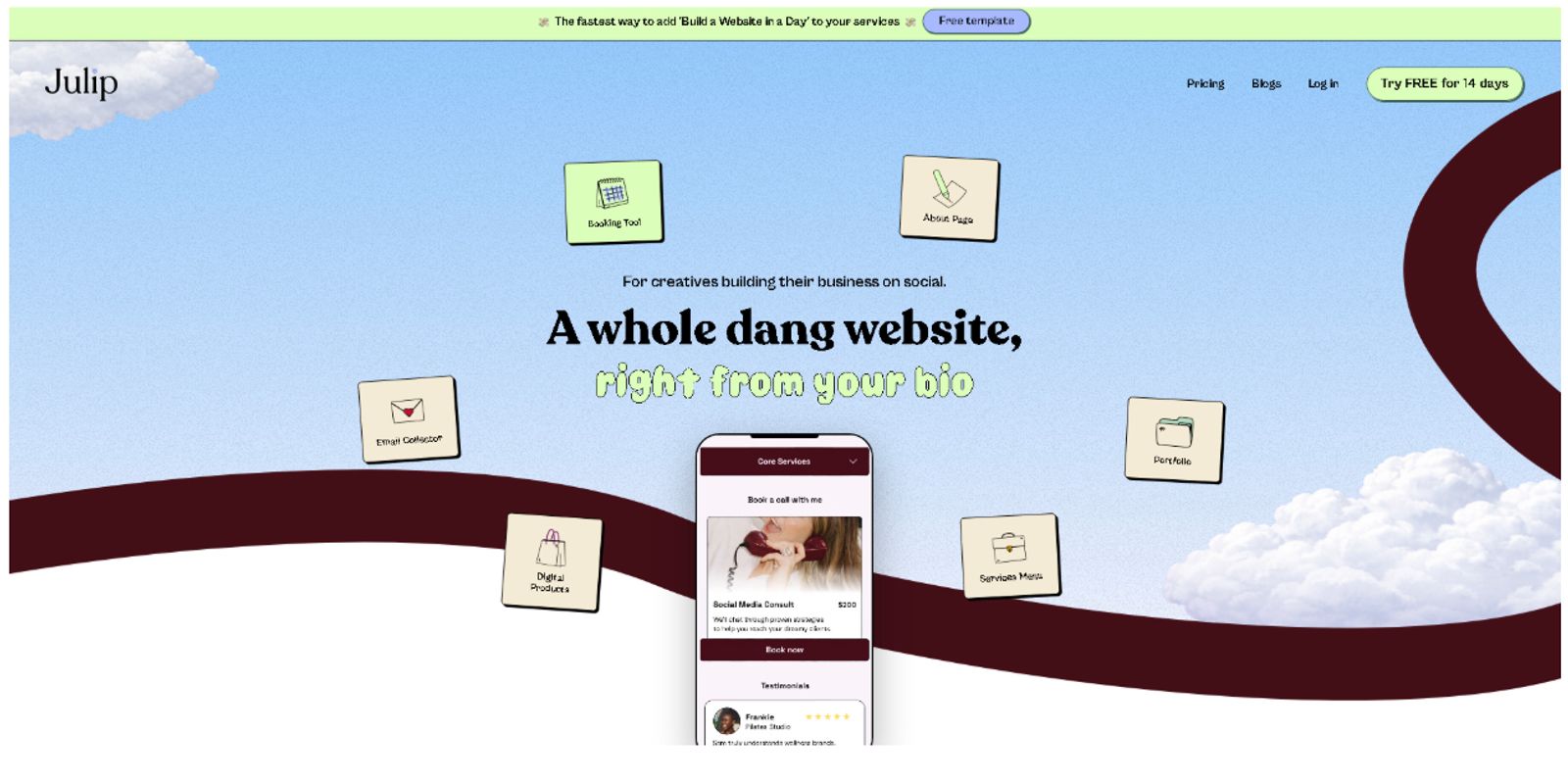
Wasting that precious profile spot on a plain, boring link or a cluttered wall of text buttons stops traffic dead in its tracks.
Julip fixes that bottleneck by transforming your single destination into a fully visual web page.
You get space for a complete portfolio, booking tools, service menus, direct digital product sales with zero platform fees, built-in email collection, and click analytics so you can track performance.
What’s even better is that setting everything up takes just a few minutes with zero coding required. Because social traffic lives on mobile devices, the layout stays strictly mobile-first out of the box, backed by a 14-day free trial.
Remember that TikTok viewers show up in massive waves within seconds of a video popping off, meaning your landing page has to grab attention immediately. Creators running businesses directly from social media rely on this setup to convert casual scrollers into paying clients without losing momentum.
Take creators like Kota, a photographer and filmmaker who funnels viewers straight from his short-form clips to curated gear drops and service bookings, or Tran, a creator who uses her mobile hub to sell creator kits and lifestyle curation directly to her community.
FAQ
How do I add a link to my TikTok bio?
Open your profile, tap Edit profile, find the Website field, paste your URL, and save your changes if your account is eligible.
Why can't I add a link to my TikTok bio?
Missing website fields usually stem from using a personal account below the 1,000-follower threshold, which can be bypassed by switching to a Business account.
How many followers do you need to add a link on TikTok?
Personal and creator accounts need at least 1,000 followers, while Business accounts skip this requirement entirely and unlock the website field right away.
Can I add more than one link to my TikTok bio?
TikTok natively provides only a single clickable slot, but a platform like Julip lets you house unlimited links behind that single URL.
What is the best link-in-bio tool for TikTok?
Julip stands out as a top mobile-first option for TikTok traffic because it offers clean click analytics, service booking, and zero-fee digital product sales.
Can I see who clicks my TikTok bio link?
Link tools track total click counts and traffic performance rather than revealing the personal identities of individual visitors.
Conclusion
Getting your profile URL set up is just the starting line, because the real magic happens on the landing page that turns a viral video clip into actual customers.
You now know how to unlock that profile space, figure out the eligibility rules, and make one single slot handle a dozen different projects.
Now, to turn that solo TikTok link in bio into a professional business hub with built-in analytics and zero selling fees, Julip gives you everything you need right out of the gate with a 14-day free trial and no credit card required. Try it today!